
ssddhh_ - Minecraft Skins & Skin History
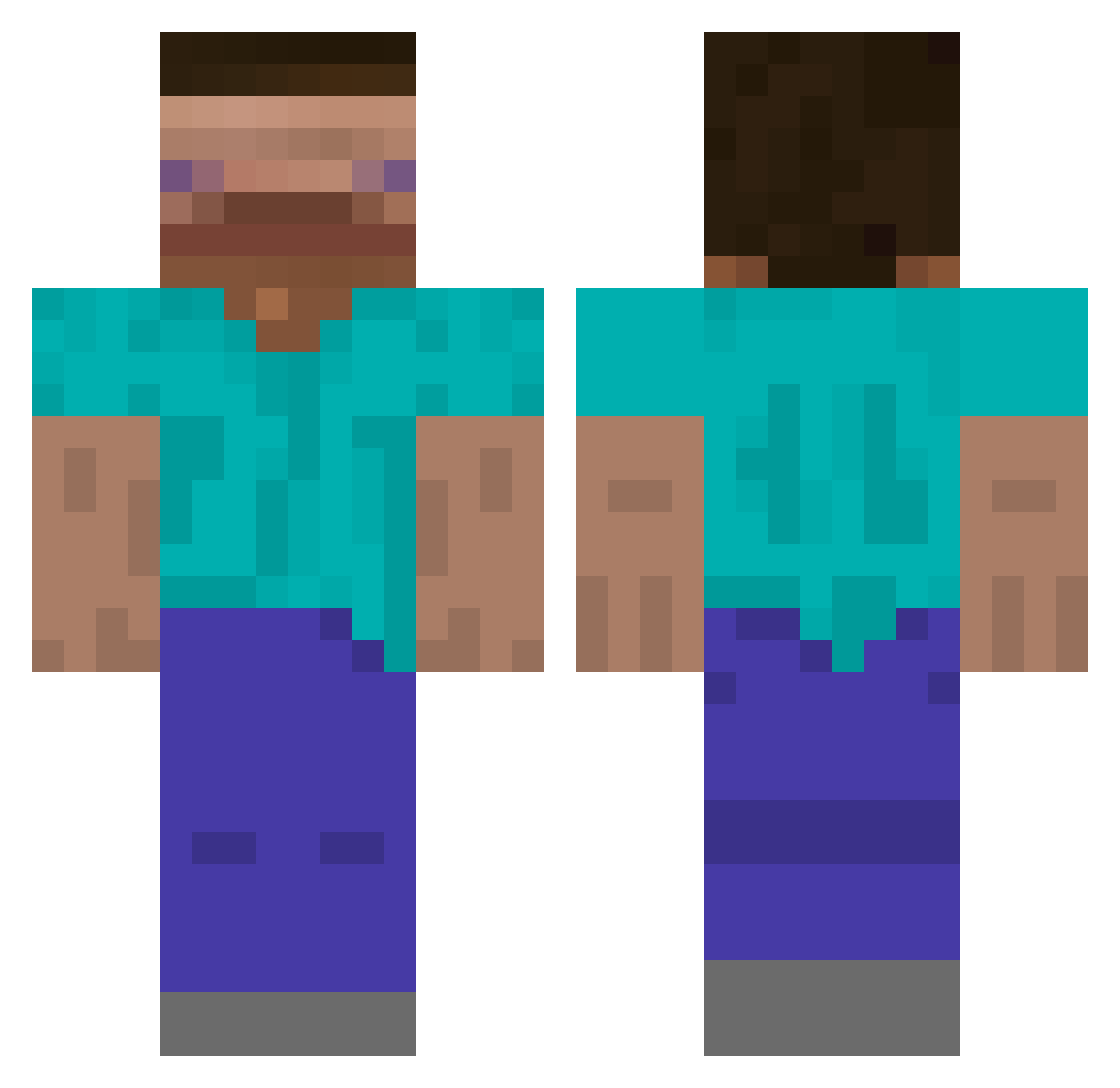
Current Minecraft skin of the player ssddhh_, loaded from the official Mojang API. Rotate the 3D model with your mouse or finger, then download the skin as a PNG file and use it in Minecraft: Bedrock Edition or Java Edition for free. When ssddhh_ changes their skin, this page updates automatically and the old skin stays in the history below.
Other players with this skin (603)
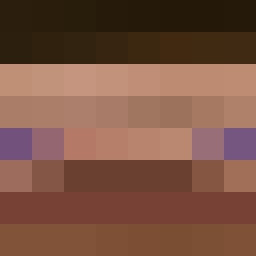
ssddhh_ was the 232nd player we have seen with this skin, first spotted on 01.09.2026. The same skin was seen on these players. Open a nickname to see their current skin and skin history.
 exca__ gaesoli ItHurtsWhenIWee YellowDuck02 Sqdddd Jay_1209 _Fzz11_ poikain Weiss158 nuokaaaaaaa yoosungmagic09 4elovek000 Nobrosauru xcmu 10deez AlbiinoHobitti tom01100011 GuizeraPlay llol22448742 Bonsoir_Peuple treventeen38 asaplean pvgs dantevondoodoo Irbu 2Gon Riverin67 JPCabral04 GMauR TaoChinhXacLaRac EnigIVIa rkdtjsdn ShakeNBaconz MeaoDePerro69 Honza20204 RichJB Mat_est_haut HONG_0115 veraryl YUURokuro Mblem wingu_ Bagagem 70fov srry4delay Tonbii kluseeeeczka WoYaoZuoAi albam BigBez83 n0ob114 Jackary_Handsun9 Roboadri icekreem27 Lil_Soulier vewler KyleUsefNOW BillyBob881 gayblue HunterTheWeebYT
How to install the ssddhh_ skin
- Press the Download button above to save the skin as a PNG file.
- Minecraft: Bedrock Edition (PE): open the Dressing Room from the main menu (or tap your character → Edit Character), go to Classic Skins → Owned, press the + (new skin) button, choose the downloaded PNG and pick the Classic (Steve) model. Works on PC and mobile; consoles cannot import custom skins.
- Minecraft: Java Edition: open the Minecraft Launcher, go to the Skins tab, click New Skin, load the PNG, pick the Classic (Steve) model and press Save & Use. You can also upload it at minecraft.net → Profile → Change Skin.
The skin does not show up after import - what should I do?
Restart Minecraft and open the Dressing Room again - imported skins sometimes appear only after a restart. Also make sure you selected the imported skin and picked the Classic (Steve) model.
Which model should I choose, Classic or Slim?
This skin is designed for the Classic (Steve) model. If you pick the wrong model, the arms of the skin will look stretched or squeezed.
Is the skin of ssddhh_ free to download?
Yes. Press Download, save the PNG file and use it in Minecraft: Bedrock Edition or Java Edition - no payment or registration needed. The skin also works on multiplayer servers and Realms.
More skins
Looking for more? Go back to all Minecraft skins and check the top skins of the week, month and all time, or find any player's skin by nickname.