
splashcold - Minecraft Skins & Skin History
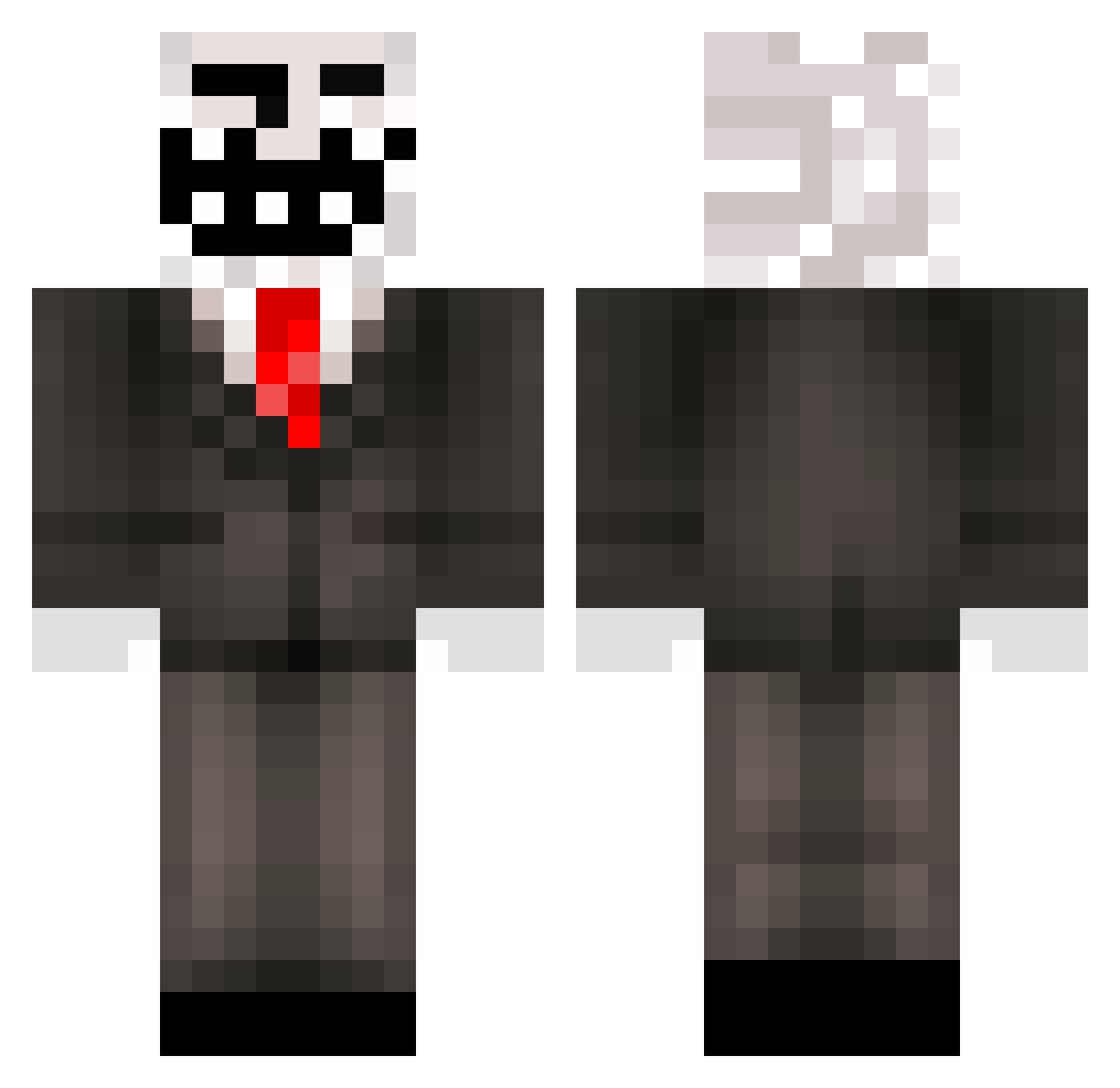
Current Minecraft skin of the player splashcold, loaded from the official Mojang API. Rotate the 3D model with your mouse or finger, then download the skin as a PNG file and use it in Minecraft: Bedrock Edition or Java Edition for free. When splashcold changes their skin, this page updates automatically and the old skin stays in the history below.
Other players with this skin (321)
splashcold was the 159th player we have seen with this skin, first spotted on 22.09.2026. The same skin was seen on these players. Open a nickname to see their current skin and skin history.
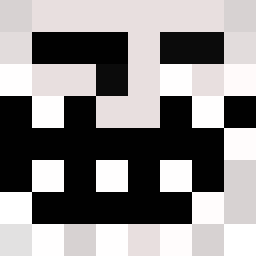 Fussballfreak10 SneaxX2 _CLY444_ Krijg_De_Griep zapbash xilef144 PlacidK starplayer101 Scrubling janapelt AzizYT DaNoog ilovethisgame43 Compactzz khalidmoe TayShaw TehDerpyFrog Ensiferus TrollKing36 LJR6072 Demonliar ButterBoy_99 tigerking999 fx_k3vin enj_salo magnacharge2004 tay_sam CBWhulk2006 EXVILLE LegendaryGangsta elijhs trujijm8799 monstermonti Alkkuporo hobofart2007 carnie2 Jamiefrancke CaptainTroller11 JimmyKiddoSwek Nooodleking NABEE2014 FDPictures Gabestr5 jampe82 Long_bow_x1 creeperwim27 Lewisw98 Jayiskoool GcxMrRayxcG cjbrown881 Travis105 BigDaddyV arrowsoflight ohl123 kbpowell alexpgamer Coolduster Rephrased NicoTeo Andre_Maceda_33
More Trollface Minecraft skins
How to install the splashcold skin
- Press the Download button above to save the skin as a PNG file.
- Minecraft: Bedrock Edition (PE): open the Dressing Room from the main menu (or tap your character → Edit Character), go to Classic Skins → Owned, press the + (new skin) button, choose the downloaded PNG and pick the Classic (Steve) model. Works on PC and mobile; consoles cannot import custom skins.
- Minecraft: Java Edition: open the Minecraft Launcher, go to the Skins tab, click New Skin, load the PNG, pick the Classic (Steve) model and press Save & Use. You can also upload it at minecraft.net → Profile → Change Skin.
The skin does not show up after import - what should I do?
Restart Minecraft and open the Dressing Room again - imported skins sometimes appear only after a restart. Also make sure you selected the imported skin and picked the Classic (Steve) model.
Which model should I choose, Classic or Slim?
This skin is designed for the Classic (Steve) model. If you pick the wrong model, the arms of the skin will look stretched or squeezed.
Is the skin of splashcold free to download?
Yes. Press Download, save the PNG file and use it in Minecraft: Bedrock Edition or Java Edition - no payment or registration needed. The skin also works on multiplayer servers and Realms.
More skins
Looking for more? Go back to all Minecraft skins and check the top skins of the week, month and all time, or find any player's skin by nickname.