
spikyhornet - Minecraft Skins & Skin History
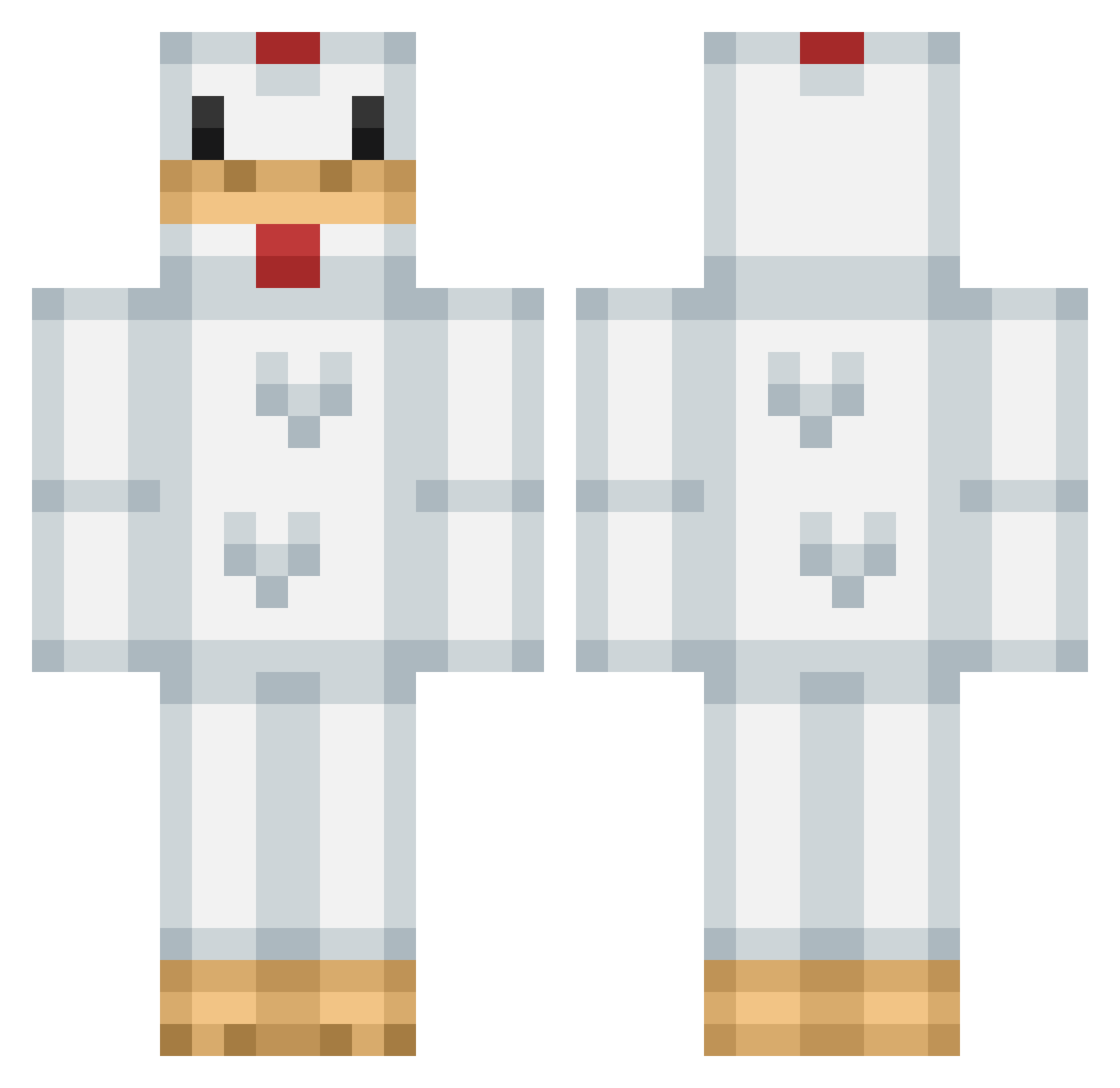
Current Minecraft skin of the player spikyhornet, loaded from the official Mojang API. Rotate the 3D model with your mouse or finger, then download the skin as a PNG file and use it in Minecraft: Bedrock Edition or Java Edition for free. When spikyhornet changes their skin, this page updates automatically and the old skin stays in the history below.
Other players with this skin (366)
spikyhornet was the 314th player we have seen with this skin, first spotted on 04.11.2026. The same skin was seen on these players. Open a nickname to see their current skin and skin history.
 augusti CalippoO24 Gobhat brandygarcia4644 KittyLW2005 DragonMan184 Nooaaah seorgi MissedLedgeDash jessmant19 Sage612 Calpheepip napovz Jasper48 jsingh144 God_Tang Arwin_Hawkhauser snowhala turtlesarebeast bravehart161 zmzara Dachori jmainguy Bennyboss11 seths_wolf jbibbey itarunnw Megaleix2001 MaxPR2005 Marubird XxTimonkuth4xX xiSteeaallthx Galaxen03 naleeha JMacked silkychicken1 xeaeax Padeloopy Lilchicky888 HenneHenrik Slipstem chickenfan12 megldon Trondoor doowerk Pearylol SirNick789 Suqreme lochlan_11 RossiGreger jonathanrou HIBS_AMV_MLT skip37 RSTUB j_esster tubbywest crumpet__ LucaCalitz BeachArcade jakksern
More Animal Costume Minecraft skins
See all 284 Animal Costume skins
How to install the spikyhornet skin
- Press the Download button above to save the skin as a PNG file.
- Minecraft: Bedrock Edition (PE): open the Dressing Room from the main menu (or tap your character → Edit Character), go to Classic Skins → Owned, press the + (new skin) button, choose the downloaded PNG and pick the Classic (Steve) model. Works on PC and mobile; consoles cannot import custom skins.
- Minecraft: Java Edition: open the Minecraft Launcher, go to the Skins tab, click New Skin, load the PNG, pick the Classic (Steve) model and press Save & Use. You can also upload it at minecraft.net → Profile → Change Skin.
The skin does not show up after import - what should I do?
Restart Minecraft and open the Dressing Room again - imported skins sometimes appear only after a restart. Also make sure you selected the imported skin and picked the Classic (Steve) model.
Which model should I choose, Classic or Slim?
This skin is designed for the Classic (Steve) model. If you pick the wrong model, the arms of the skin will look stretched or squeezed.
Is the skin of spikyhornet free to download?
Yes. Press Download, save the PNG file and use it in Minecraft: Bedrock Edition or Java Edition - no payment or registration needed. The skin also works on multiplayer servers and Realms.
More skins
Looking for more? Go back to all Minecraft skins and check the top skins of the week, month and all time, or find any player's skin by nickname.