
sp1kuha1337 - Minecraft Skins & Skin History
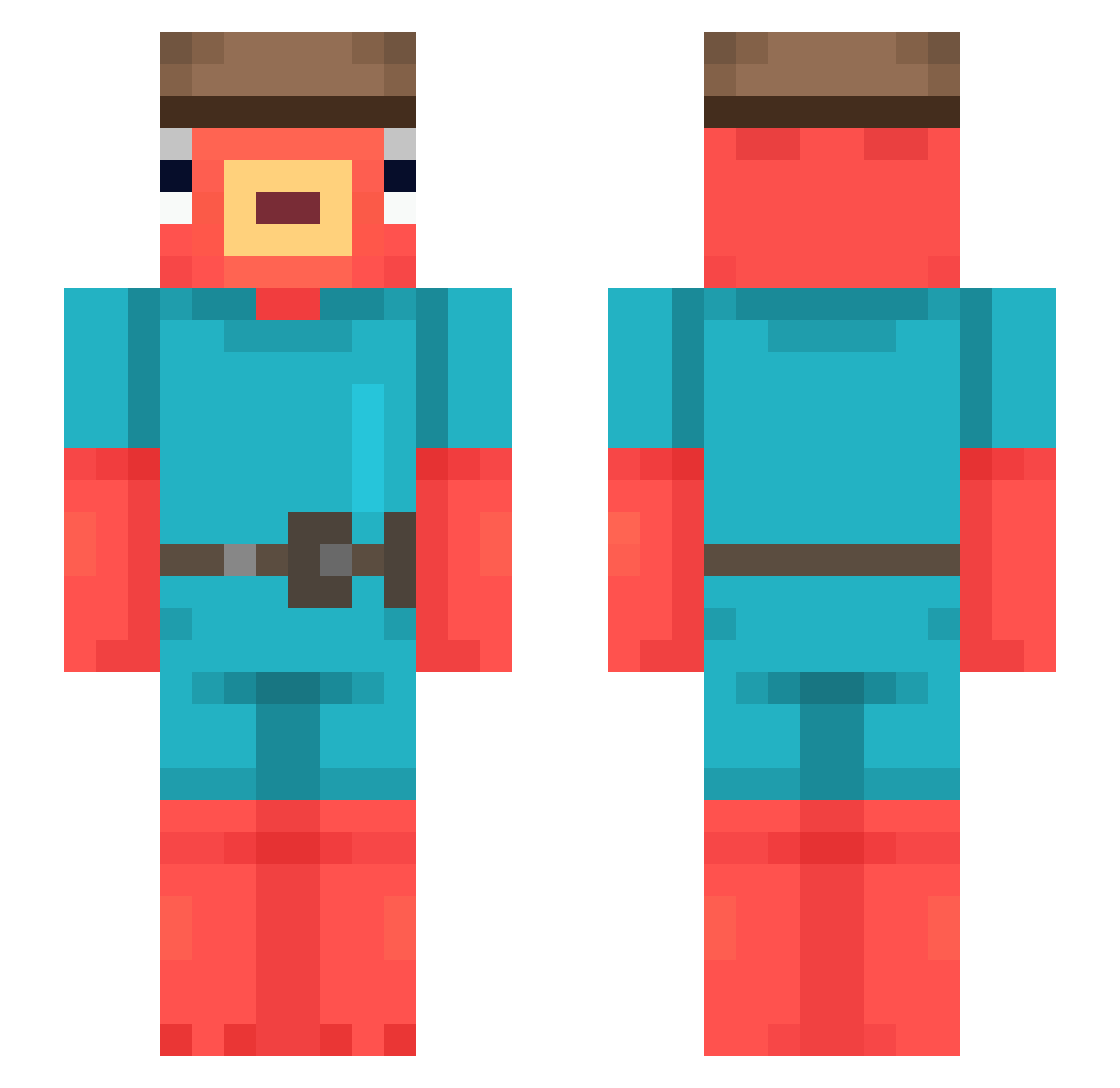
Current Minecraft skin of the player sp1kuha1337, loaded from the official Mojang API. Rotate the 3D model with your mouse or finger, then download the skin as a PNG file and use it in Minecraft: Bedrock Edition or Java Edition for free. When sp1kuha1337 changes their skin, this page updates automatically and the old skin stays in the history below.
Other players with this skin (671)
sp1kuha1337 was the 648th player we have seen with this skin, first spotted on 15.11.2026. The same skin was seen on these players. Open a nickname to see their current skin and skin history.
 Fl3xiotion h8terk8 oogabooga16 comical_kidd xX_GluSniffa_Xx AFKivi mauuu180 fishlover032 serezha13_ Crispyangles InstaProd mztthias Ricks_ Mastercarp038 WinterTheInter ZynQ7_7 trk10 florian442 Rybt0r2k Finnegan504 vamuz Antzava ezetrex15 TonProf2Math Maffaias Kiml1n KumaChqnXD 6_GK JoeBidenrabbit langzi666 caigouhu noodle460 NoCapKoala Mynka1 Cerolzin Samvdaar helpmer HumbertH123 Shame4 amora74 Sleatyy harryp60 Ferminaturbin Il_Dece SMYY34 linkthegamer22 GENSHIJIN Menese_1221 RynUPM Joker_Bonzinho sigure1311 sprodo Adrn157 GUSTAVOHTP ciperro multi_babaorum inoban fnamingo ivasco Demize595
More Fishstick Minecraft skins
How to install the sp1kuha1337 skin
- Press the Download button above to save the skin as a PNG file.
- Minecraft: Bedrock Edition (PE): open the Dressing Room from the main menu (or tap your character → Edit Character), go to Classic Skins → Owned, press the + (new skin) button, choose the downloaded PNG and pick the Slim (Alex) model. Works on PC and mobile; consoles cannot import custom skins.
- Minecraft: Java Edition: open the Minecraft Launcher, go to the Skins tab, click New Skin, load the PNG, pick the Slim (Alex) model and press Save & Use. You can also upload it at minecraft.net → Profile → Change Skin.
The skin does not show up after import - what should I do?
Restart Minecraft and open the Dressing Room again - imported skins sometimes appear only after a restart. Also make sure you selected the imported skin and picked the Slim (Alex) model.
Which model should I choose, Classic or Slim?
This skin is designed for the Slim (Alex) model. If you pick the wrong model, the arms of the skin will look stretched or squeezed.
Is the skin of sp1kuha1337 free to download?
Yes. Press Download, save the PNG file and use it in Minecraft: Bedrock Edition or Java Edition - no payment or registration needed. The skin also works on multiplayer servers and Realms.
More skins
Looking for more? Go back to all Minecraft skins and check the top skins of the week, month and all time, or find any player's skin by nickname.