
sonickalkis - Minecraft Skins & Skin History
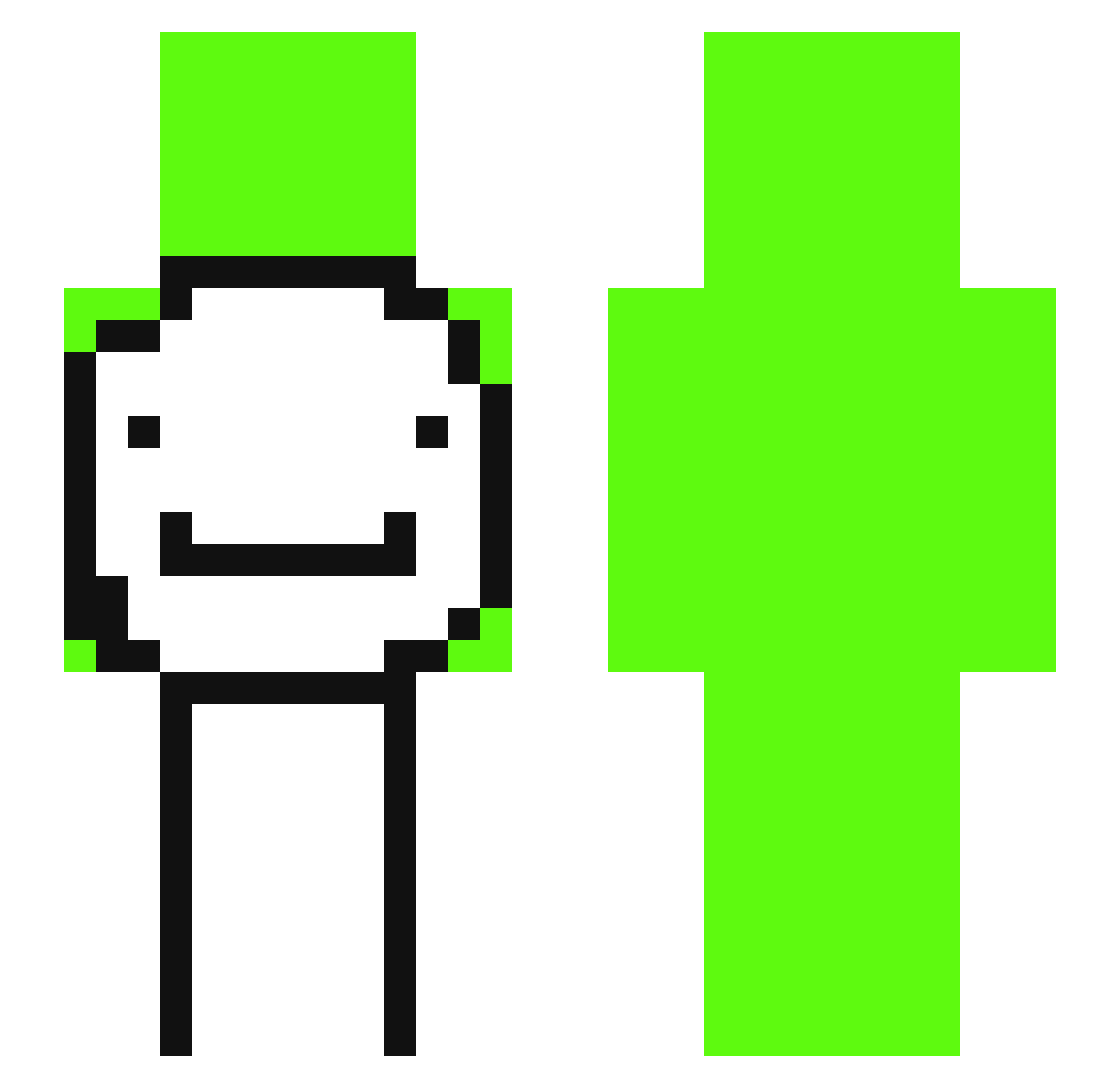
Current Minecraft skin of the player sonickalkis, loaded from the official Mojang API. Rotate the 3D model with your mouse or finger, then download the skin as a PNG file and use it in Minecraft: Bedrock Edition or Java Edition for free. When sonickalkis changes their skin, this page updates automatically and the old skin stays in the history below.
Other players with this skin (329)
sonickalkis was the 193rd player we have seen with this skin, first spotted on 25.09.2026. The same skin was seen on these players. Open a nickname to see their current skin and skin history.
 Dominikwwl Dream_Techno jotaro_kujo_p3 BonoboWhoFeeds Pateadordeviejas D_I_F_R_I_T xefew_ Pramod irun_gaming EinsauresRex TigerPlayzGames_ Roballs FreaksLess NeXuSTheGo1t kyeongjoon Puppy986 VXrail5 Rubber9101 mizuriKEK Carambola_1437 LlammaMomma rlaxodnjs Warender35 HowToBeADNA sbzy TrueBlueKiwi agro_gruby Donushteam TRAINONTOP SeungHyun_ Itzrealmo NAM225 VertexVvEXW4lSv2 Drim_PLY MaxFritti pedrogames321 GeneraalBenjamin FrieklesTy parksw12 Azzosaur Dreikomor kimdoomhun arky_ohyeah Tubboat__ ItsZilentBtZeadi L0w0ng_Fire_5qo Wallered MrEree ThatsWhyIloveU hamjang1121 Goku_ultrainstin iAlexx83 HJBLink Upscales mayaloganaccount mametikuwa lookitsgray Mitch22 Anbrojack ezzo_dependable7
More Smiley Face Minecraft skins
See all 1926 Smiley Face skins
How to install the sonickalkis skin
- Press the Download button above to save the skin as a PNG file.
- Minecraft: Bedrock Edition (PE): open the Dressing Room from the main menu (or tap your character → Edit Character), go to Classic Skins → Owned, press the + (new skin) button, choose the downloaded PNG and pick the Slim (Alex) model. Works on PC and mobile; consoles cannot import custom skins.
- Minecraft: Java Edition: open the Minecraft Launcher, go to the Skins tab, click New Skin, load the PNG, pick the Slim (Alex) model and press Save & Use. You can also upload it at minecraft.net → Profile → Change Skin.
The skin does not show up after import - what should I do?
Restart Minecraft and open the Dressing Room again - imported skins sometimes appear only after a restart. Also make sure you selected the imported skin and picked the Slim (Alex) model.
Which model should I choose, Classic or Slim?
This skin is designed for the Slim (Alex) model. If you pick the wrong model, the arms of the skin will look stretched or squeezed.
Is the skin of sonickalkis free to download?
Yes. Press Download, save the PNG file and use it in Minecraft: Bedrock Edition or Java Edition - no payment or registration needed. The skin also works on multiplayer servers and Realms.
More skins
Looking for more? Go back to all Minecraft skins and check the top skins of the week, month and all time, or find any player's skin by nickname.