
somerandom_boi - Minecraft Skins & Skin History
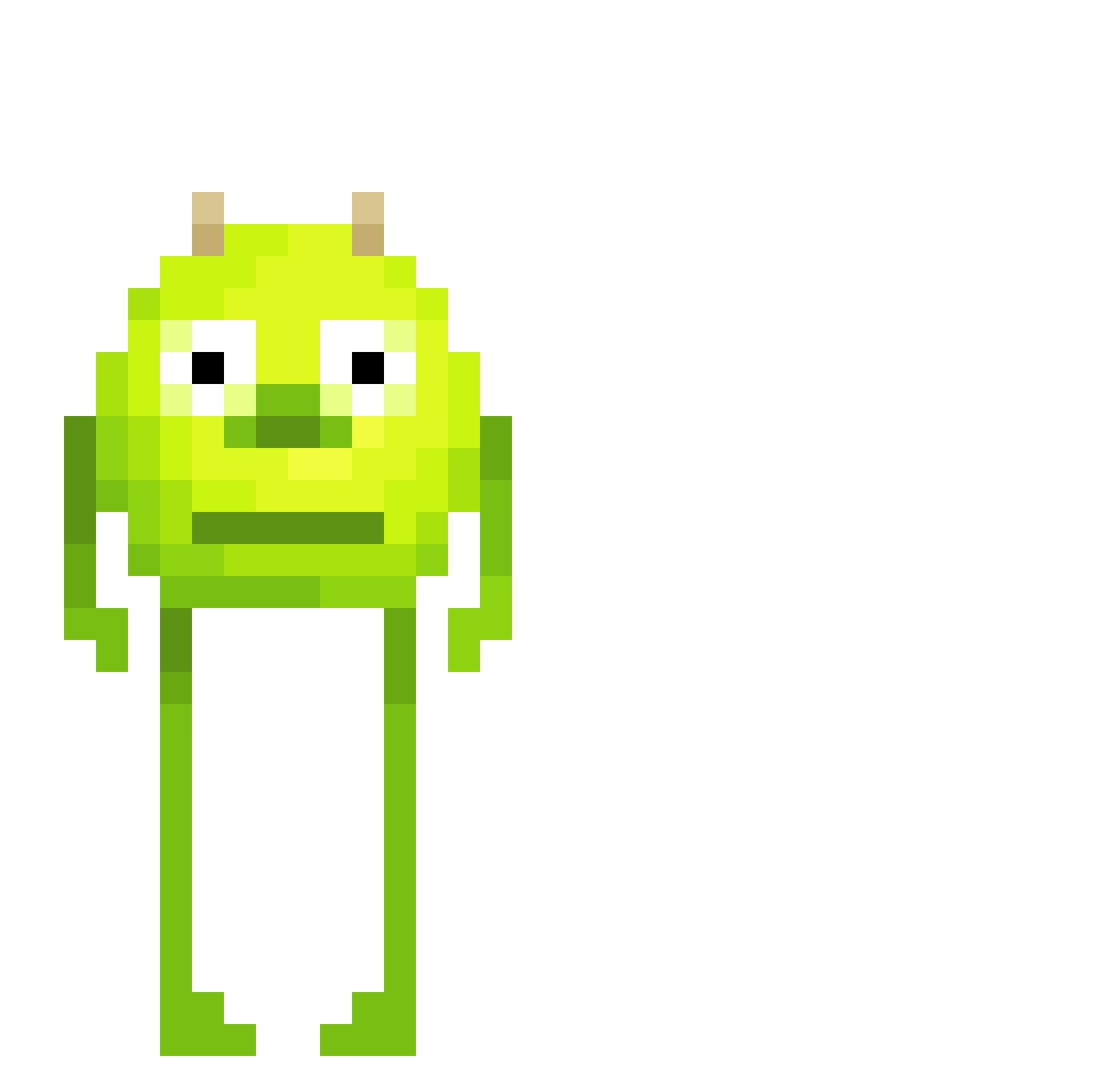
Current Minecraft skin of the player somerandom_boi, loaded from the official Mojang API. Rotate the 3D model with your mouse or finger, then download the skin as a PNG file and use it in Minecraft: Bedrock Edition or Java Edition for free. When somerandom_boi changes their skin, this page updates automatically and the old skin stays in the history below.
Other players with this skin (564)
somerandom_boi was the 498th player we have seen with this skin, first spotted on 06.11.2026. The same skin was seen on these players. Open a nickname to see their current skin and skin history.
 UwO_Ratio_TwT herthor LeVraiDoDo Huanix_ MoonDoggie198 9L2 Lasnex218 Nyarrrrr Aurum_Diabolus super_pedrola XoTiix91 loqkx Monkeypuncherjr caidoooo Emilililililile little_cutie_ __smeller2 Tator_Gator bellozika pattto124 SasiOwO allahgator369 JoncoldOF Sulba dihdaddy ThunderThighs123 eddy1243 Prijnce619 Pungfjun stinkiemmie badgpea JOSH89068 ebuhhh SCOOTZ84 MaoAzul AbledCave63 Not_Mattias28 MarTheCow TarikAlkan DeShingies PiraoTheLegend ffs__ Jumodi01 tobloke Buckyghost Doommyyi sarahr626 radkE_ amyiisoul qQuackz Mooshroom46 Sudo_NFS aquariummmmmm Laloon DrewbyDrewbz BlankInsomnia Pedrokis22 Marcos_ed SQUID3106 mistrjezek
More Mike Wazowski Minecraft skins
See all 313 Mike Wazowski skins
How to install the somerandom_boi skin
- Press the Download button above to save the skin as a PNG file.
- Minecraft: Bedrock Edition (PE): open the Dressing Room from the main menu (or tap your character → Edit Character), go to Classic Skins → Owned, press the + (new skin) button, choose the downloaded PNG and pick the Classic (Steve) model. Works on PC and mobile; consoles cannot import custom skins.
- Minecraft: Java Edition: open the Minecraft Launcher, go to the Skins tab, click New Skin, load the PNG, pick the Classic (Steve) model and press Save & Use. You can also upload it at minecraft.net → Profile → Change Skin.
The skin does not show up after import - what should I do?
Restart Minecraft and open the Dressing Room again - imported skins sometimes appear only after a restart. Also make sure you selected the imported skin and picked the Classic (Steve) model.
Which model should I choose, Classic or Slim?
This skin is designed for the Classic (Steve) model. If you pick the wrong model, the arms of the skin will look stretched or squeezed.
Is the skin of somerandom_boi free to download?
Yes. Press Download, save the PNG file and use it in Minecraft: Bedrock Edition or Java Edition - no payment or registration needed. The skin also works on multiplayer servers and Realms.
More skins
Looking for more? Go back to all Minecraft skins and check the top skins of the week, month and all time, or find any player's skin by nickname.