
snow1000301 - Minecraft Skins & Skin History
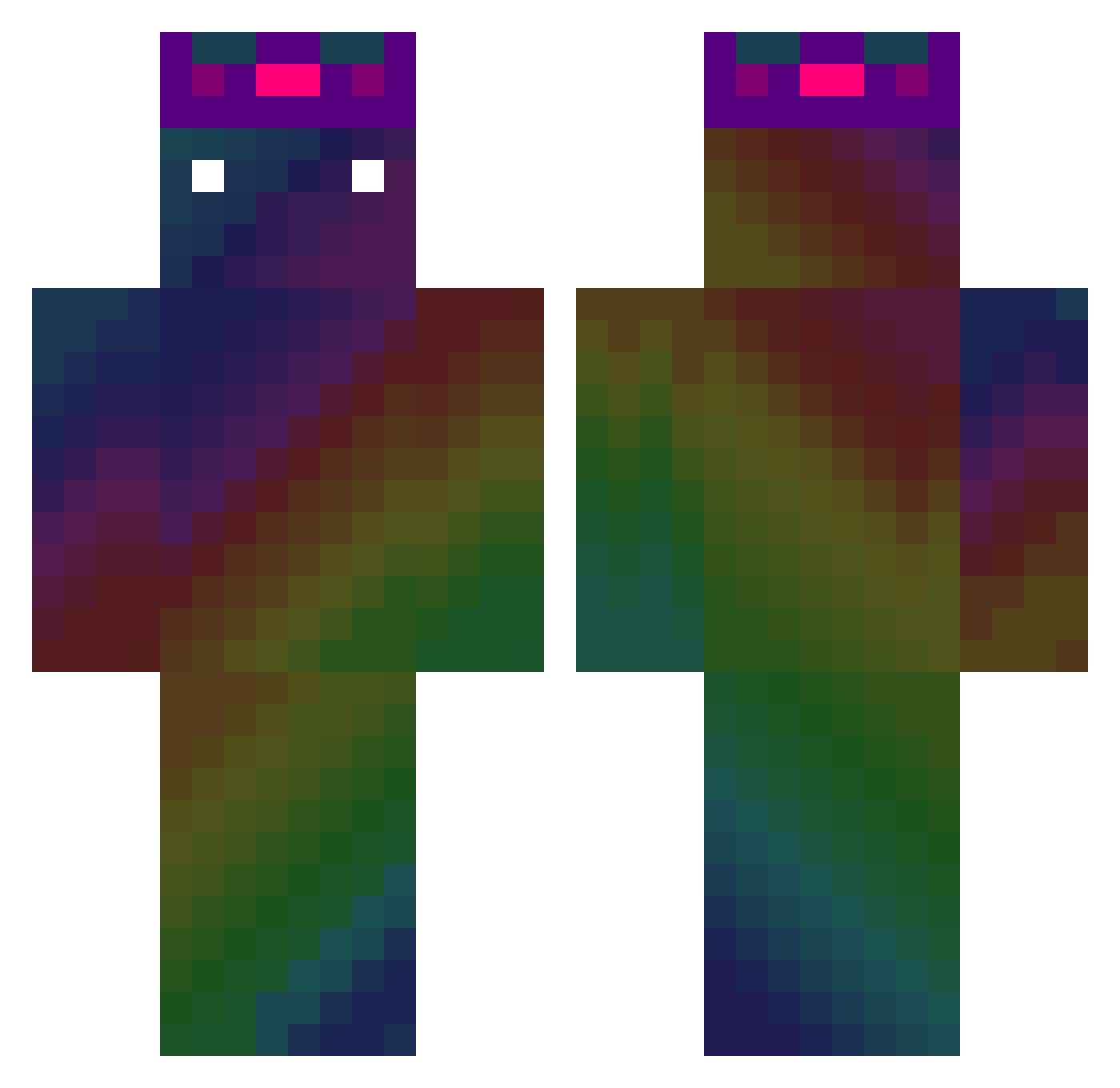
Current Minecraft skin of the player snow1000301, loaded from the official Mojang API. Rotate the 3D model with your mouse or finger, then download the skin as a PNG file and use it in Minecraft: Bedrock Edition or Java Edition for free. When snow1000301 changes their skin, this page updates automatically and the old skin stays in the history below.
Other players with this skin (475)
snow1000301 was the 38th player we have seen with this skin, first spotted on 30.07.2026. The same skin was seen on these players. Open a nickname to see their current skin and skin history.
 NoobTeNalguea Moto_2380 CvmSponge Lks1904 VAP1_ mimu154 ANONiM2428 simplyysebb Xtreme778 Maximiniun KewlDewd10 Fvive BittyEmperor1001 etem22 Jonik17321 Drumcode03 joey870712 Carze666 Choco_1376 Batu061 FindDelay CrushMTA jh1215 Pomiou comet9878 DimeFX186 Uchies ZIZON_Ianboyyy Molly_01 Envii_X Joshua10987654 ChocolatSS Reregao REDML6387 DDominic DARKHOSE iliillilllil GregXD_ Nesomi koko123448 LukRad SpotX30 drralph100 FaZeGeo ouvyvoy Jayansworld Kuinsito jayjaypro1707 Spot_30 iFeRoGmR Super__Jasiu Ratocpx trollomg1802 SmithtaculaR_ Tyros69420 Nyanta006 Javaed252 _Louxa_ Talkoff KNISMAN
How to install the snow1000301 skin
- Press the Download button above to save the skin as a PNG file.
- Minecraft: Bedrock Edition (PE): open the Dressing Room from the main menu (or tap your character → Edit Character), go to Classic Skins → Owned, press the + (new skin) button, choose the downloaded PNG and pick the Classic (Steve) model. Works on PC and mobile; consoles cannot import custom skins.
- Minecraft: Java Edition: open the Minecraft Launcher, go to the Skins tab, click New Skin, load the PNG, pick the Classic (Steve) model and press Save & Use. You can also upload it at minecraft.net → Profile → Change Skin.
The skin does not show up after import - what should I do?
Restart Minecraft and open the Dressing Room again - imported skins sometimes appear only after a restart. Also make sure you selected the imported skin and picked the Classic (Steve) model.
Which model should I choose, Classic or Slim?
This skin is designed for the Classic (Steve) model. If you pick the wrong model, the arms of the skin will look stretched or squeezed.
Is the skin of snow1000301 free to download?
Yes. Press Download, save the PNG file and use it in Minecraft: Bedrock Edition or Java Edition - no payment or registration needed. The skin also works on multiplayer servers and Realms.
More skins
Looking for more? Go back to all Minecraft skins and check the top skins of the week, month and all time, or find any player's skin by nickname.