
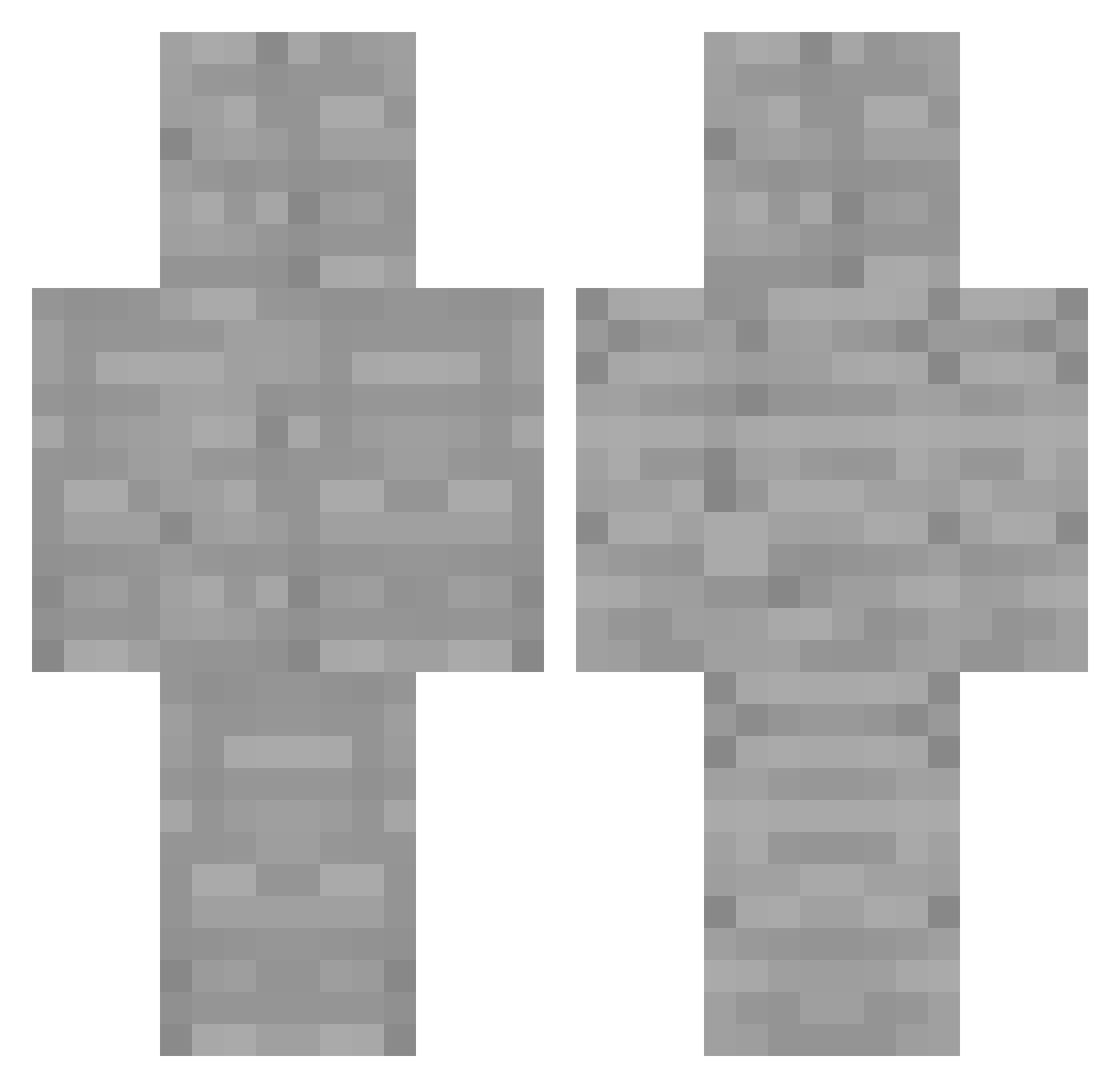
Current Minecraft skin of the player slxmsot, loaded from the official Mojang API. Rotate the 3D model with your mouse or finger, then download the skin as a PNG file and use it in Minecraft: Bedrock Edition or Java Edition for free. When slxmsot changes their skin, this page updates automatically and the old skin stays in the history below.
Other players with this skin (108)
slxmsot was the 66th player we have seen with this skin, first spotted on 20.09.2026. The same skin was seen on these players. Open a nickname to see their current skin and skin history.
 Glashear PWLegendary boscolam18 Randy0501 tkothecoconut DomIsEpic7 MarkV101 kanye49 Espanja BPP1203 RoDawgYT samisets BlockIsaac Komidy Satsuki0921 juanpi08 INottjz rtgyhu Blizzio1 tuna_0701 Dakusoull d2omiX sigmachint 4sat TestyLobster715 mcAgain jazqueenb0 ZhijieSu_ stone_6060 S1992991909 cnyn_13 SamWell926 GameFinder2k lookbehindyou01 YUYE_PRO K_K2 ProFXv1 HOTJJING76 MinusculeConch Cateen015368 Rapten9742 asnrer Mildlionheart nlnis rgbhex hamonth Peachniil hajun4251 lillllilllllli TWOFIFTYZ TOMAS_0430 ELValouuu AEHOO Toast9011 benjaminfallahy Just_light1 simsimhada_5 babypapa2 OnurBaba31 yokopototo
More Cobblestone Minecraft skins
How to install the slxmsot skin
- Press the Download button above to save the skin as a PNG file.
- Minecraft: Bedrock Edition (PE): open the Dressing Room from the main menu (or tap your character → Edit Character), go to Classic Skins → Owned, press the + (new skin) button, choose the downloaded PNG and pick the Classic (Steve) model. Works on PC and mobile; consoles cannot import custom skins.
- Minecraft: Java Edition: open the Minecraft Launcher, go to the Skins tab, click New Skin, load the PNG, pick the Classic (Steve) model and press Save & Use. You can also upload it at minecraft.net → Profile → Change Skin.
The skin does not show up after import - what should I do?
Restart Minecraft and open the Dressing Room again - imported skins sometimes appear only after a restart. Also make sure you selected the imported skin and picked the Classic (Steve) model.
Which model should I choose, Classic or Slim?
This skin is designed for the Classic (Steve) model. If you pick the wrong model, the arms of the skin will look stretched or squeezed.
Is the skin of slxmsot free to download?
Yes. Press Download, save the PNG file and use it in Minecraft: Bedrock Edition or Java Edition - no payment or registration needed. The skin also works on multiplayer servers and Realms.
More skins
Looking for more? Go back to all Minecraft skins and check the top skins of the week, month and all time, or find any player's skin by nickname.