
skyecoins - Minecraft Skins & Skin History
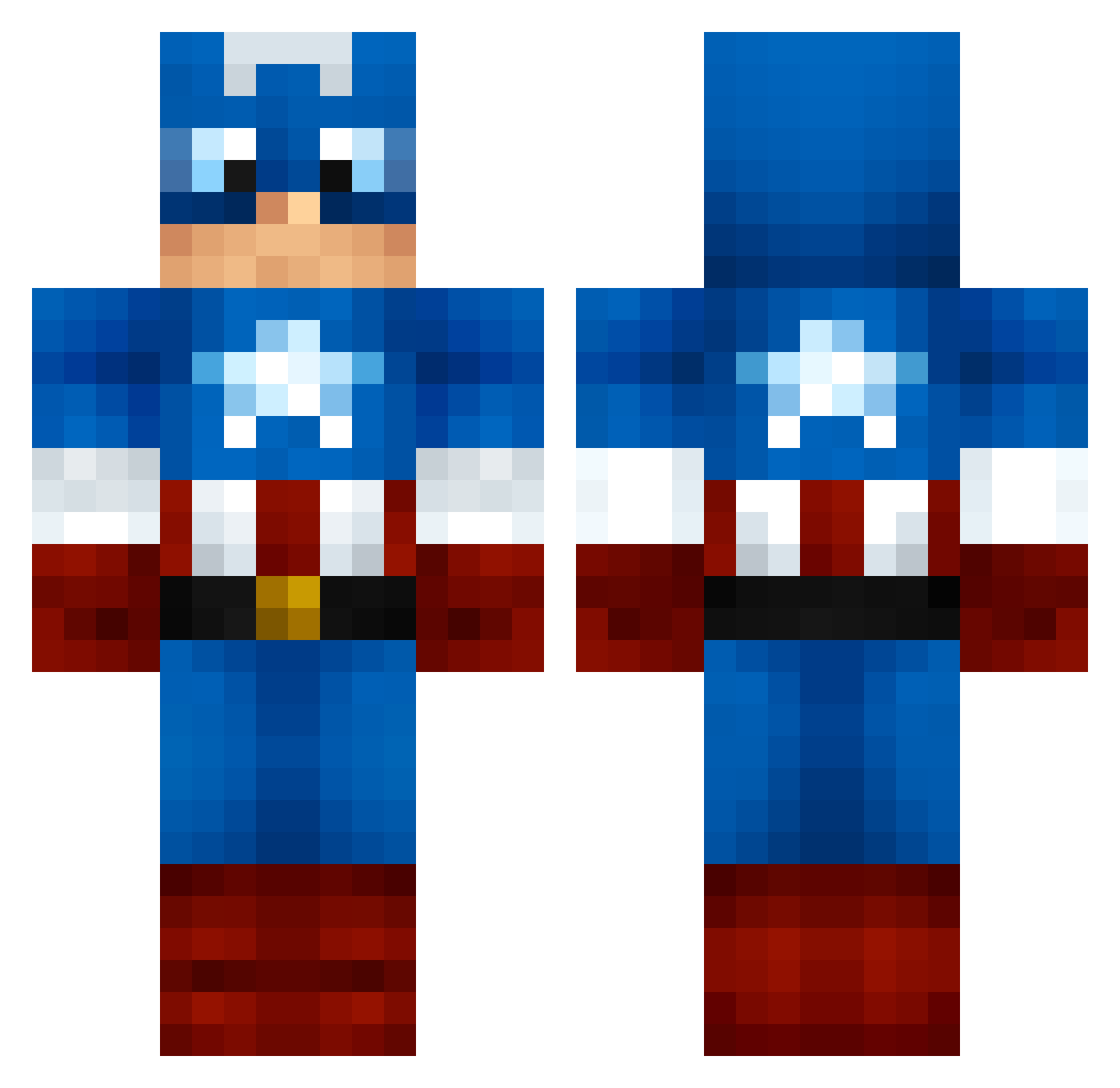
Current Minecraft skin of the player skyecoins, loaded from the official Mojang API. Rotate the 3D model with your mouse or finger, then download the skin as a PNG file and use it in Minecraft: Bedrock Edition or Java Edition for free. When skyecoins changes their skin, this page updates automatically and the old skin stays in the history below.
Other players with this skin (999)
skyecoins was the 967th player we have seen with this skin, first spotted on 19.10.2026. The same skin was seen on these players. Open a nickname to see their current skin and skin history.
 ridlai fernando914 bennyh333 Enzorro31 Nattyboy_1 FOUR7 LongBeard21 swedishnavy Gold_Maske BIGNASTY95 WisconsinFan WillowWizzard Miguelitofutbito NikusPL Giometric jehuboi heyitsfranklin screamvengerSFR acaraway49 firelin MooseJeep Mo1760 pro_tynio Peanut530 Osi2012 CaptainJames4 Buts01 byiivan Neeiizz Twanbob Nesiar _WrestlingApe_ Gator_W xX_RyAn_1_Xx jguillemette MillieHJ sameo56 SnowDwight Tentenlebata Skavange JGam25 man303 Zundro Haraiko yuvalonski10 ExoticOfJokersV2 captainamerica8 stanbang Bos5BabyAlt GucciManeIn2006 divine135 bunnyman2 speliam ProSoldierX goldtiger5 maxrox224 Yeng_is_GOATED Beastmode7686 pizzacart CampersCabin124
More Captain America Minecraft skins
See all 147 Captain America skins
How to install the skyecoins skin
- Press the Download button above to save the skin as a PNG file.
- Minecraft: Bedrock Edition (PE): open the Dressing Room from the main menu (or tap your character → Edit Character), go to Classic Skins → Owned, press the + (new skin) button, choose the downloaded PNG and pick the Classic (Steve) model. Works on PC and mobile; consoles cannot import custom skins.
- Minecraft: Java Edition: open the Minecraft Launcher, go to the Skins tab, click New Skin, load the PNG, pick the Classic (Steve) model and press Save & Use. You can also upload it at minecraft.net → Profile → Change Skin.
The skin does not show up after import - what should I do?
Restart Minecraft and open the Dressing Room again - imported skins sometimes appear only after a restart. Also make sure you selected the imported skin and picked the Classic (Steve) model.
Which model should I choose, Classic or Slim?
This skin is designed for the Classic (Steve) model. If you pick the wrong model, the arms of the skin will look stretched or squeezed.
Is the skin of skyecoins free to download?
Yes. Press Download, save the PNG file and use it in Minecraft: Bedrock Edition or Java Edition - no payment or registration needed. The skin also works on multiplayer servers and Realms.
More skins
Looking for more? Go back to all Minecraft skins and check the top skins of the week, month and all time, or find any player's skin by nickname.