
skier9 - Minecraft Skins & Skin History
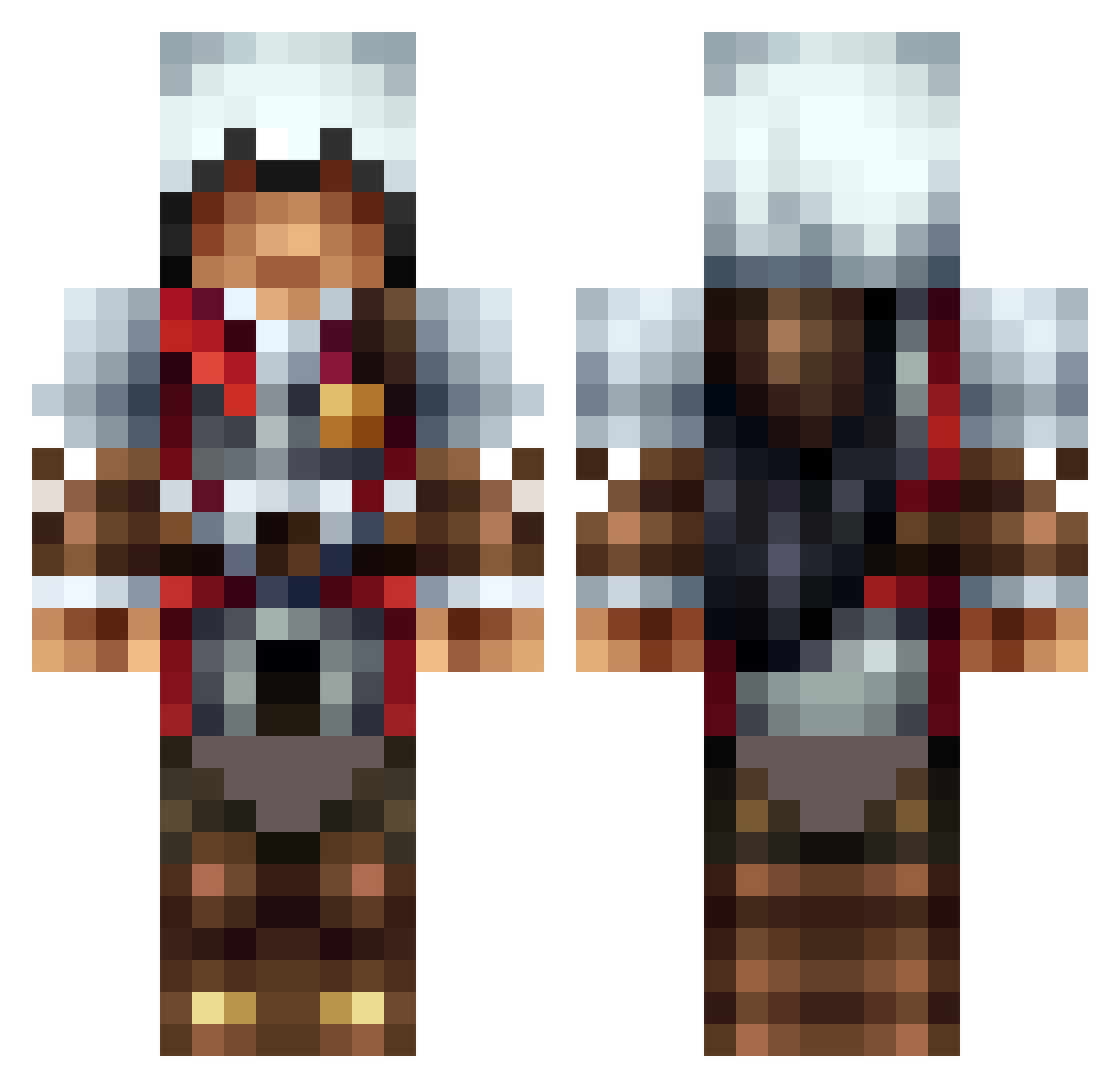
Current Minecraft skin of the player skier9, loaded from the official Mojang API. Rotate the 3D model with your mouse or finger, then download the skin as a PNG file and use it in Minecraft: Bedrock Edition or Java Edition for free. When skier9 changes their skin, this page updates automatically and the old skin stays in the history below.
Other players with this skin (1585)
skier9 was the 1432nd player we have seen with this skin, first spotted on 09.11.2026. The same skin was seen on these players. Open a nickname to see their current skin and skin history.
 Megamanmiles Plug_Squeeze n00bkiller6789 Enitrollking123 OskarBj Wjb37 Radnor_Sonda Kaggy_Boy Emperor_Ace Tokyodear jdkman13 Lindbrg erik_dohmen Ares1005 lionsmayne Rung3 caelam clonesnase Enjoyablelemon5 thomasjack07 JayDox13 MachoBro Pico_Bello NovaCreed Got_Skillz418 GuedesBo2 alexxela99 Flashup18 oaroering InkognitoX5 thephantome83 FatMonk95 Miko2000 2Dninja Crimsonpug94 Pharaoh9993 emrefay123 Kaldastra medicuring WindSlasher UnlikelyHero happycamper77 Slovanske emrecemil xXRedVirusXx Semiar Srikii Nicklas_Laursen Niels_Tuinman Sean_The_Gamer wattseejunior MathewDoesMC Braderzz16 mine_me_good KoalaniB Frost_Sandman TreasureTheTitos moenchcraft assasinguy10 pinpau
More Altair Minecraft skins
How to install the skier9 skin
- Press the Download button above to save the skin as a PNG file.
- Minecraft: Bedrock Edition (PE): open the Dressing Room from the main menu (or tap your character → Edit Character), go to Classic Skins → Owned, press the + (new skin) button, choose the downloaded PNG and pick the Classic (Steve) model. Works on PC and mobile; consoles cannot import custom skins.
- Minecraft: Java Edition: open the Minecraft Launcher, go to the Skins tab, click New Skin, load the PNG, pick the Classic (Steve) model and press Save & Use. You can also upload it at minecraft.net → Profile → Change Skin.
The skin does not show up after import - what should I do?
Restart Minecraft and open the Dressing Room again - imported skins sometimes appear only after a restart. Also make sure you selected the imported skin and picked the Classic (Steve) model.
Which model should I choose, Classic or Slim?
This skin is designed for the Classic (Steve) model. If you pick the wrong model, the arms of the skin will look stretched or squeezed.
Is the skin of skier9 free to download?
Yes. Press Download, save the PNG file and use it in Minecraft: Bedrock Edition or Java Edition - no payment or registration needed. The skin also works on multiplayer servers and Realms.
More skins
Looking for more? Go back to all Minecraft skins and check the top skins of the week, month and all time, or find any player's skin by nickname.