
skellybones127 - Minecraft Skins & Skin History
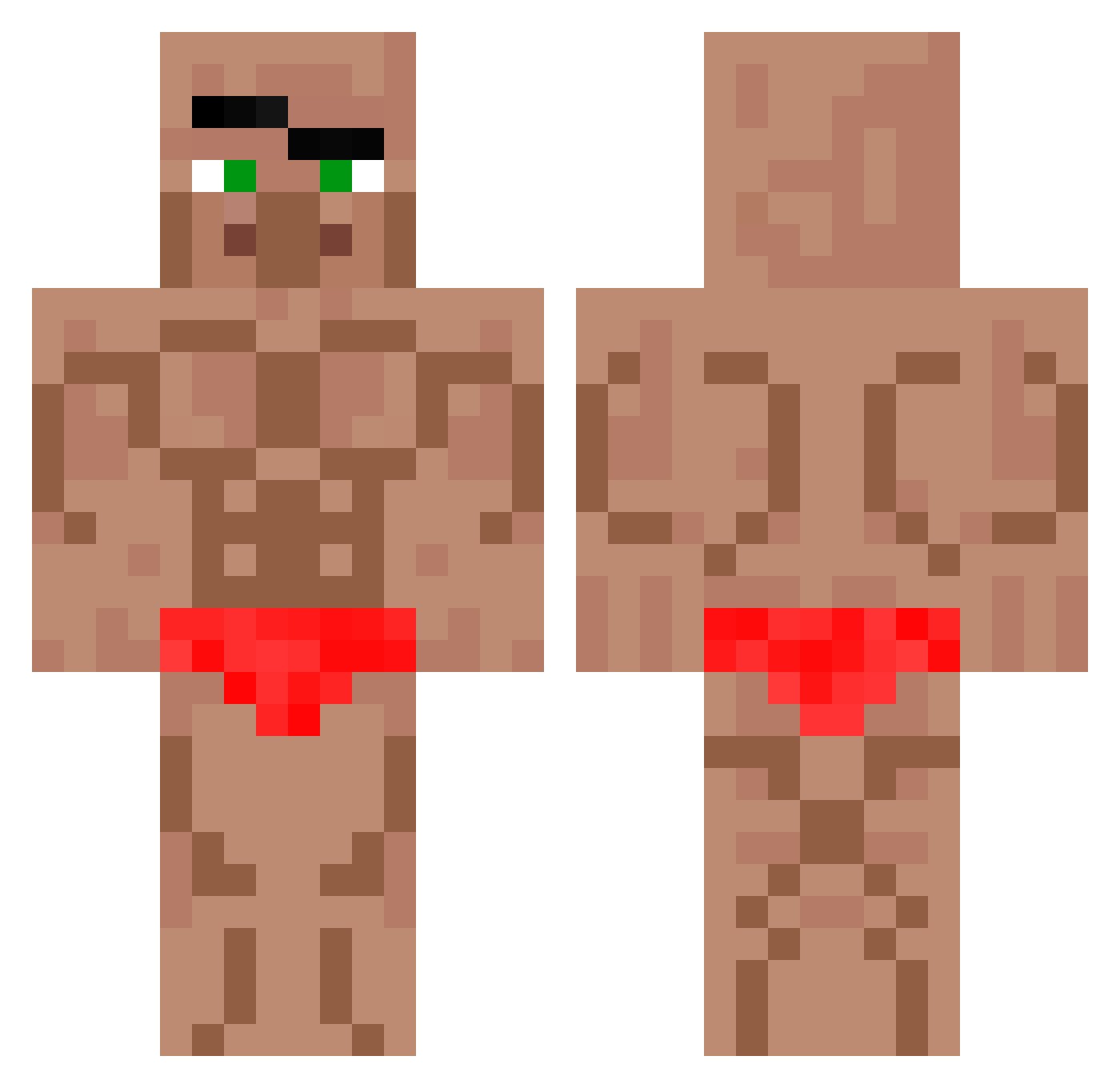
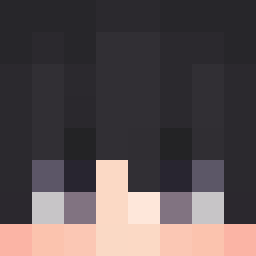
Current Minecraft skin of the player skellybones127, loaded from the official Mojang API. Rotate the 3D model with your mouse or finger, then download the skin as a PNG file and use it in Minecraft: Bedrock Edition or Java Edition for free. When skellybones127 changes their skin, this page updates automatically and the old skin stays in the history below.
Other players with this skin (44)
skellybones127 was the 31st player we have seen with this skin, first spotted on 14.10.2026. The same skin was seen on these players. Open a nickname to see their current skin and skin history.
 hcfcjdkro Raymanrider DANKING3 BalenciagaBussn VINXEN123 Krew3taa lMerlinx SavageTheCabbaga jamesfifi Fredpeet StoreConny MaxAttackx TuPapiYulian BERINGARIA iiOsamaAhmed King_Eugen GloriousLlama88 Rena12XD CalistaNotFound Limitz20 amyfan Gabidevil 1vannnnnnn vikideltiki kizo___ Mattesmathhh Humxid Irr3l3phant Hugoline95 XChungusBack ProBalXYZ Derekey12 Cactusik2134 dhyyyyy mackdeuce
 hit24 losowylp TheCubeMan1
 Pastaman1312
 IamLoserhahaha YANGTARO Pumaboy116
 PIX_SCAR3D CZRAKAN
More Muscle Minecraft skins
How to install the skellybones127 skin
- Press the Download button above to save the skin as a PNG file.
- Minecraft: Bedrock Edition (PE): open the Dressing Room from the main menu (or tap your character → Edit Character), go to Classic Skins → Owned, press the + (new skin) button, choose the downloaded PNG and pick the Classic (Steve) model. Works on PC and mobile; consoles cannot import custom skins.
- Minecraft: Java Edition: open the Minecraft Launcher, go to the Skins tab, click New Skin, load the PNG, pick the Classic (Steve) model and press Save & Use. You can also upload it at minecraft.net → Profile → Change Skin.
The skin does not show up after import - what should I do?
Restart Minecraft and open the Dressing Room again - imported skins sometimes appear only after a restart. Also make sure you selected the imported skin and picked the Classic (Steve) model.
Which model should I choose, Classic or Slim?
This skin is designed for the Classic (Steve) model. If you pick the wrong model, the arms of the skin will look stretched or squeezed.
Is the skin of skellybones127 free to download?
Yes. Press Download, save the PNG file and use it in Minecraft: Bedrock Edition or Java Edition - no payment or registration needed. The skin also works on multiplayer servers and Realms.
More skins
Looking for more? Go back to all Minecraft skins and check the top skins of the week, month and all time, or find any player's skin by nickname.