
sixxz777 - Minecraft Skins & Skin History
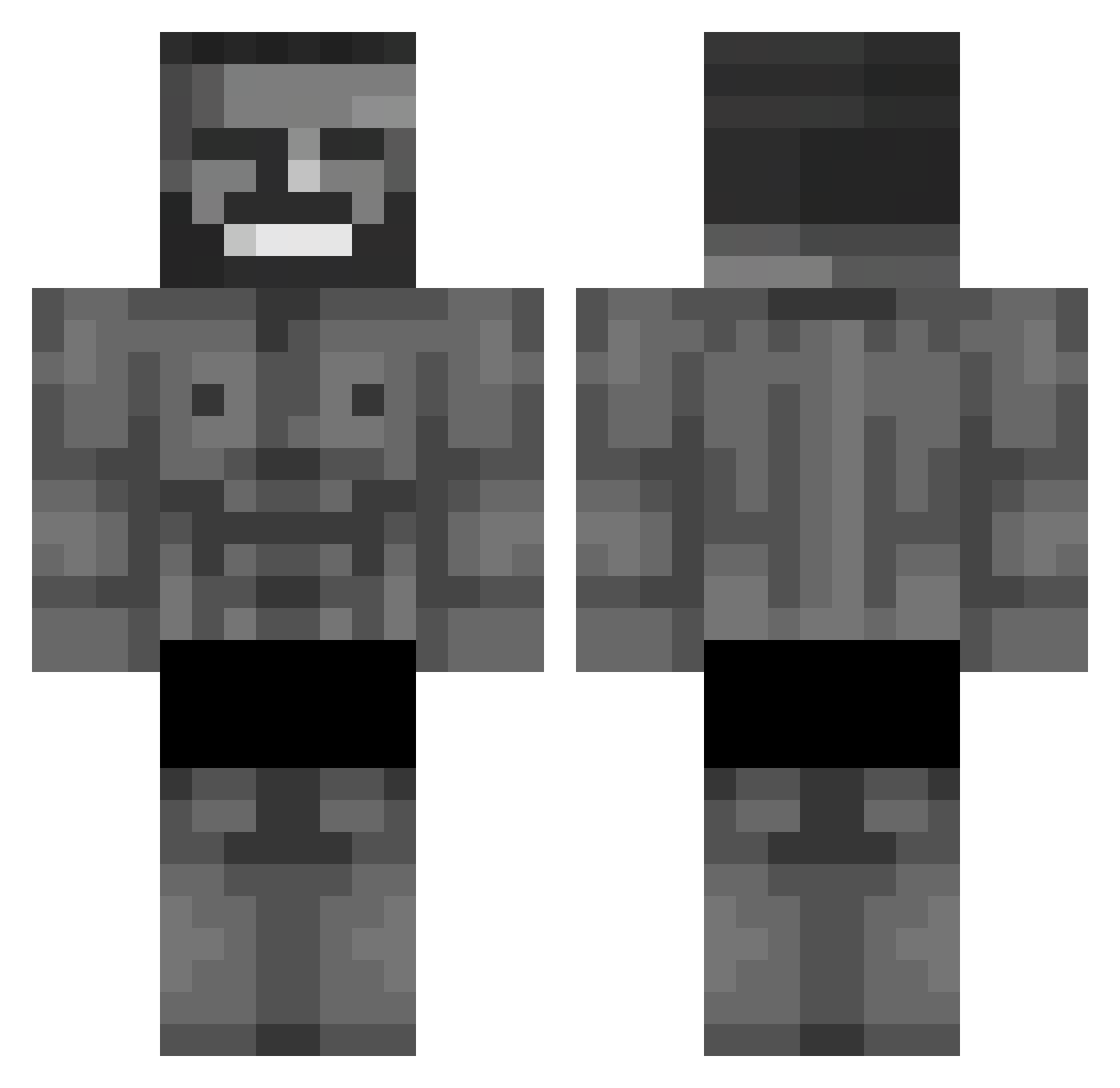
Current Minecraft skin of the player sixxz777, loaded from the official Mojang API. Rotate the 3D model with your mouse or finger, then download the skin as a PNG file and use it in Minecraft: Bedrock Edition or Java Edition for free. When sixxz777 changes their skin, this page updates automatically and the old skin stays in the history below.
Other players with this skin (792)
sixxz777 was the 720th player we have seen with this skin, first spotted on 10.11.2026. The same skin was seen on these players. Open a nickname to see their current skin and skin history.
 EasternPine mirzahanmolder BONNE_SOUPE_MISO Giacomo_00 Vetszzz khajitar miXou_7 Mintimex10 sosichg OdAhOne Omer8816 LENNYBAR6969 kekeboss Anjujuu roefmans 4skinXd Vitox29 Woray1 Vitorinho16 seilaporra jaydogno1 PingLord_ buckwaldt Bestionnn Farathor_ HasanJr3 Monteari Minatungtung Ehrenzieherr ILoveABlockyBoi Zk47rif Alteargame ekil35 MarsAnts Forzo1 Gemiral Kxrbi quant1xxx Rullnokk Poco_Broco _lizzaa MalwarePup EttenDuvar Bernss_06 forkortex JInnyMeow Lucasisy_ At0mikgam3z SuI3aru Davv1244 Anjokkk Salvino2009 Ekmeleddin S1zzyyy aqwae Ogsnay enesgnlt YoucefDzPro99 Gigachad_Juan DADDYREACTOR
More Gigachad Minecraft skins
How to install the sixxz777 skin
- Press the Download button above to save the skin as a PNG file.
- Minecraft: Bedrock Edition (PE): open the Dressing Room from the main menu (or tap your character → Edit Character), go to Classic Skins → Owned, press the + (new skin) button, choose the downloaded PNG and pick the Classic (Steve) model. Works on PC and mobile; consoles cannot import custom skins.
- Minecraft: Java Edition: open the Minecraft Launcher, go to the Skins tab, click New Skin, load the PNG, pick the Classic (Steve) model and press Save & Use. You can also upload it at minecraft.net → Profile → Change Skin.
The skin does not show up after import - what should I do?
Restart Minecraft and open the Dressing Room again - imported skins sometimes appear only after a restart. Also make sure you selected the imported skin and picked the Classic (Steve) model.
Which model should I choose, Classic or Slim?
This skin is designed for the Classic (Steve) model. If you pick the wrong model, the arms of the skin will look stretched or squeezed.
Is the skin of sixxz777 free to download?
Yes. Press Download, save the PNG file and use it in Minecraft: Bedrock Edition or Java Edition - no payment or registration needed. The skin also works on multiplayer servers and Realms.
More skins
Looking for more? Go back to all Minecraft skins and check the top skins of the week, month and all time, or find any player's skin by nickname.