
shwingus - Minecraft Skins & Skin History
Current Minecraft skin of the player shwingus, loaded from the official Mojang API. Rotate the 3D model with your mouse or finger, then download the skin as a PNG file and use it in Minecraft: Bedrock Edition or Java Edition for free. When shwingus changes their skin, this page updates automatically and the old skin stays in the history below.
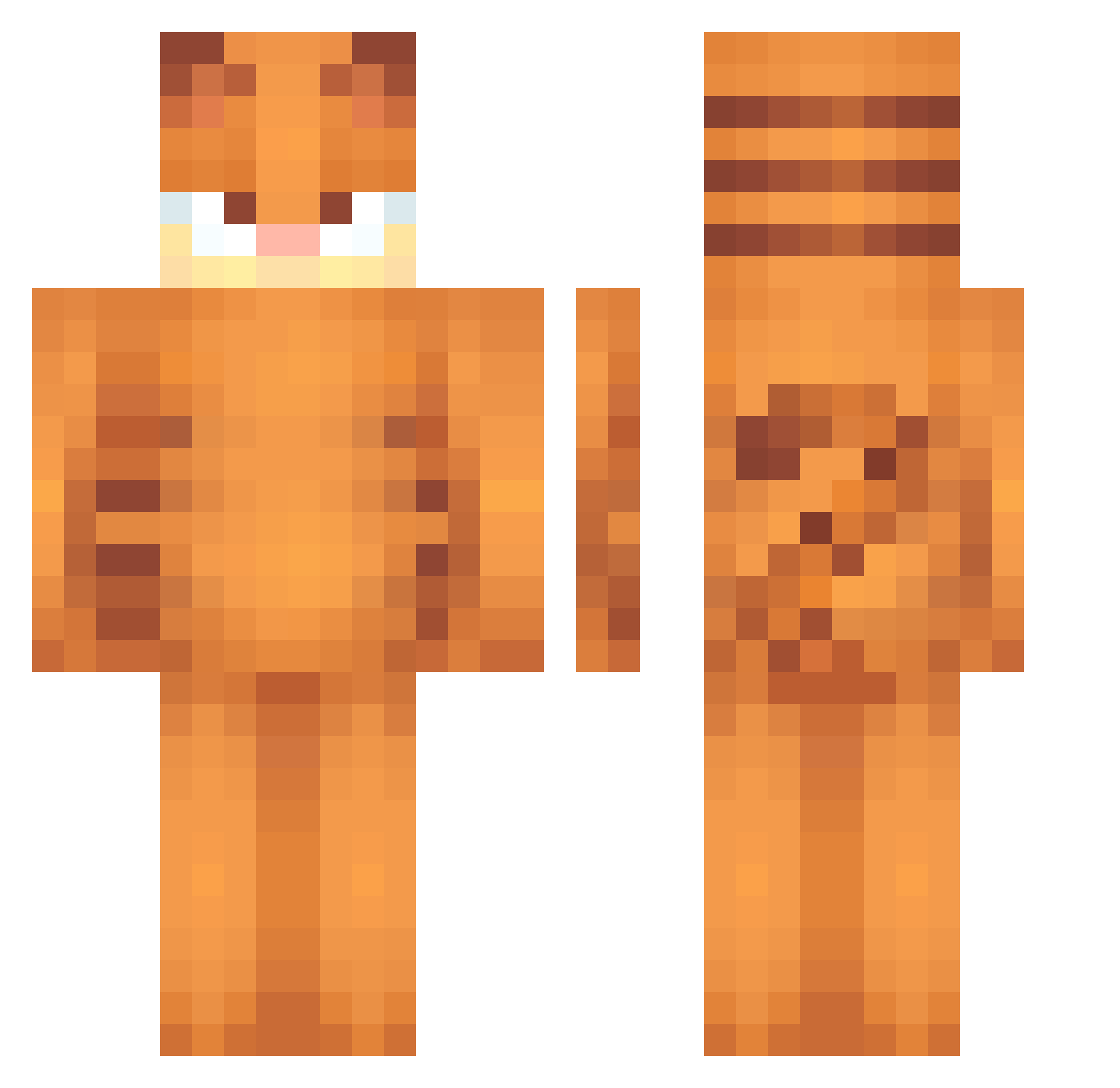
Other players with this skin (472)
shwingus was the 109th player we have seen with this skin, first spotted on 11.08.2026. The same skin was seen on these players. Open a nickname to see their current skin and skin history.
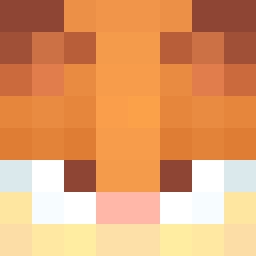 garfield_derek Planeclapper gabrielsen20
 d0n4lm guiiziinnn1 Yannkik
 brakings sloan_3112 Av2ry Gardenal_ Crugnute MilkComet Natn8r Checkmate578 JotaTe159 Sauuceyy7 Garun100 FieseEule Ayuner fawniebutt akarshhhh Zannyair Taykoo27 Luka302007 Tygo_H Okami2004 DoubleG9 toastertopia anotherdevv Meddel122 XenonTheWolfagen FS25 mrparadox57 k3nny_44 _Freb_ JustStall Fafid_ ultraoli1x kennon2276 okoanoo PeskyLocust652 loiliee
 Nromets POYA12345 Flaid_01 ouvy hanzhiyong arrozbom emrjr55 RimmyRemington catgirlaetherix pirizz sam_0801 yi2hor boycelestial glitch000 echoing1 MrFluffyKat MrElts PapiJimm
More Garfield Minecraft skins
How to install the shwingus skin
- Press the Download button above to save the skin as a PNG file.
- Minecraft: Bedrock Edition (PE): open the Dressing Room from the main menu (or tap your character → Edit Character), go to Classic Skins → Owned, press the + (new skin) button, choose the downloaded PNG and pick the Classic (Steve) model. Works on PC and mobile; consoles cannot import custom skins.
- Minecraft: Java Edition: open the Minecraft Launcher, go to the Skins tab, click New Skin, load the PNG, pick the Classic (Steve) model and press Save & Use. You can also upload it at minecraft.net → Profile → Change Skin.
The skin does not show up after import - what should I do?
Restart Minecraft and open the Dressing Room again - imported skins sometimes appear only after a restart. Also make sure you selected the imported skin and picked the Classic (Steve) model.
Which model should I choose, Classic or Slim?
This skin is designed for the Classic (Steve) model. If you pick the wrong model, the arms of the skin will look stretched or squeezed.
Is the skin of shwingus free to download?
Yes. Press Download, save the PNG file and use it in Minecraft: Bedrock Edition or Java Edition - no payment or registration needed. The skin also works on multiplayer servers and Realms.
More skins
Looking for more? Go back to all Minecraft skins and check the top skins of the week, month and all time, or find any player's skin by nickname.