
shulun921 - Minecraft Skins & Skin History
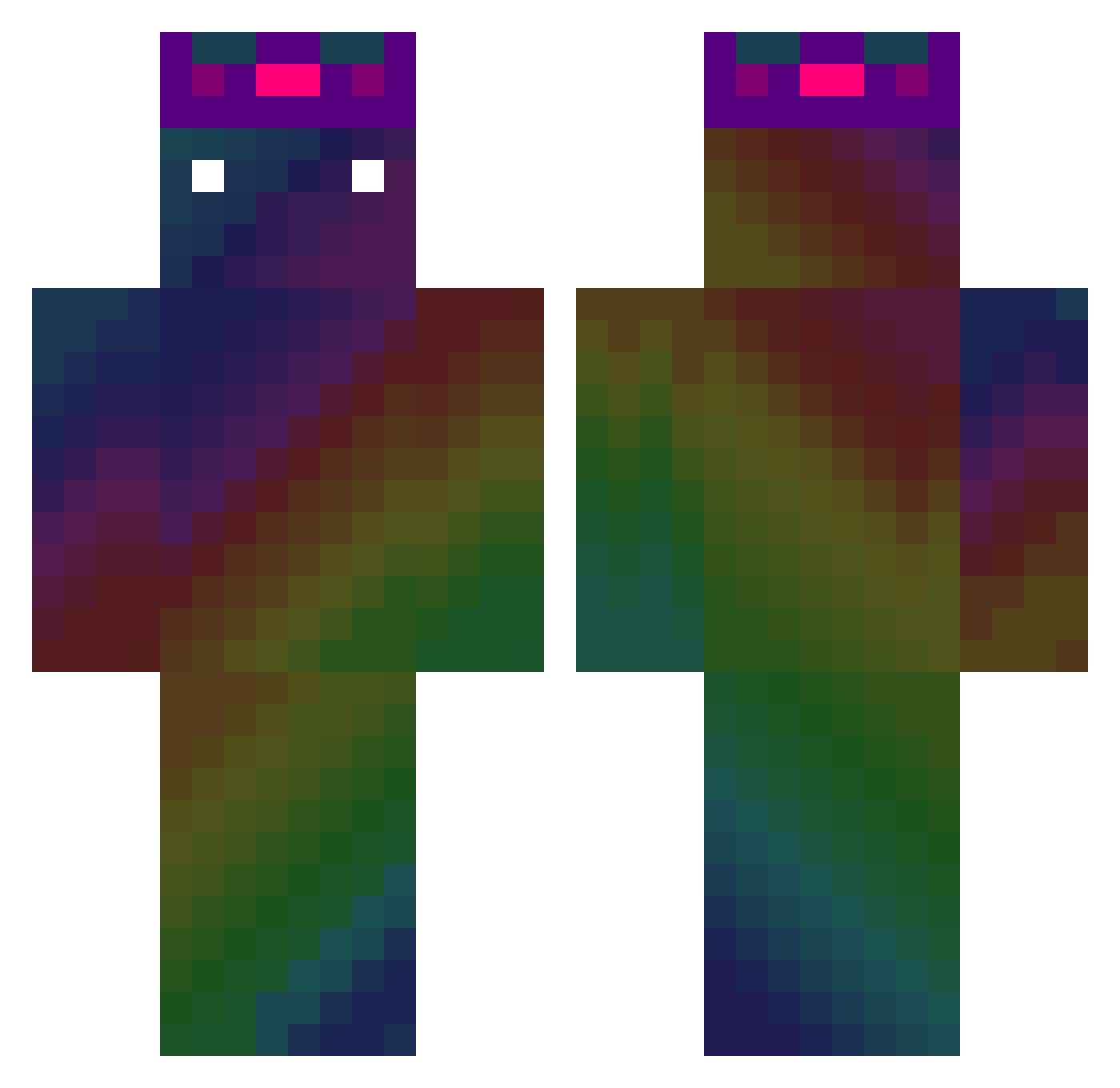
Current Minecraft skin of the player shulun921, loaded from the official Mojang API. Rotate the 3D model with your mouse or finger, then download the skin as a PNG file and use it in Minecraft: Bedrock Edition or Java Edition for free. When shulun921 changes their skin, this page updates automatically and the old skin stays in the history below.
Other players with this skin (475)
shulun921 was the 84th player we have seen with this skin, first spotted on 12.08.2026. The same skin was seen on these players. Open a nickname to see their current skin and skin history.
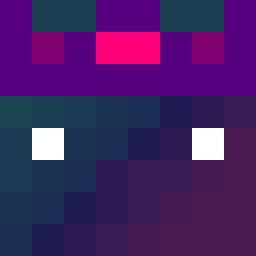 HsiNu M_Arrule Chips91 laParanoika Bobbajay OngleDeCousCous Nicirein a_m_c Estebanleroublar Werwolf15 EmptyLogarithm Felibatto05 Jia_Xing kwitzzz noname_is_name Supheli GoldFishBaby AHN_LUNA RaycitoTV timekiller2 _WWW_ GoodDieYoung_ SurumeOisi Wash1nMach1ne howard_chen _MuriPvP_ Creta36 curtain_fox JDies7 lopleer moner2002 oliveoil0306 thorjimbo90 Alucard2300 MioZio10 jeremi128821 2money2 hoidiii Kapi_PL_ MOMORIRIRI GYOdll KKQ88 Jheyy YHZS rreyfrom danmafia49130 odd_taxi KODESA KNISMAN Talkoff jiwoo200000 Igor_BR_Games _Louxa_ bkudahl heyst1stfan se11_na Brain_Break Nyanta006 Roboox12 IGNITEMax
How to install the shulun921 skin
- Press the Download button above to save the skin as a PNG file.
- Minecraft: Bedrock Edition (PE): open the Dressing Room from the main menu (or tap your character → Edit Character), go to Classic Skins → Owned, press the + (new skin) button, choose the downloaded PNG and pick the Classic (Steve) model. Works on PC and mobile; consoles cannot import custom skins.
- Minecraft: Java Edition: open the Minecraft Launcher, go to the Skins tab, click New Skin, load the PNG, pick the Classic (Steve) model and press Save & Use. You can also upload it at minecraft.net → Profile → Change Skin.
The skin does not show up after import - what should I do?
Restart Minecraft and open the Dressing Room again - imported skins sometimes appear only after a restart. Also make sure you selected the imported skin and picked the Classic (Steve) model.
Which model should I choose, Classic or Slim?
This skin is designed for the Classic (Steve) model. If you pick the wrong model, the arms of the skin will look stretched or squeezed.
Is the skin of shulun921 free to download?
Yes. Press Download, save the PNG file and use it in Minecraft: Bedrock Edition or Java Edition - no payment or registration needed. The skin also works on multiplayer servers and Realms.
More skins
Looking for more? Go back to all Minecraft skins and check the top skins of the week, month and all time, or find any player's skin by nickname.