
seisin - Minecraft Skins & Skin History
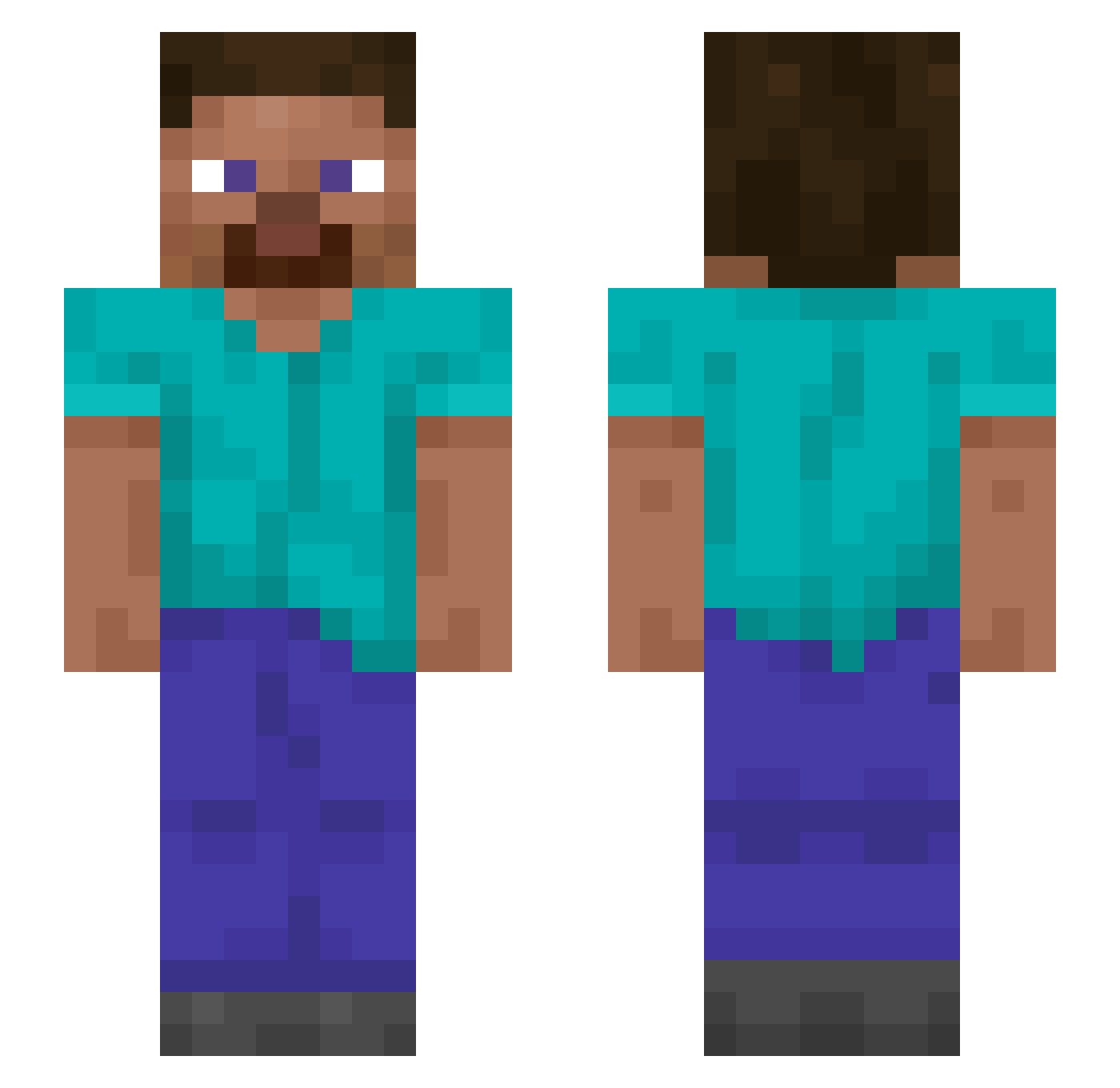
Current Minecraft skin of the player seisin, loaded from the official Mojang API. Rotate the 3D model with your mouse or finger, then download the skin as a PNG file and use it in Minecraft: Bedrock Edition or Java Edition for free. When seisin changes their skin, this page updates automatically and the old skin stays in the history below.
Other players with this skin (1123)
seisin was the 553rd player we have seen with this skin, first spotted on 09.09.2026. The same skin was seen on these players. Open a nickname to see their current skin and skin history.
 Meisnotyou Soggiest Luteolin Prodroto
 niemyty06 unwove superofficious Paracelsian gerrox__YT Pavane Philonium Beepe Sternman tangledtulip Arsonite Psychoneurotic Zedrex teian Alactaga Marrowbones pomster Jay72_ kitn123 DanielCabreu TheOneOnlyNinja AntiSocialMan INeedT0GetALife vigoroso Toymen Yojan lobotomize CrazyRussianPro andreas1210 Frozen995 MasterCAP789 AndreiOP Chesses bildungsmord Marvin_Schank Veleta MNL744 SEONG_XI 3Ponemanuel27dur Kevin_503 BrittanyAnne667 Poopris wttm Boers ThickThighs4Life
 Wajha_ Spiceful unfancy bateau snibz Littlefoot_0 explicable Squeel Tuppenny Apium Hakims
How to install the seisin skin
- Press the Download button above to save the skin as a PNG file.
- Minecraft: Bedrock Edition (PE): open the Dressing Room from the main menu (or tap your character → Edit Character), go to Classic Skins → Owned, press the + (new skin) button, choose the downloaded PNG and pick the Slim (Alex) model. Works on PC and mobile; consoles cannot import custom skins.
- Minecraft: Java Edition: open the Minecraft Launcher, go to the Skins tab, click New Skin, load the PNG, pick the Slim (Alex) model and press Save & Use. You can also upload it at minecraft.net → Profile → Change Skin.
The skin does not show up after import - what should I do?
Restart Minecraft and open the Dressing Room again - imported skins sometimes appear only after a restart. Also make sure you selected the imported skin and picked the Slim (Alex) model.
Which model should I choose, Classic or Slim?
This skin is designed for the Slim (Alex) model. If you pick the wrong model, the arms of the skin will look stretched or squeezed.
Is the skin of seisin free to download?
Yes. Press Download, save the PNG file and use it in Minecraft: Bedrock Edition or Java Edition - no payment or registration needed. The skin also works on multiplayer servers and Realms.
More skins
Looking for more? Go back to all Minecraft skins and check the top skins of the week, month and all time, or find any player's skin by nickname.