
sdt23 - Minecraft Skins & Skin History
Current Minecraft skin of the player sdt23, loaded from the official Mojang API. Rotate the 3D model with your mouse or finger, then download the skin as a PNG file and use it in Minecraft: Bedrock Edition or Java Edition for free. When sdt23 changes their skin, this page updates automatically and the old skin stays in the history below.
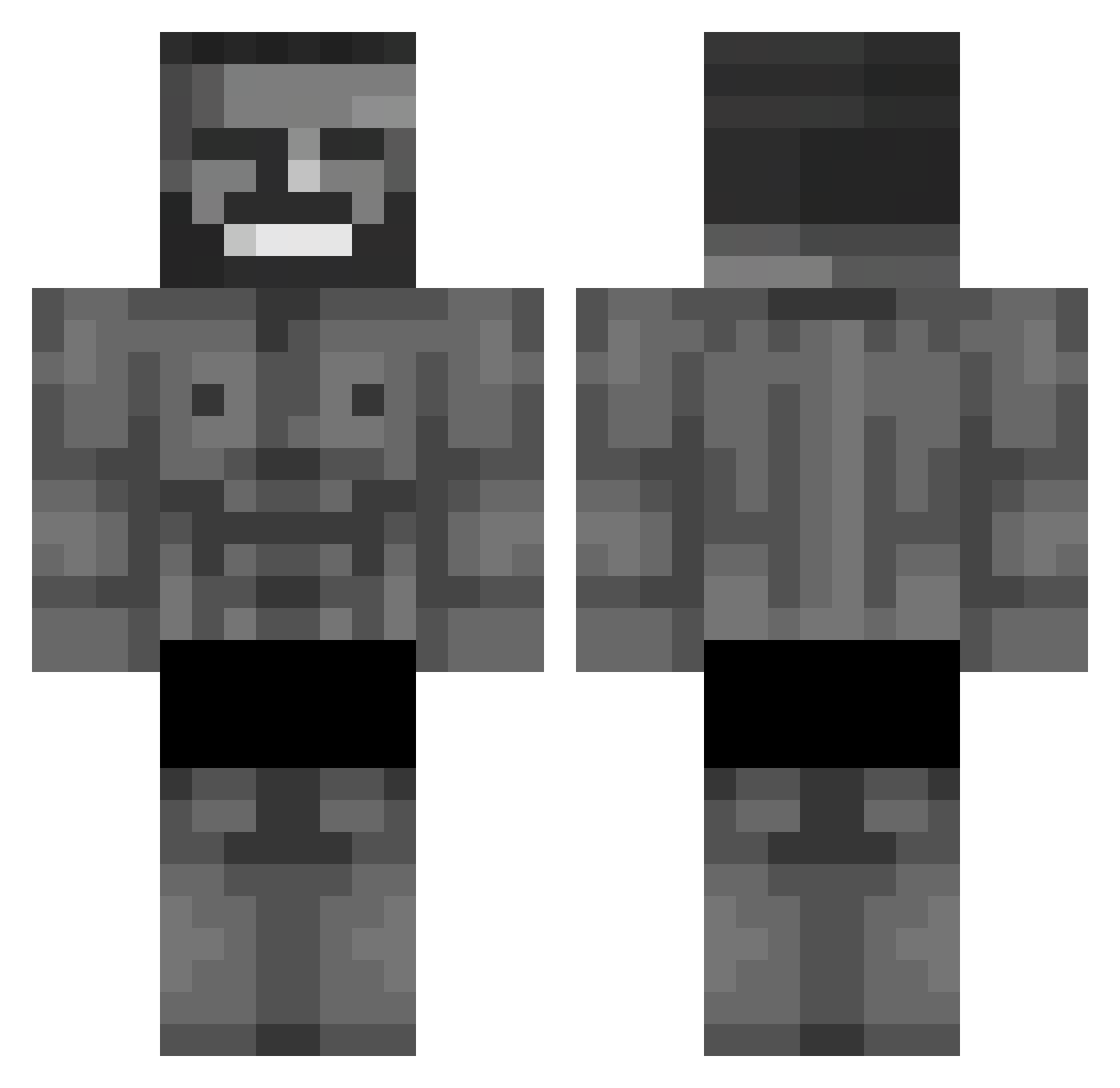
Other players with this skin (653)
sdt23 was the 454th player we have seen with this skin, first spotted on 05.10.2026. The same skin was seen on these players. Open a nickname to see their current skin and skin history.
 Stachu_to_ja DRILLUJEEE KamNegra HEKTROX JulHps AlpeReHe EmirhanEral bpodium AppleGamer78 MCMahoe VerDenxx TheoBellao xXBigMax Lukeku77 TULPARYUS MRsnow89 Datana TymekWxD MarkusWilly Lebbarman Buraj0 st1er_ M4SEY Arda_Durden LUiZ6368 OstBlink Tuberclose Hz_Timur AntonioP_ AlphaKarma65 emyakuzemir RizaUnut victorlmf AIK103 pieckbube PRZLXV difexyz pirulo2759 lokm1 Samu_038 Plutonsmood Shibaa420 T1mjan billotrela nuno_le_zin cazyabma MrRepollo Yogurciq xd0p euroh_ MrHamzyy UmutYvzz SirPantin sma3lsu Yszbix Kxbus64 peren92 kiraii77 pe9puk I_Lotto_I
More Gigachad Minecraft skins
How to install the sdt23 skin
- Press the Download button above to save the skin as a PNG file.
- Minecraft: Bedrock Edition (PE): open the Dressing Room from the main menu (or tap your character → Edit Character), go to Classic Skins → Owned, press the + (new skin) button, choose the downloaded PNG and pick the Classic (Steve) model. Works on PC and mobile; consoles cannot import custom skins.
- Minecraft: Java Edition: open the Minecraft Launcher, go to the Skins tab, click New Skin, load the PNG, pick the Classic (Steve) model and press Save & Use. You can also upload it at minecraft.net → Profile → Change Skin.
The skin does not show up after import - what should I do?
Restart Minecraft and open the Dressing Room again - imported skins sometimes appear only after a restart. Also make sure you selected the imported skin and picked the Classic (Steve) model.
Which model should I choose, Classic or Slim?
This skin is designed for the Classic (Steve) model. If you pick the wrong model, the arms of the skin will look stretched or squeezed.
Is the skin of sdt23 free to download?
Yes. Press Download, save the PNG file and use it in Minecraft: Bedrock Edition or Java Edition - no payment or registration needed. The skin also works on multiplayer servers and Realms.
More skins
Looking for more? Go back to all Minecraft skins and check the top skins of the week, month and all time, or find any player's skin by nickname.