
sdasdas_pro - Minecraft Skins & Skin History
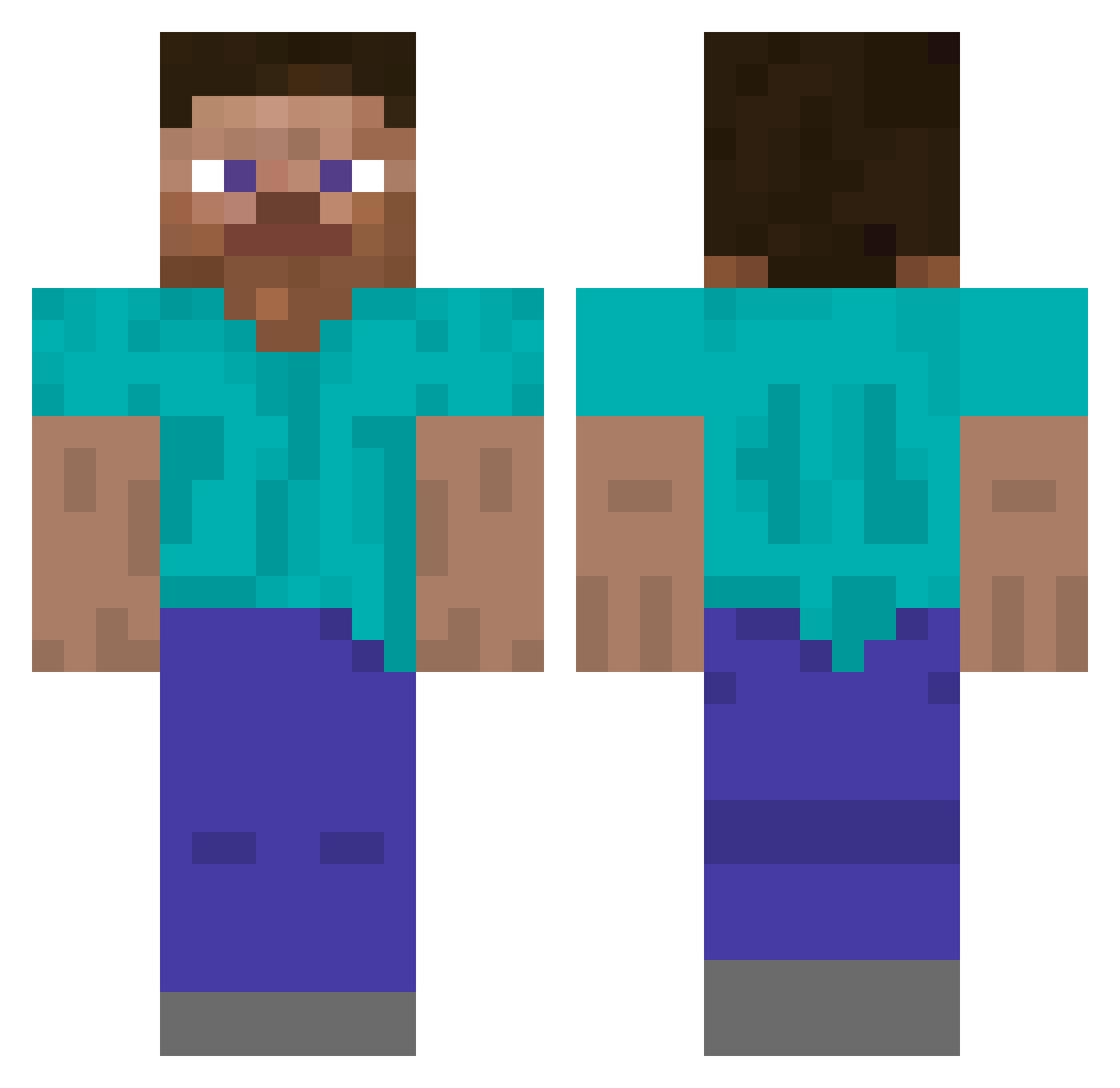
Current Minecraft skin of the player sdasdas_pro, loaded from the official Mojang API. Rotate the 3D model with your mouse or finger, then download the skin as a PNG file and use it in Minecraft: Bedrock Edition or Java Edition for free. When sdasdas_pro changes their skin, this page updates automatically and the old skin stays in the history below.
Other players with this skin (251)
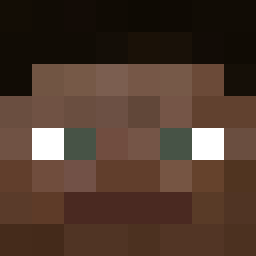
sdasdas_pro was the 82nd player we have seen with this skin, first spotted on 23.08.2026. The same skin was seen on these players. Open a nickname to see their current skin and skin history.
 Tr4hard69 Amicably DeadManJack600 MitchEllxston skspmm3
 CoconutSmile Oliver
 Jakub1k Sunsless zEmirhann _knighthere
 Trunk5s Seungyoon12345 eleroho3s
 Moritas29 Lyon uncials Cortnii weird MertSHNN neonware 2018JuiceWrld NguyenHaPhan huxawl
 rstby 420www sadfvnjoepjwiq
 FlameFraggsMC
 PiotrekiIwo
 Smaragdite uurus Mentos2022 gasan 123Monke123 h23h
 qq_Skipper_ CleanerX Mudpack Cyan8888 JayUnchanged EnderDr4gon4 _EXOTIC___ Ford_focusStr Intubation Izing Ihb0124 kimdogeISLEGIT Amalgamates 54fd ihave0iq _steave Asuka_Langley tkashiii VPutin Lunar_task thigums Cualatico_o Bonas___ MrMAgooooo99 Louhaharota
How to install the sdasdas_pro skin
- Press the Download button above to save the skin as a PNG file.
- Minecraft: Bedrock Edition (PE): open the Dressing Room from the main menu (or tap your character → Edit Character), go to Classic Skins → Owned, press the + (new skin) button, choose the downloaded PNG and pick the Classic (Steve) model. Works on PC and mobile; consoles cannot import custom skins.
- Minecraft: Java Edition: open the Minecraft Launcher, go to the Skins tab, click New Skin, load the PNG, pick the Classic (Steve) model and press Save & Use. You can also upload it at minecraft.net → Profile → Change Skin.
The skin does not show up after import - what should I do?
Restart Minecraft and open the Dressing Room again - imported skins sometimes appear only after a restart. Also make sure you selected the imported skin and picked the Classic (Steve) model.
Which model should I choose, Classic or Slim?
This skin is designed for the Classic (Steve) model. If you pick the wrong model, the arms of the skin will look stretched or squeezed.
Is the skin of sdasdas_pro free to download?
Yes. Press Download, save the PNG file and use it in Minecraft: Bedrock Edition or Java Edition - no payment or registration needed. The skin also works on multiplayer servers and Realms.
More skins
Looking for more? Go back to all Minecraft skins and check the top skins of the week, month and all time, or find any player's skin by nickname.