
scrappycoco63 - Minecraft Skins & Skin History
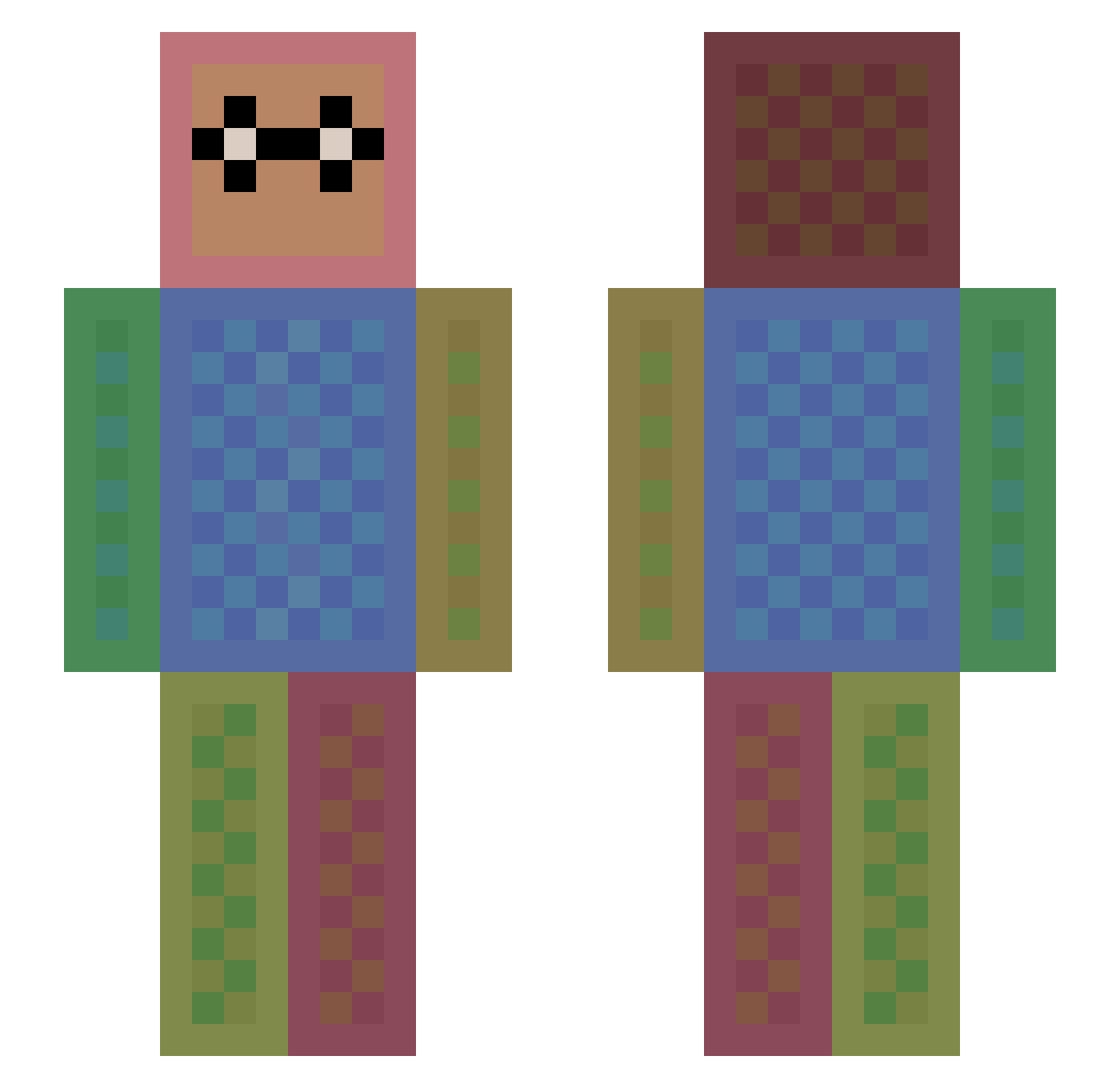
Current Minecraft skin of the player scrappycoco63, loaded from the official Mojang API. Rotate the 3D model with your mouse or finger, then download the skin as a PNG file and use it in Minecraft: Bedrock Edition or Java Edition for free. When scrappycoco63 changes their skin, this page updates automatically and the old skin stays in the history below.
Other players with this skin (1118)
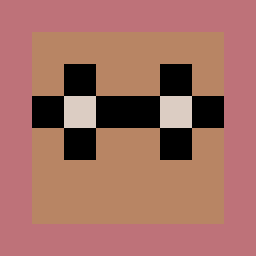
scrappycoco63 was the 689th player we have seen with this skin, first spotted on 20.09.2026. The same skin was seen on these players. Open a nickname to see their current skin and skin history.
 TyKonKet xImFresh27 skyordora RustyWillow stalysfa dukat74 dominator200 JoVi_Minecraft mopperpot1411 ricardo_gamer123 Aubz443 Crissy6 jayhmbn stefiss2 holeguacamole Kick_Minecraft donhackerman goku11092 HarryJoshua dreamnine KaiSugimoto trollotina grant022394 akaho Captaincreeper04 CocoaToothless Geek_mom Cat1021 Alejow Fifidoo Lapuliator TurbidLake42690 Petkesko RavenDragonic inarasoley jeppeisaksen Monster74000 WhiteHaven29 khb070810 Lulumani papablockhead_77 engelbf2 Tbavarian YounqClay sintyan Soled_by_ALUCARD purpleflower12 wald4tel Synox Knusperkalle07 TYRANTKlNG Ginger_101 wolfcarol55 Rheanydd agente2688 PurpleThunder515 SallySallySally AcidRoot futarou999 funnyshloth241
How to install the scrappycoco63 skin
- Press the Download button above to save the skin as a PNG file.
- Minecraft: Bedrock Edition (PE): open the Dressing Room from the main menu (or tap your character → Edit Character), go to Classic Skins → Owned, press the + (new skin) button, choose the downloaded PNG and pick the Slim (Alex) model. Works on PC and mobile; consoles cannot import custom skins.
- Minecraft: Java Edition: open the Minecraft Launcher, go to the Skins tab, click New Skin, load the PNG, pick the Slim (Alex) model and press Save & Use. You can also upload it at minecraft.net → Profile → Change Skin.
The skin does not show up after import - what should I do?
Restart Minecraft and open the Dressing Room again - imported skins sometimes appear only after a restart. Also make sure you selected the imported skin and picked the Slim (Alex) model.
Which model should I choose, Classic or Slim?
This skin is designed for the Slim (Alex) model. If you pick the wrong model, the arms of the skin will look stretched or squeezed.
Is the skin of scrappycoco63 free to download?
Yes. Press Download, save the PNG file and use it in Minecraft: Bedrock Edition or Java Edition - no payment or registration needed. The skin also works on multiplayer servers and Realms.
More skins
Looking for more? Go back to all Minecraft skins and check the top skins of the week, month and all time, or find any player's skin by nickname.