
sbarb18 - Minecraft Skins & Skin History
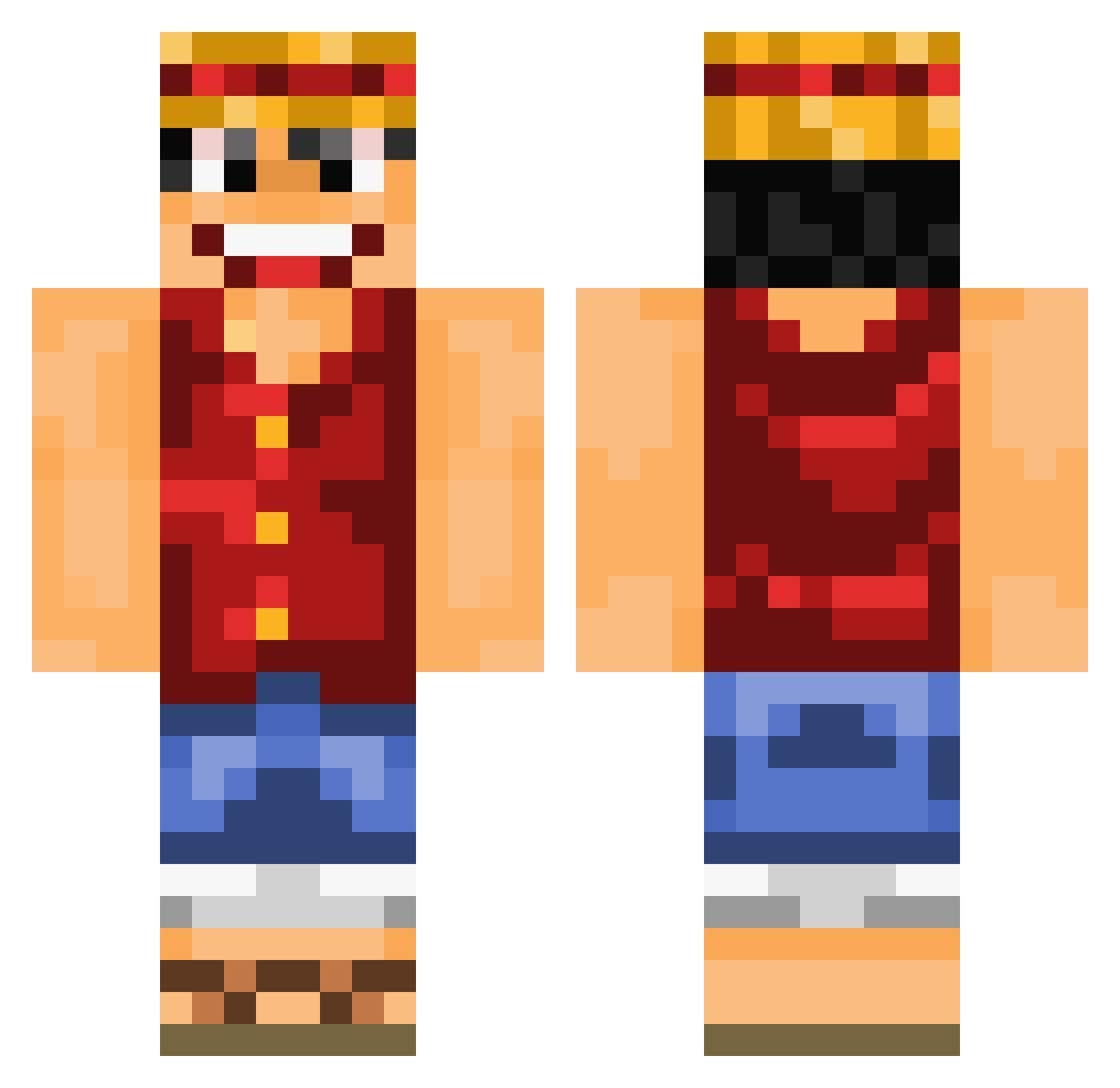
Current Minecraft skin of the player sbarb18, loaded from the official Mojang API. Rotate the 3D model with your mouse or finger, then download the skin as a PNG file and use it in Minecraft: Bedrock Edition or Java Edition for free. When sbarb18 changes their skin, this page updates automatically and the old skin stays in the history below.
Other players with this skin (892)
sbarb18 was the 564th player we have seen with this skin, first spotted on 25.09.2026. The same skin was seen on these players. Open a nickname to see their current skin and skin history.
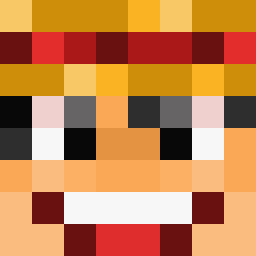 A_Ninja_22792 MaltusX reda101 AztecIceman guiguchuanqi DustinHungMan Firepantsu jonneydb ZeroHart Tomal2233 SayaSagara coinQ Leosch91 KingOTRing NKKS HornyHooter LightSpeed05 hardsun Cykon kill42471 Macacin159 jaylovett96 WiFi_DDOS graveplottt jadit2 Gugu876 radueu PiNKM0NST3R KnusperToast QueenB83 Jimma7 Hatake9182 stormher Denjiroh Joguspogu Maxou_74 TheMasterOneYT EPIC_CAKE_MAN max51379 Spanki3 Gingerlie sky_blue_5 bayooze StaticSabre Namonaki_Taicho inar85 Daedric_Winters _Chalry Mipo2 FPUnicorn Benzoic ASaltyArmy jay0095 devi381 Roms024 Popingis Matterhorn171 Macaroonii Kratos549 Sp3rmy
More Luffy Minecraft skins
How to install the sbarb18 skin
- Press the Download button above to save the skin as a PNG file.
- Minecraft: Bedrock Edition (PE): open the Dressing Room from the main menu (or tap your character → Edit Character), go to Classic Skins → Owned, press the + (new skin) button, choose the downloaded PNG and pick the Classic (Steve) model. Works on PC and mobile; consoles cannot import custom skins.
- Minecraft: Java Edition: open the Minecraft Launcher, go to the Skins tab, click New Skin, load the PNG, pick the Classic (Steve) model and press Save & Use. You can also upload it at minecraft.net → Profile → Change Skin.
The skin does not show up after import - what should I do?
Restart Minecraft and open the Dressing Room again - imported skins sometimes appear only after a restart. Also make sure you selected the imported skin and picked the Classic (Steve) model.
Which model should I choose, Classic or Slim?
This skin is designed for the Classic (Steve) model. If you pick the wrong model, the arms of the skin will look stretched or squeezed.
Is the skin of sbarb18 free to download?
Yes. Press Download, save the PNG file and use it in Minecraft: Bedrock Edition or Java Edition - no payment or registration needed. The skin also works on multiplayer servers and Realms.
More skins
Looking for more? Go back to all Minecraft skins and check the top skins of the week, month and all time, or find any player's skin by nickname.