
ryry201234 - Minecraft Skins & Skin History
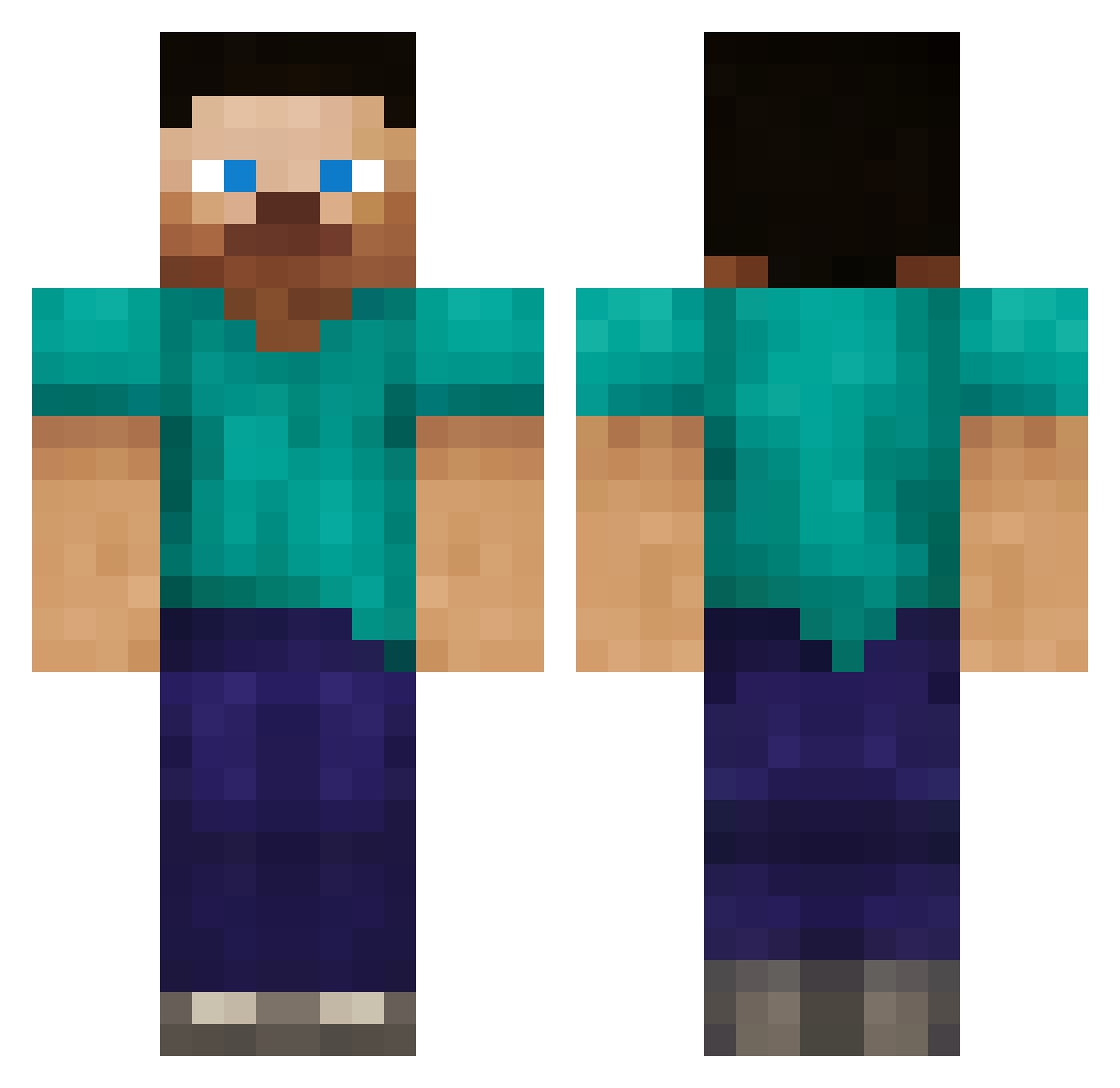
Current Minecraft skin of the player ryry201234, loaded from the official Mojang API. Rotate the 3D model with your mouse or finger, then download the skin as a PNG file and use it in Minecraft: Bedrock Edition or Java Edition for free. When ryry201234 changes their skin, this page updates automatically and the old skin stays in the history below.
Other players with this skin (387)
ryry201234 was the 45th player we have seen with this skin, first spotted on 10.08.2026. The same skin was seen on these players. Open a nickname to see their current skin and skin history.
 SCARTfreak well_diver Recanize_ Jelly419 M1ller tompje2000 Organspender poka528 xmas_unicorn ChickenMan52 muzzledcross19 avianna ewqewq321 marsmanmy UnterEsel wayutakemura s1ymodz jdthecreeper jasonschwindt SkipperStar cohlwood TheDuke62 liamsean9 BlackFlameZ1 charliek64 ChasetheButtaguy _GrizZ cjf_18 Topazu cjfem3110 griffinigan EmOrca Pandas27 OliverGrunewald 1HappyDog2345 slundgaard tylerjmead victor2001 SuperMartN99 AmsterIDam junemyst kokonatt WhiteWolfWorks sketchmark herobrinefan27 cheesebob101 Sehnsation PurpleSprout AmmonJohn jonnybgood55 tony1985 kittylover1104 jb0310 thehidenwolf GlobalG BeNyce Kitarn Kallekale shaurfst 1stPro
How to install the ryry201234 skin
- Press the Download button above to save the skin as a PNG file.
- Minecraft: Bedrock Edition (PE): open the Dressing Room from the main menu (or tap your character → Edit Character), go to Classic Skins → Owned, press the + (new skin) button, choose the downloaded PNG and pick the Classic (Steve) model. Works on PC and mobile; consoles cannot import custom skins.
- Minecraft: Java Edition: open the Minecraft Launcher, go to the Skins tab, click New Skin, load the PNG, pick the Classic (Steve) model and press Save & Use. You can also upload it at minecraft.net → Profile → Change Skin.
The skin does not show up after import - what should I do?
Restart Minecraft and open the Dressing Room again - imported skins sometimes appear only after a restart. Also make sure you selected the imported skin and picked the Classic (Steve) model.
Which model should I choose, Classic or Slim?
This skin is designed for the Classic (Steve) model. If you pick the wrong model, the arms of the skin will look stretched or squeezed.
Is the skin of ryry201234 free to download?
Yes. Press Download, save the PNG file and use it in Minecraft: Bedrock Edition or Java Edition - no payment or registration needed. The skin also works on multiplayer servers and Realms.
More skins
Looking for more? Go back to all Minecraft skins and check the top skins of the week, month and all time, or find any player's skin by nickname.