
rolvea - Minecraft Skins & Skin History
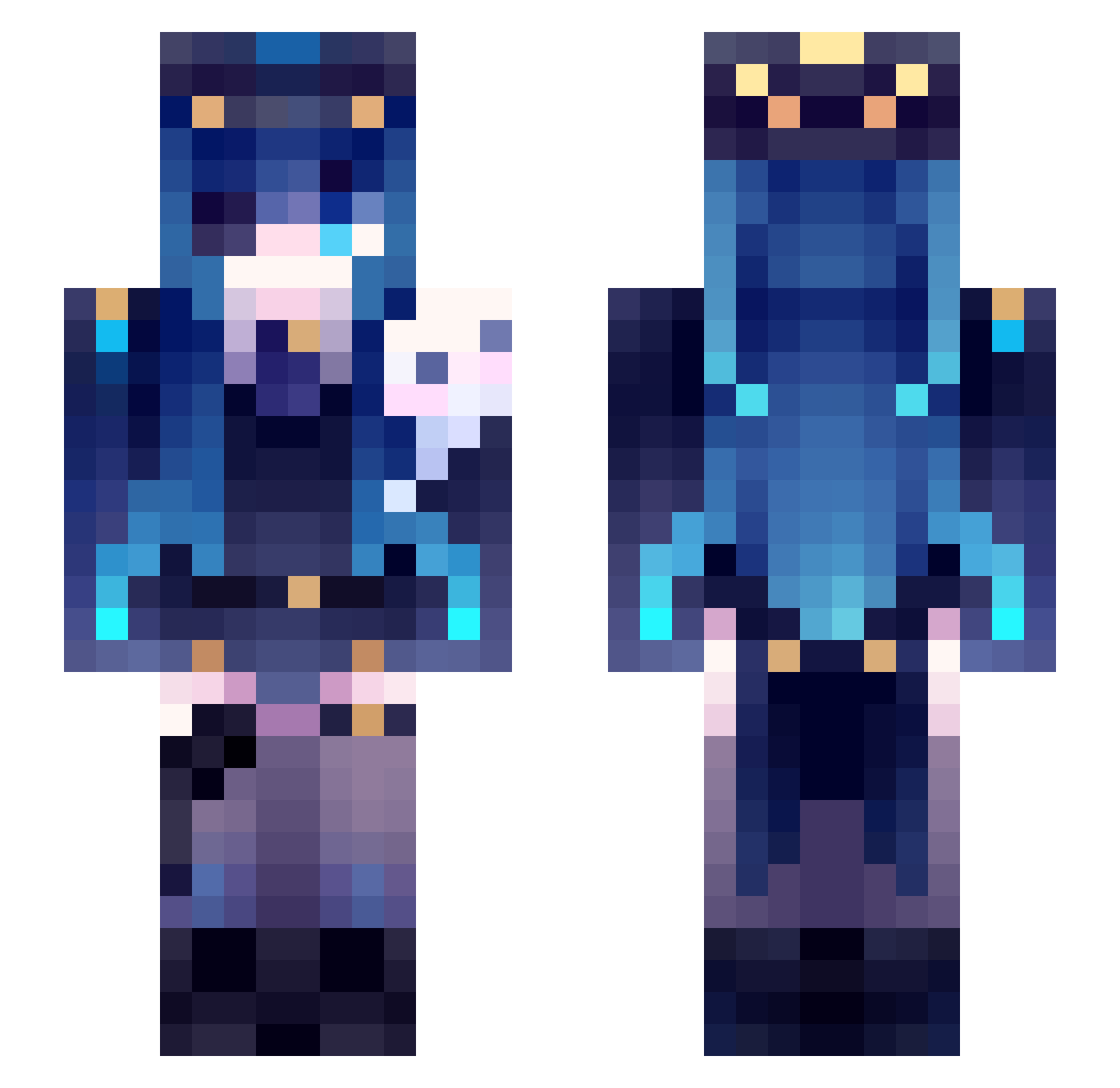
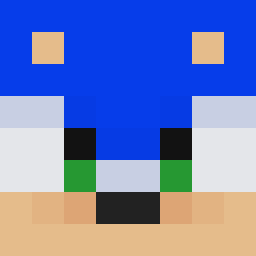
Current Minecraft skin of the player rolvea, loaded from the official Mojang API. Rotate the 3D model with your mouse or finger, then download the skin as a PNG file and use it in Minecraft: Bedrock Edition or Java Edition for free. When rolvea changes their skin, this page updates automatically and the old skin stays in the history below.
Other players with this skin (47)
rolvea was the 37th player we have seen with this skin, first spotted on 29.09.2026. The same skin was seen on these players. Open a nickname to see their current skin and skin history.
 EradZ_TMG EmptyShard sua3090 xXZerockXx Agutio zhongmao123 Scamp_x at1qs oPowder Hthaina Echo6988 sunwoong_ StinkyOnion1560 xDisaXter B0Bhh Mnameless_KingM ConejitoSalvaje lenainjaune Object167 XawokadoX AmbaritaGM Uaena_0918_ TuckerIzHere ignon_1 MiladyMitsuki lussifer45 xXNoLxveX Raidagon Prince_w_ kiekie0803 zercuzs skadilovely KysKa09 Pinkujjang GRYMTALE Tako0622 Aaknow QiuMeet DRAKOOM
 ErickB3597
 Katar_ MrxHuang
 LilAliReal NAMEKO000 Nagao16
 Igr1t moumi209
More Ninomae Ina'nis Minecraft skins
See all 48 Ninomae Ina'nis skins
How to install the rolvea skin
- Press the Download button above to save the skin as a PNG file.
- Minecraft: Bedrock Edition (PE): open the Dressing Room from the main menu (or tap your character → Edit Character), go to Classic Skins → Owned, press the + (new skin) button, choose the downloaded PNG and pick the Slim (Alex) model. Works on PC and mobile; consoles cannot import custom skins.
- Minecraft: Java Edition: open the Minecraft Launcher, go to the Skins tab, click New Skin, load the PNG, pick the Slim (Alex) model and press Save & Use. You can also upload it at minecraft.net → Profile → Change Skin.
The skin does not show up after import - what should I do?
Restart Minecraft and open the Dressing Room again - imported skins sometimes appear only after a restart. Also make sure you selected the imported skin and picked the Slim (Alex) model.
Which model should I choose, Classic or Slim?
This skin is designed for the Slim (Alex) model. If you pick the wrong model, the arms of the skin will look stretched or squeezed.
Is the skin of rolvea free to download?
Yes. Press Download, save the PNG file and use it in Minecraft: Bedrock Edition or Java Edition - no payment or registration needed. The skin also works on multiplayer servers and Realms.
More skins
Looking for more? Go back to all Minecraft skins and check the top skins of the week, month and all time, or find any player's skin by nickname.