
rmzan - Minecraft Skins & Skin History
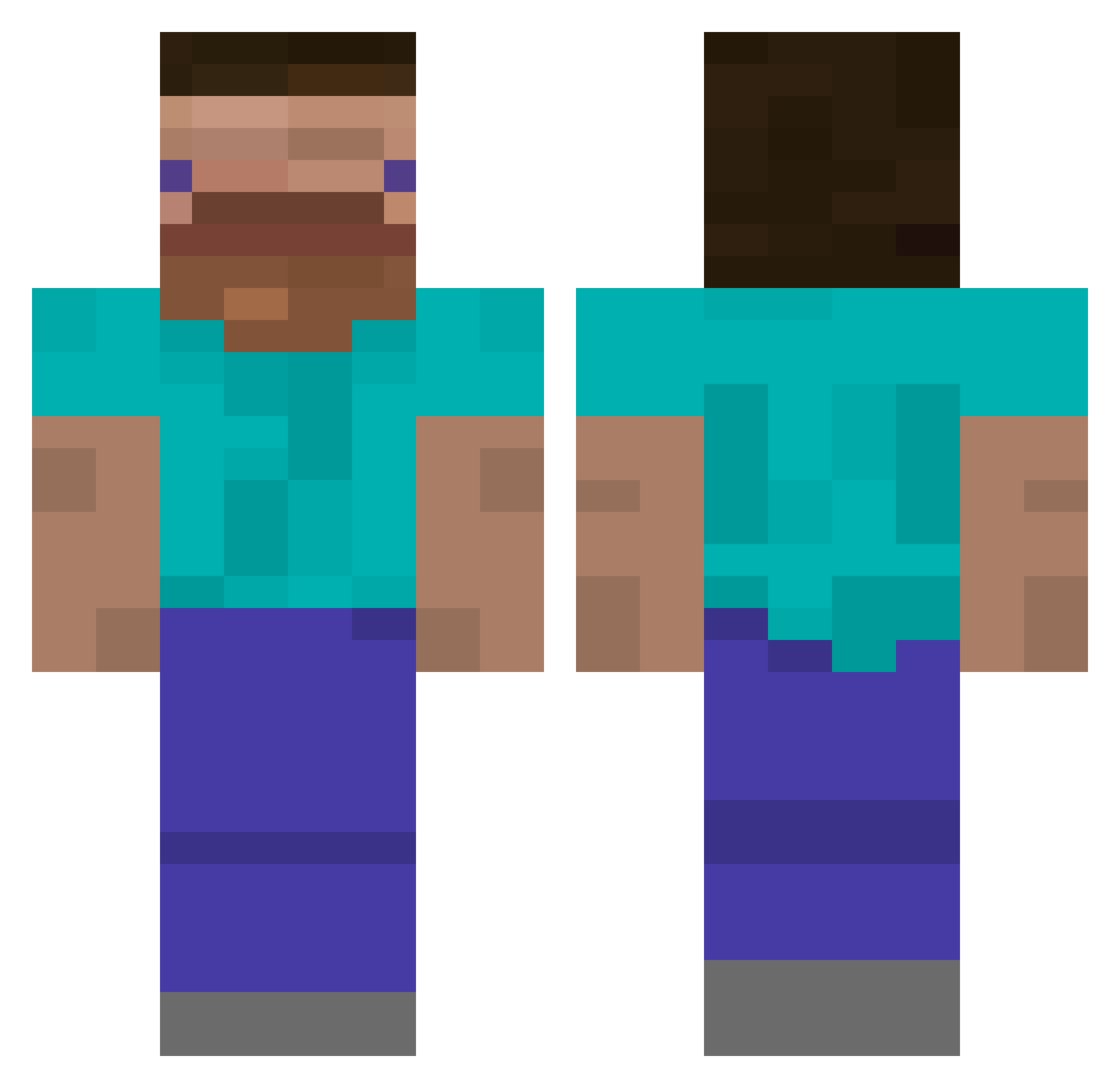
Current Minecraft skin of the player rmzan, loaded from the official Mojang API. Rotate the 3D model with your mouse or finger, then download the skin as a PNG file and use it in Minecraft: Bedrock Edition or Java Edition for free. When rmzan changes their skin, this page updates automatically and the old skin stays in the history below.
Other players with this skin (385)
rmzan was the 112th player we have seen with this skin, first spotted on 20.08.2026. The same skin was seen on these players. Open a nickname to see their current skin and skin history.
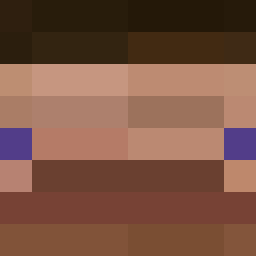 JudeischeSekte Codykitahara burakunf Mamkin_Investor Meinoce GamerYT21 P_igeon rev3nanTt micahmeekers aapo360 ivanchik232 Martypo TenMarr meattown Spotifiste Zqaii ABU7BEB BasedLawnmower FunnyBunny77 TangoRacc ShadowDruid Frosttzz_ Skaffafighter Ensoleile ogromn1 MirdaSDL bveg0788 Ilya_Monesy DySaPLay KJoonas Zaid000 SamBoy64 DAMDATASSBIG Hyuck2 sussybarka Stashuz aap_soep RamSleshKill maddox205 To0ostr DustyDinosaur Kg_GG_God F3nce33 Duduzezinho Arcad3r kurumaxs ZeroRedz Zummer001 el_papu6958 Hads616thanatos N0tCl0ud 6Lv McBeethoven12 TRiGanD148 b1te DerBigBlocky _N_i_g_h_t_ SmuckMock ZaKari0 GH1234567
How to install the rmzan skin
- Press the Download button above to save the skin as a PNG file.
- Minecraft: Bedrock Edition (PE): open the Dressing Room from the main menu (or tap your character → Edit Character), go to Classic Skins → Owned, press the + (new skin) button, choose the downloaded PNG and pick the Classic (Steve) model. Works on PC and mobile; consoles cannot import custom skins.
- Minecraft: Java Edition: open the Minecraft Launcher, go to the Skins tab, click New Skin, load the PNG, pick the Classic (Steve) model and press Save & Use. You can also upload it at minecraft.net → Profile → Change Skin.
The skin does not show up after import - what should I do?
Restart Minecraft and open the Dressing Room again - imported skins sometimes appear only after a restart. Also make sure you selected the imported skin and picked the Classic (Steve) model.
Which model should I choose, Classic or Slim?
This skin is designed for the Classic (Steve) model. If you pick the wrong model, the arms of the skin will look stretched or squeezed.
Is the skin of rmzan free to download?
Yes. Press Download, save the PNG file and use it in Minecraft: Bedrock Edition or Java Edition - no payment or registration needed. The skin also works on multiplayer servers and Realms.
More skins
Looking for more? Go back to all Minecraft skins and check the top skins of the week, month and all time, or find any player's skin by nickname.