
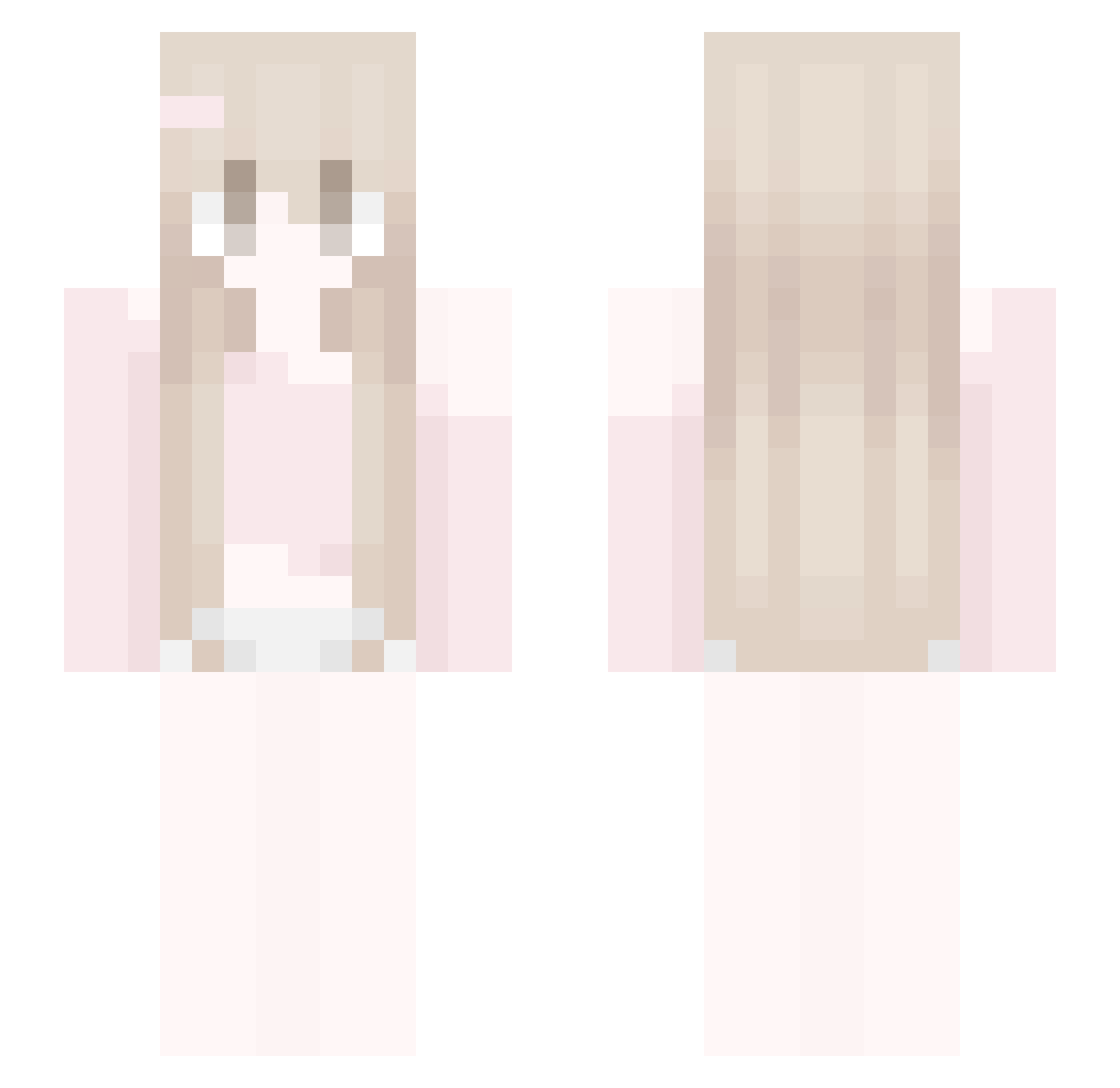
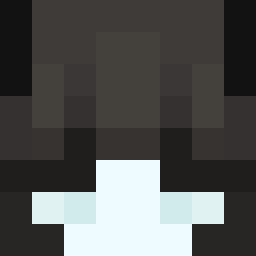
Current Minecraft skin of the player regrezadu, loaded from the official Mojang API. Rotate the 3D model with your mouse or finger, then download the skin as a PNG file and use it in Minecraft: Bedrock Edition or Java Edition for free. When regrezadu changes their skin, this page updates automatically and the old skin stays in the history below.
Other players with this skin (44)
regrezadu was the 5th player we have seen with this skin, first spotted on 29.07.2026. The same skin was seen on these players. Open a nickname to see their current skin and skin history.
 Hypergamer3d
 stqrly__
 OhLuvz
 sovnbs1 Duckzilla_11
 watermelon745
 vpia cutebaby67 Five_Five_Open__ C4TCR4FT 42Pointz KabelTypuC Anthologyc lianhe24 Taxen3545
 tweeksz_
 l4of xnerYi Kryspin288 S0uthernCross m9rksyyy LiberationDay GardenBlock2311 Nissansinha shamely liz_interna name567
 _Miusaa sky_013 Dropp3d_By_Mace SummerieFlex QUSTRY c2zt nearjane 1_io AnJun79720 Zhe1ie mimisakiii Kohana__ cheri1111 lehhonie Dragonniter mayalaflamm ysd971
More Cute Minecraft skins
How to install the regrezadu skin
- Press the Download button above to save the skin as a PNG file.
- Minecraft: Bedrock Edition (PE): open the Dressing Room from the main menu (or tap your character → Edit Character), go to Classic Skins → Owned, press the + (new skin) button, choose the downloaded PNG and pick the Slim (Alex) model. Works on PC and mobile; consoles cannot import custom skins.
- Minecraft: Java Edition: open the Minecraft Launcher, go to the Skins tab, click New Skin, load the PNG, pick the Slim (Alex) model and press Save & Use. You can also upload it at minecraft.net → Profile → Change Skin.
The skin does not show up after import - what should I do?
Restart Minecraft and open the Dressing Room again - imported skins sometimes appear only after a restart. Also make sure you selected the imported skin and picked the Slim (Alex) model.
Which model should I choose, Classic or Slim?
This skin is designed for the Slim (Alex) model. If you pick the wrong model, the arms of the skin will look stretched or squeezed.
Is the skin of regrezadu free to download?
Yes. Press Download, save the PNG file and use it in Minecraft: Bedrock Edition or Java Edition - no payment or registration needed. The skin also works on multiplayer servers and Realms.
More skins
Looking for more? Go back to all Minecraft skins and check the top skins of the week, month and all time, or find any player's skin by nickname.