
regiments - Minecraft Skins & Skin History
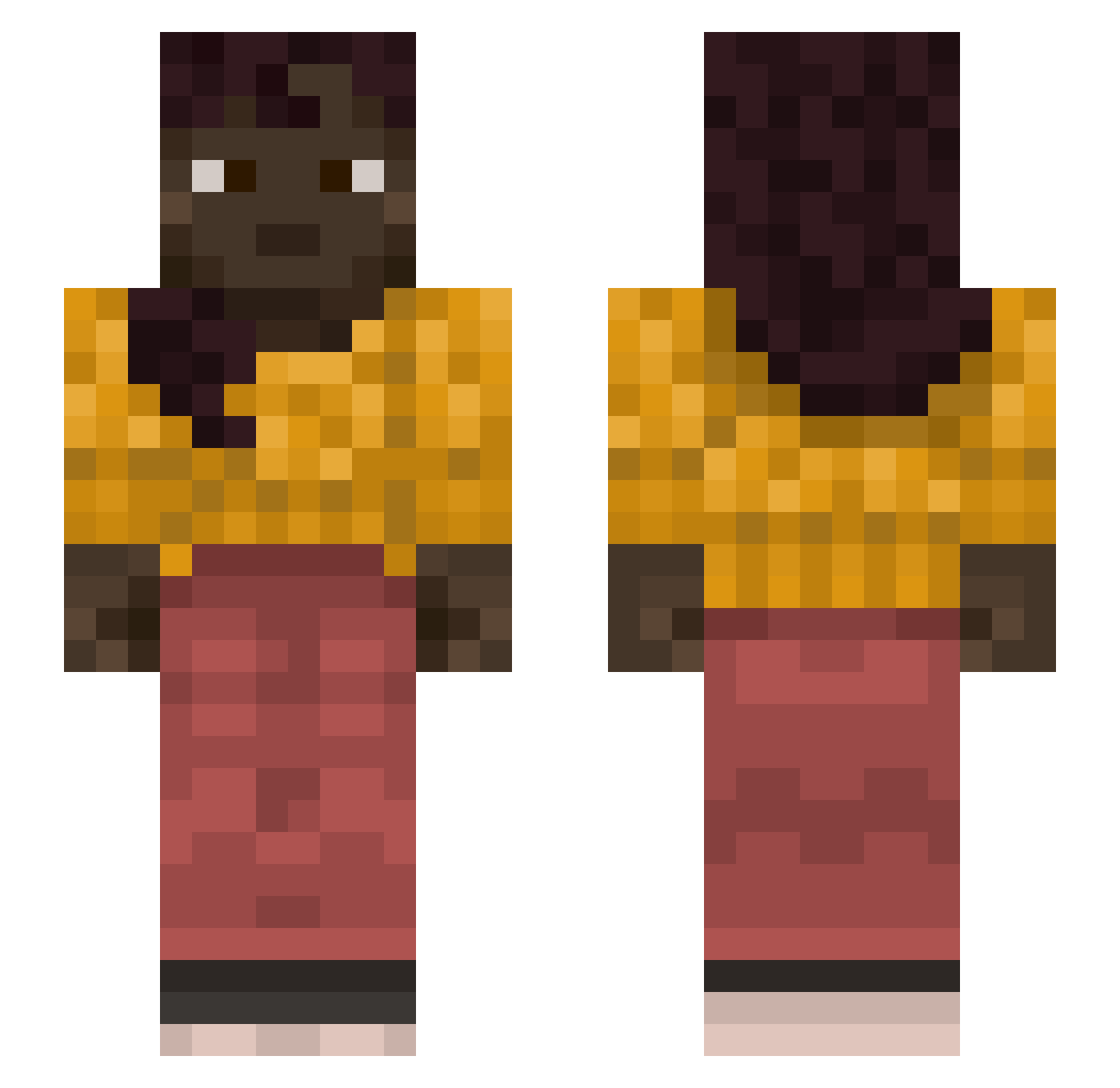
Current Minecraft skin of the player regiments, loaded from the official Mojang API. Rotate the 3D model with your mouse or finger, then download the skin as a PNG file and use it in Minecraft: Bedrock Edition or Java Edition for free. When regiments changes their skin, this page updates automatically and the old skin stays in the history below.
Other players with this skin (1368)
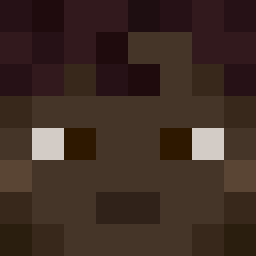
regiments was the 1119th player we have seen with this skin, first spotted on 02.11.2026. The same skin was seen on these players. Open a nickname to see their current skin and skin history.
 Mucksy whereup tolas foozle Succulently CheatLegende elas_ebara GMPluto OldMiao gayming700500 Mefiszto_F jeff_69 SamDoSquid cnhesteam5 Cichorium lonelyj3w Kristianlundgfe Stemt Dimon968m YellowWood Permittable L3ys yammijammy dhwndnjswkftodrl Pvp4Lifez Blertiva Fire_Fruit23 Darken_bruh Exquire Berserk_hellsing steamer Goosish todd9356 Sonnie yourmon Sandboy Bolivar Lated Chanukah Pulian _sqeax ROBOCOPSEPAR666 Cherrienade Anuesli96 WashHouse Whodunit anthracite ystrice YLYJA appurtenant unfav_ MAF370 Qxuars TaIiban_man citharoedus rasec Niruff Croyl YT_hell SpaghettiTricks
More Braid Minecraft skins
How to install the regiments skin
- Press the Download button above to save the skin as a PNG file.
- Minecraft: Bedrock Edition (PE): open the Dressing Room from the main menu (or tap your character → Edit Character), go to Classic Skins → Owned, press the + (new skin) button, choose the downloaded PNG and pick the Slim (Alex) model. Works on PC and mobile; consoles cannot import custom skins.
- Minecraft: Java Edition: open the Minecraft Launcher, go to the Skins tab, click New Skin, load the PNG, pick the Slim (Alex) model and press Save & Use. You can also upload it at minecraft.net → Profile → Change Skin.
The skin does not show up after import - what should I do?
Restart Minecraft and open the Dressing Room again - imported skins sometimes appear only after a restart. Also make sure you selected the imported skin and picked the Slim (Alex) model.
Which model should I choose, Classic or Slim?
This skin is designed for the Slim (Alex) model. If you pick the wrong model, the arms of the skin will look stretched or squeezed.
Is the skin of regiments free to download?
Yes. Press Download, save the PNG file and use it in Minecraft: Bedrock Edition or Java Edition - no payment or registration needed. The skin also works on multiplayer servers and Realms.
More skins
Looking for more? Go back to all Minecraft skins and check the top skins of the week, month and all time, or find any player's skin by nickname.