
ree1n - Minecraft Skins & Skin History
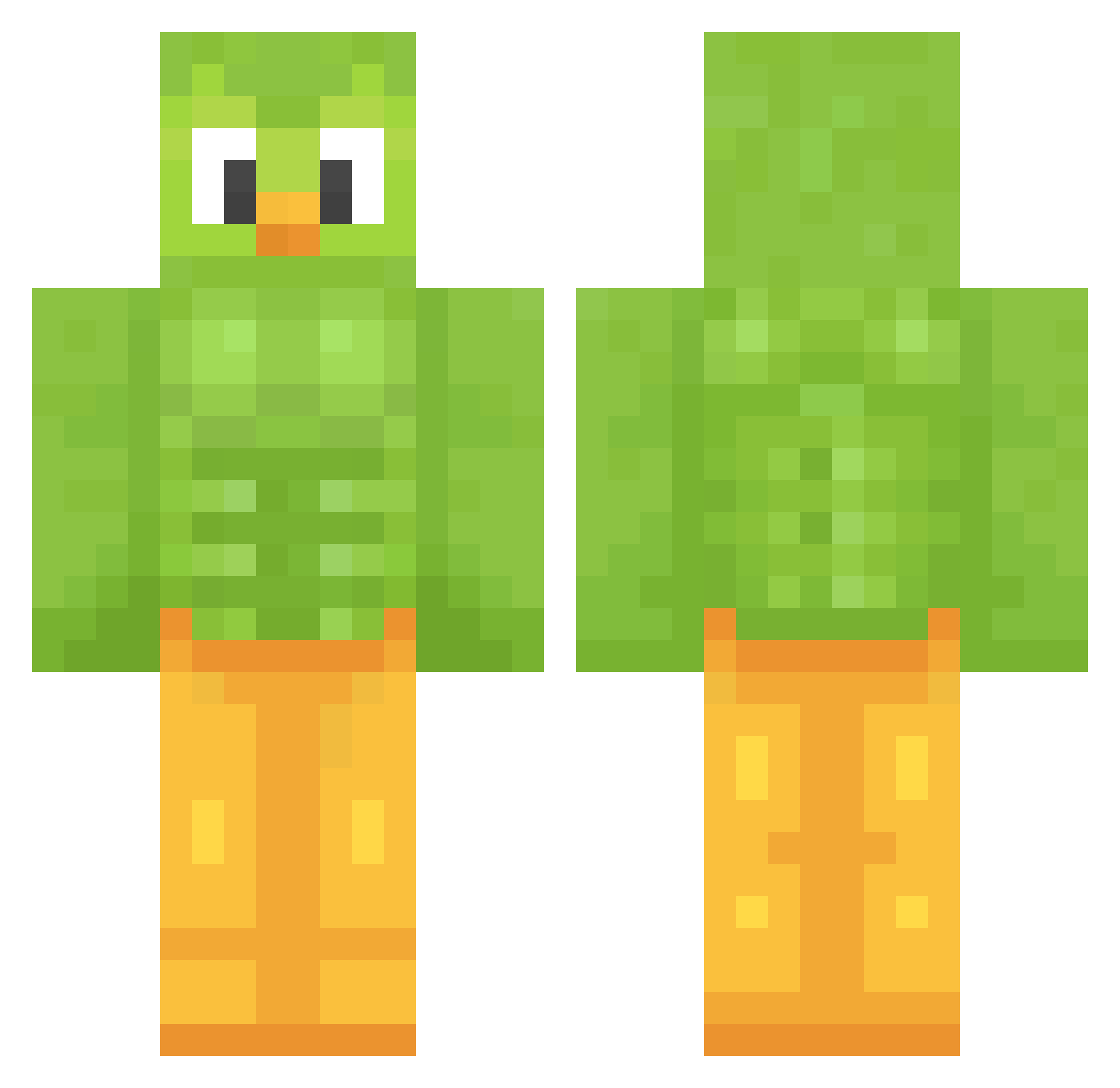
Current Minecraft skin of the player ree1n, loaded from the official Mojang API. Rotate the 3D model with your mouse or finger, then download the skin as a PNG file and use it in Minecraft: Bedrock Edition or Java Edition for free. When ree1n changes their skin, this page updates automatically and the old skin stays in the history below.
Other players with this skin (1207)
ree1n was the 808th player we have seen with this skin, first spotted on 01.10.2026. The same skin was seen on these players. Open a nickname to see their current skin and skin history.
 Krisitan enriko2013 Fe_lipe renako72 JoteGames Txokas HyperPencil LukasBeGaming23 powerplant5 Kricket510 josh2bee NeedlessClean551 ABCDE64 natsumaru358 Cyrillico bigbootyobama goalhen ZACKM555 IvanOsuna Xinov504 Andrewthegamer03 Superami XMungoX Sapone_Liquido23 eLKetazoGames Ciwin BazsiAnimal kawowek icecreamated Crewwa ComplainPirate Assassin_Cretin CheesyMen123 dex1st Tsunami_Creative TheRealKona Twonk8680 DancinGoblin DrBarbecue Wrench_33 aramif f3rmi CeciEstUnPseud0 Tominater144 Bumbleclux do_your_duolingo Jimbob_G BreadMaster_22 itsmillatime Kaedeuu _maxxxipad_ Ying_0227 RIP_Berserker Aschnack kibabern Jdogs1022 supergugogu theYONYman Nucknyan Azlop799
More Duo Minecraft skins
How to install the ree1n skin
- Press the Download button above to save the skin as a PNG file.
- Minecraft: Bedrock Edition (PE): open the Dressing Room from the main menu (or tap your character → Edit Character), go to Classic Skins → Owned, press the + (new skin) button, choose the downloaded PNG and pick the Classic (Steve) model. Works on PC and mobile; consoles cannot import custom skins.
- Minecraft: Java Edition: open the Minecraft Launcher, go to the Skins tab, click New Skin, load the PNG, pick the Classic (Steve) model and press Save & Use. You can also upload it at minecraft.net → Profile → Change Skin.
The skin does not show up after import - what should I do?
Restart Minecraft and open the Dressing Room again - imported skins sometimes appear only after a restart. Also make sure you selected the imported skin and picked the Classic (Steve) model.
Which model should I choose, Classic or Slim?
This skin is designed for the Classic (Steve) model. If you pick the wrong model, the arms of the skin will look stretched or squeezed.
Is the skin of ree1n free to download?
Yes. Press Download, save the PNG file and use it in Minecraft: Bedrock Edition or Java Edition - no payment or registration needed. The skin also works on multiplayer servers and Realms.
More skins
Looking for more? Go back to all Minecraft skins and check the top skins of the week, month and all time, or find any player's skin by nickname.