
redeyeballs10 - Minecraft Skins & Skin History
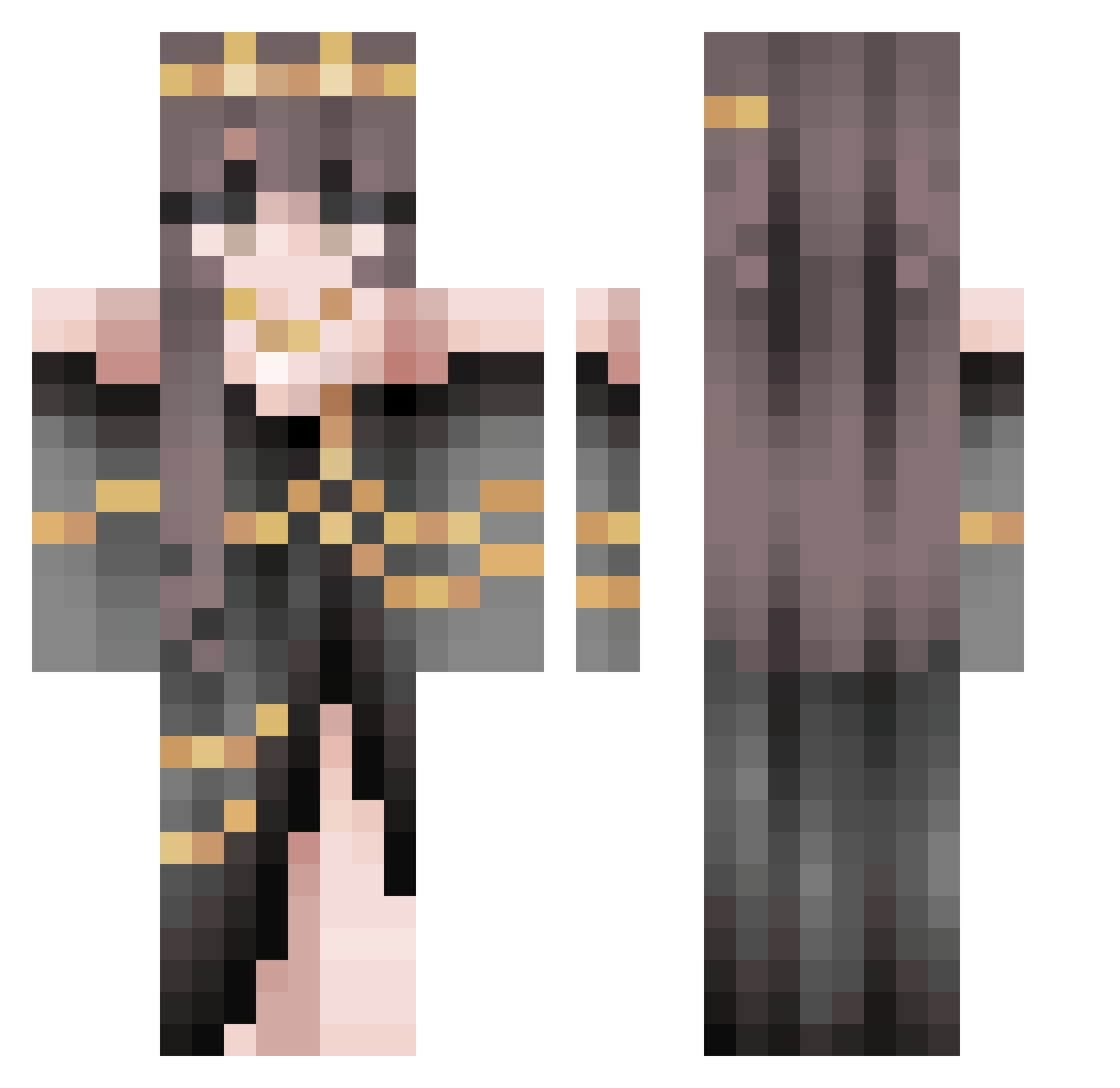
Current Minecraft skin of the player redeyeballs10, loaded from the official Mojang API. Rotate the 3D model with your mouse or finger, then download the skin as a PNG file and use it in Minecraft: Bedrock Edition or Java Edition for free. When redeyeballs10 changes their skin, this page updates automatically and the old skin stays in the history below.
Other players with this skin (485)
redeyeballs10 was the 205th player we have seen with this skin, first spotted on 02.09.2026. The same skin was seen on these players. Open a nickname to see their current skin and skin history.
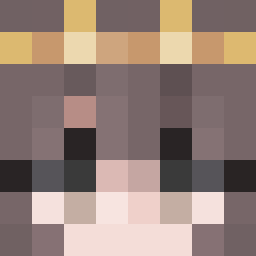 bookreader66 IsaChan0 SunflowerGal771 Vichalus ThatWizard Serahri oxward79 carrogamer LivyBee flymoonwolf13 TaquitoDeColores _P4dFoot_
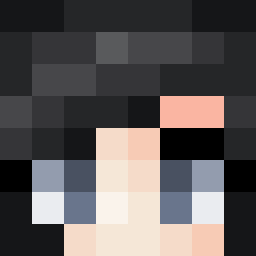 Antonialie Mystic_TRS Silencer247_ TheTaxMan06 Sukima_1 Vulpash Artemis0524 Glockcomamegs Emerald_Sky22 Ssharp1e lulyee Donut_Club HARDCORMARINE bellapotts iceprincess550 MilkMew lzSatoru R0B1NN1 ScarCaz xAlexandraa 10kamara HeyitsSYDWA julxqq Xavyln ShadowFoxXD ibramer Juniper_M Elise_Melody VenoraX TSUKI0_0 ArtemisV1 CuteBookNerd KaenSakazu Quarinah ChronicKatt cryptic_min kattegatsqueen rachou_slrh Hybrid_Kita Aelruna Koby217 TTUTT l_Keria_l Lune_Noir Rebeka2005 Smolbeebo Redalertnoobie
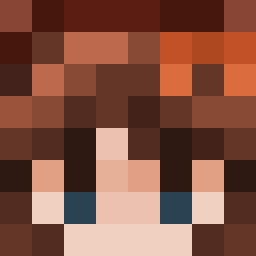 nightglitter
More Gold Jewelry Minecraft skins
How to install the redeyeballs10 skin
- Press the Download button above to save the skin as a PNG file.
- Minecraft: Bedrock Edition (PE): open the Dressing Room from the main menu (or tap your character → Edit Character), go to Classic Skins → Owned, press the + (new skin) button, choose the downloaded PNG and pick the Classic (Steve) model. Works on PC and mobile; consoles cannot import custom skins.
- Minecraft: Java Edition: open the Minecraft Launcher, go to the Skins tab, click New Skin, load the PNG, pick the Classic (Steve) model and press Save & Use. You can also upload it at minecraft.net → Profile → Change Skin.
The skin does not show up after import - what should I do?
Restart Minecraft and open the Dressing Room again - imported skins sometimes appear only after a restart. Also make sure you selected the imported skin and picked the Classic (Steve) model.
Which model should I choose, Classic or Slim?
This skin is designed for the Classic (Steve) model. If you pick the wrong model, the arms of the skin will look stretched or squeezed.
Is the skin of redeyeballs10 free to download?
Yes. Press Download, save the PNG file and use it in Minecraft: Bedrock Edition or Java Edition - no payment or registration needed. The skin also works on multiplayer servers and Realms.
More skins
Looking for more? Go back to all Minecraft skins and check the top skins of the week, month and all time, or find any player's skin by nickname.