
ratRat4 - Minecraft Skins & Skin History
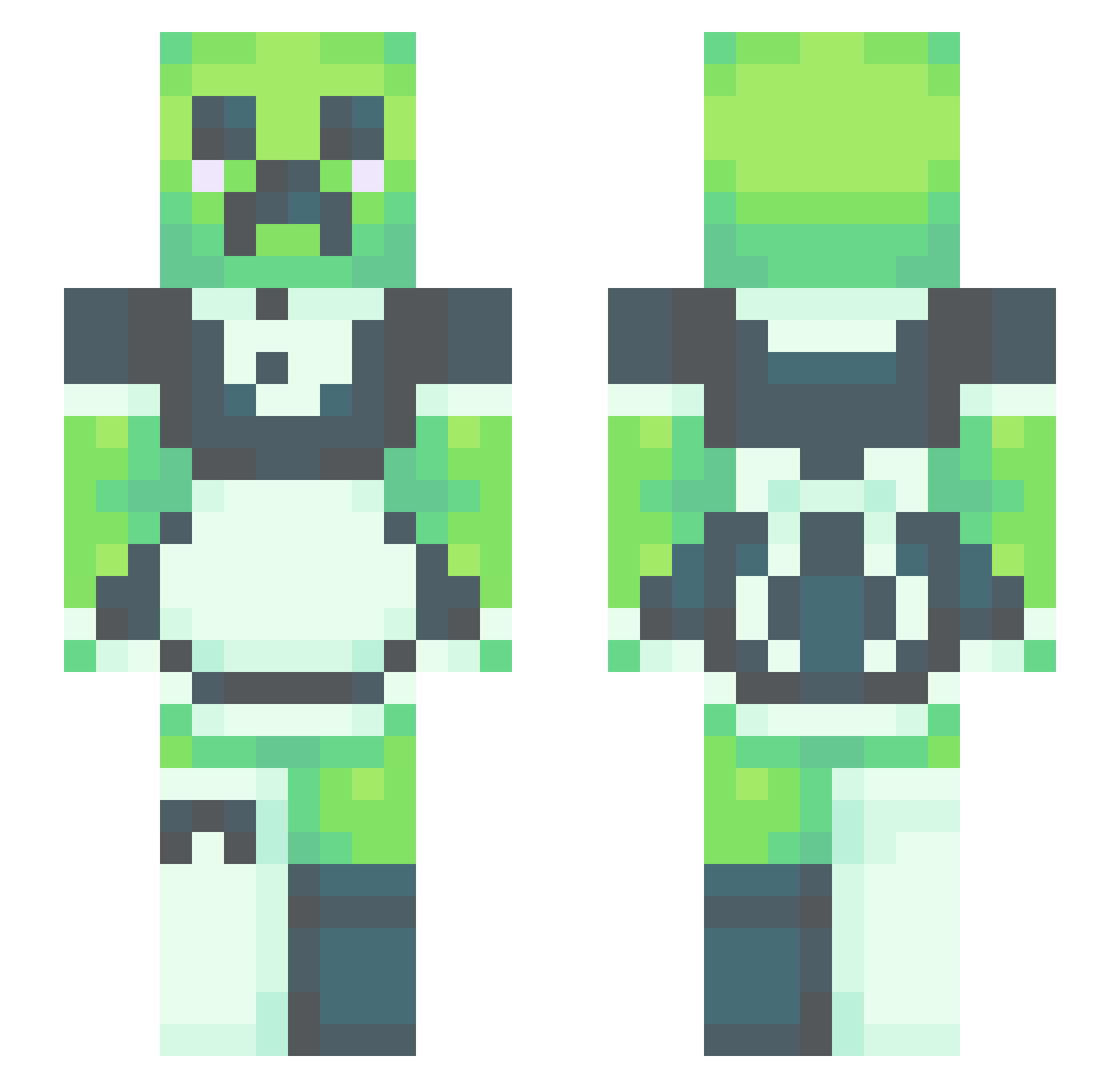
Current Minecraft skin of the player ratRat4, loaded from the official Mojang API. Rotate the 3D model with your mouse or finger, then download the skin as a PNG file and use it in Minecraft: Bedrock Edition or Java Edition for free. When ratRat4 changes their skin, this page updates automatically and the old skin stays in the history below.
Other players with this skin (531)
ratRat4 was the 108th player we have seen with this skin, first spotted on 16.08.2026. The same skin was seen on these players. Open a nickname to see their current skin and skin history.
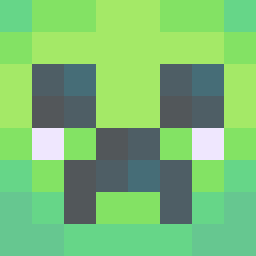 SammyDaHammy2001 Lilsy344 smalley34 seee0 Daralala MuVio CJTNL BrokenBoto CapnStraya paulokkkj Oo0OoOoO tikurin222 lilfireball My_Man_Rosco fullmoon06 CuteGirlTM RQRow starstxck Neasfry DaddyHotPocket
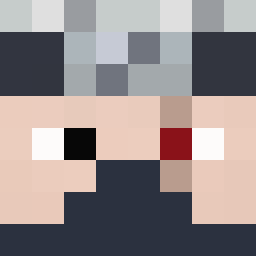 Gav12009 MakerT1 daniiwasheree axatol scorchmuffin Rentwood_ceo rosie_lia P3ix3s MigNight1132 NUGGS__ PiratesOnIce Tyrne typ0731 IkeaShark69 Pepita_Linda nevaeh_heaven4 Alishondra666 Lunallaa_ ButterMEup798 Zesbjorn SoldatOliv69 Serjio89 LamonSlices RowTyde ITSMEMARIO69 xXMoon_ShineXx BeEan_King Phidio benem_ Tubbeth hostilemuppet CRUELCASTLES Hell_Shrub martulyy dasha1362 deadmanspaceman Nylamira Alissor ShartyBae Parsack
More Maid Minecraft skins
How to install the ratRat4 skin
- Press the Download button above to save the skin as a PNG file.
- Minecraft: Bedrock Edition (PE): open the Dressing Room from the main menu (or tap your character → Edit Character), go to Classic Skins → Owned, press the + (new skin) button, choose the downloaded PNG and pick the Slim (Alex) model. Works on PC and mobile; consoles cannot import custom skins.
- Minecraft: Java Edition: open the Minecraft Launcher, go to the Skins tab, click New Skin, load the PNG, pick the Slim (Alex) model and press Save & Use. You can also upload it at minecraft.net → Profile → Change Skin.
The skin does not show up after import - what should I do?
Restart Minecraft and open the Dressing Room again - imported skins sometimes appear only after a restart. Also make sure you selected the imported skin and picked the Slim (Alex) model.
Which model should I choose, Classic or Slim?
This skin is designed for the Slim (Alex) model. If you pick the wrong model, the arms of the skin will look stretched or squeezed.
Is the skin of ratRat4 free to download?
Yes. Press Download, save the PNG file and use it in Minecraft: Bedrock Edition or Java Edition - no payment or registration needed. The skin also works on multiplayer servers and Realms.
More skins
Looking for more? Go back to all Minecraft skins and check the top skins of the week, month and all time, or find any player's skin by nickname.