
rapidzDMC - Minecraft Skins & Skin History
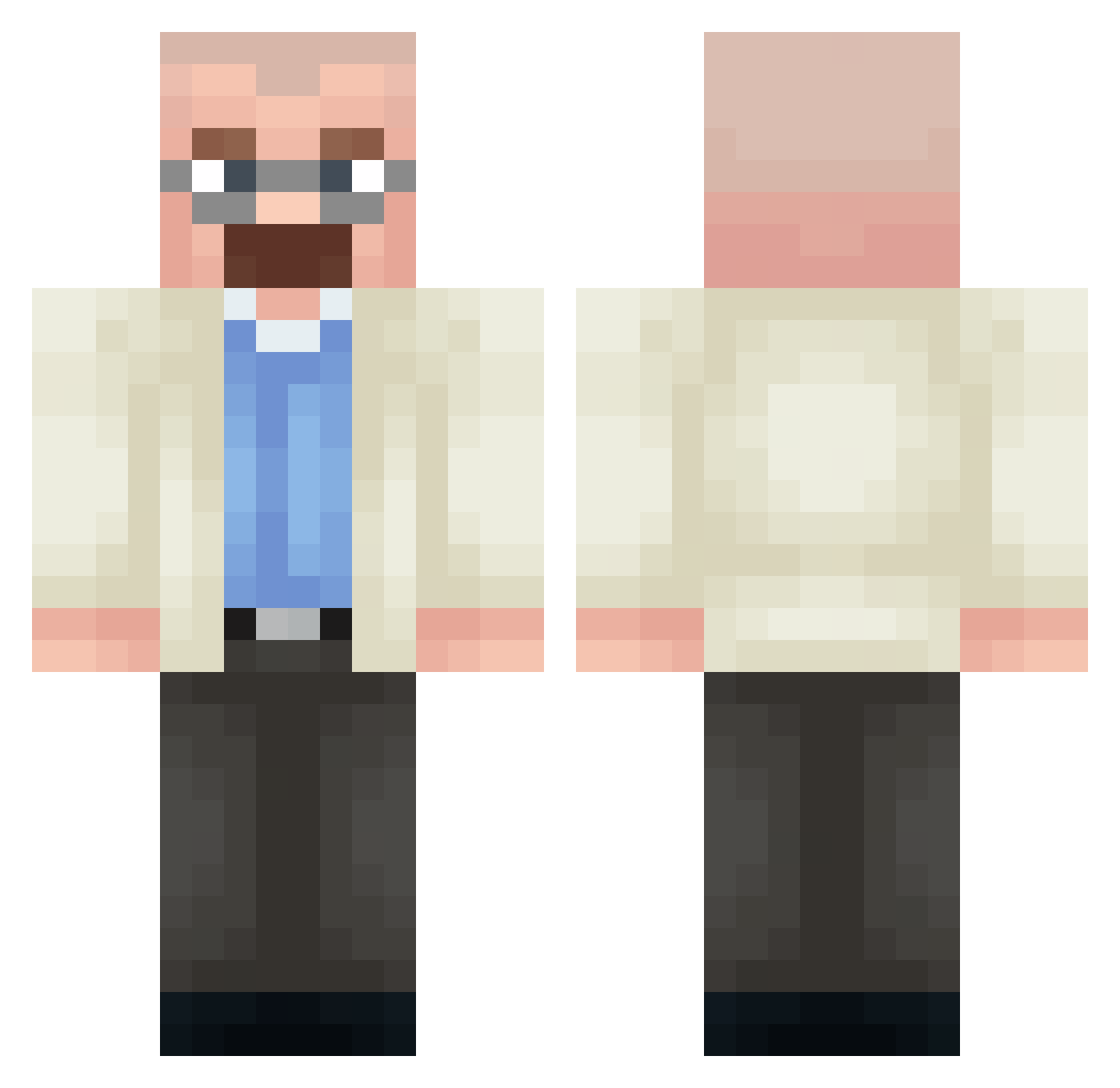
Current Minecraft skin of the player rapidzDMC, loaded from the official Mojang API. Rotate the 3D model with your mouse or finger, then download the skin as a PNG file and use it in Minecraft: Bedrock Edition or Java Edition for free. When rapidzDMC changes their skin, this page updates automatically and the old skin stays in the history below.
Other players with this skin (359)
rapidzDMC was the 336th player we have seen with this skin, first spotted on 26.10.2026. The same skin was seen on these players. Open a nickname to see their current skin and skin history.
 CsaAlvarez7 OlympiaN30 BIBLETUN talan_halv939437 Polich23 Hakqo 1nKZera LukeX16 JAKYTUNING adevega BedzieDobrze HOLY1MOLY Horax135 ham_drinker ch6lick Wiki_Pedia Bemsyh CzarnakaczkaV MerryMoosh estevaosbr Razacles hankekrzys Em3ka Termi9 kzxaql 0Tsuyoshi0 mauNds The_VoidX ManoloVeneno AlanDoscient0s Jintaroh Weazen1101 Danticool Raffolk AdmiralZapp robinyue o0Hawk0o daanyel natfeast ssiah TracyLinehan InformedCrowd10 Creeper_Cool dqmm Alek2603 Jorgito_pro Szyks0n Mamutiof 1_Vortexx Courjettes brain_meser 67Romek bebekbau Guttelajto Jonnyk28 HappiiZ MKD__OLI Temerrrra Steve54kamoo APEXPHANT0M
More Heisenberg Minecraft skins
How to install the rapidzDMC skin
- Press the Download button above to save the skin as a PNG file.
- Minecraft: Bedrock Edition (PE): open the Dressing Room from the main menu (or tap your character → Edit Character), go to Classic Skins → Owned, press the + (new skin) button, choose the downloaded PNG and pick the Classic (Steve) model. Works on PC and mobile; consoles cannot import custom skins.
- Minecraft: Java Edition: open the Minecraft Launcher, go to the Skins tab, click New Skin, load the PNG, pick the Classic (Steve) model and press Save & Use. You can also upload it at minecraft.net → Profile → Change Skin.
The skin does not show up after import - what should I do?
Restart Minecraft and open the Dressing Room again - imported skins sometimes appear only after a restart. Also make sure you selected the imported skin and picked the Classic (Steve) model.
Which model should I choose, Classic or Slim?
This skin is designed for the Classic (Steve) model. If you pick the wrong model, the arms of the skin will look stretched or squeezed.
Is the skin of rapidzDMC free to download?
Yes. Press Download, save the PNG file and use it in Minecraft: Bedrock Edition or Java Edition - no payment or registration needed. The skin also works on multiplayer servers and Realms.
More skins
Looking for more? Go back to all Minecraft skins and check the top skins of the week, month and all time, or find any player's skin by nickname.