
ramyam - Minecraft Skins & Skin History
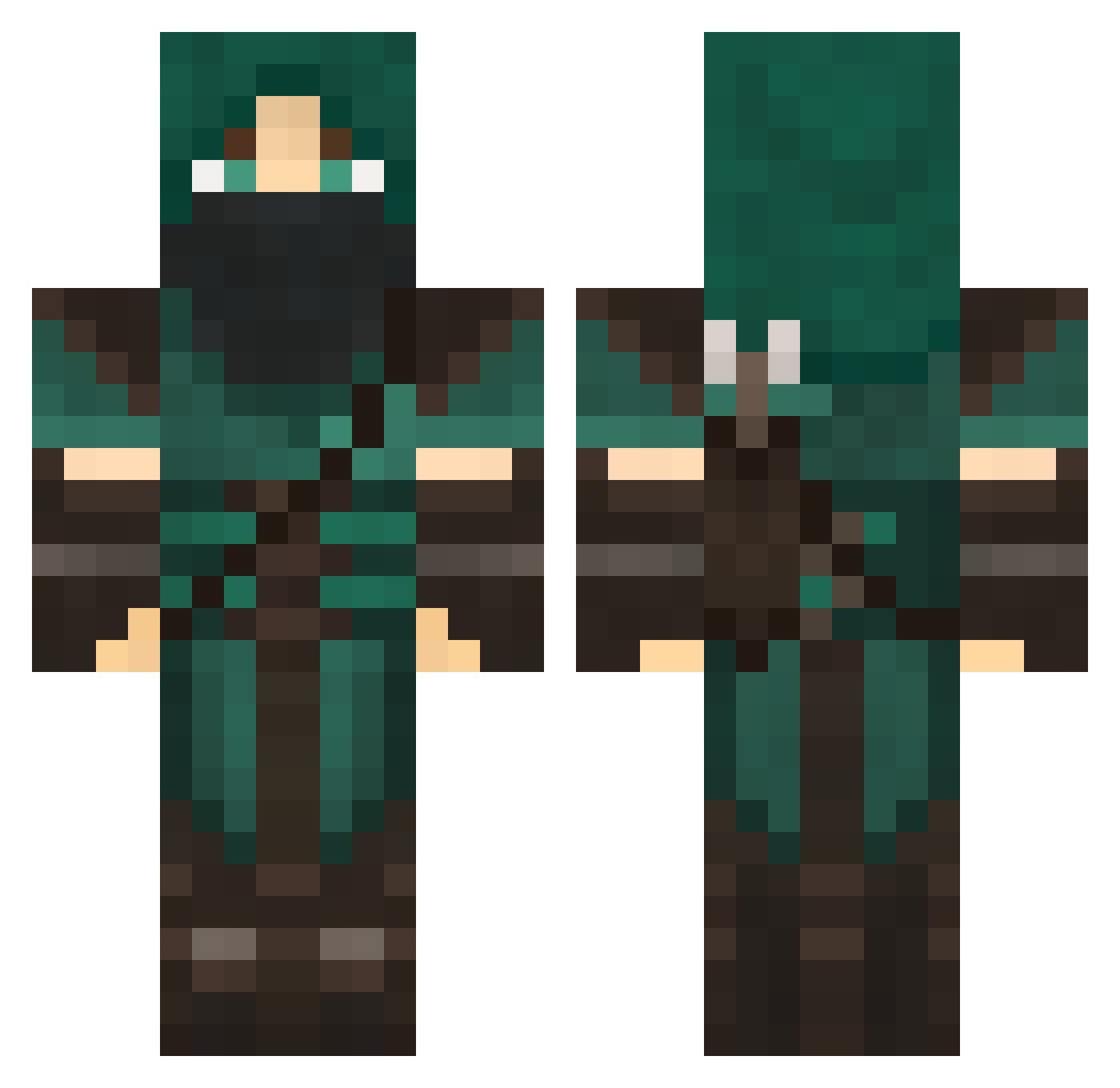
Current Minecraft skin of the player ramyam, loaded from the official Mojang API. Rotate the 3D model with your mouse or finger, then download the skin as a PNG file and use it in Minecraft: Bedrock Edition or Java Edition for free. When ramyam changes their skin, this page updates automatically and the old skin stays in the history below.
Other players with this skin (707)
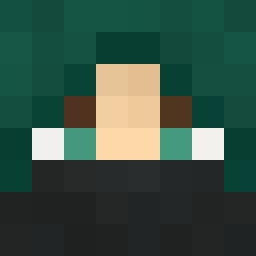
ramyam was the 102nd player we have seen with this skin, first spotted on 10.08.2026. The same skin was seen on these players. Open a nickname to see their current skin and skin history.
 Red_Nose ashhlyn_ xDont_Worryx PL0O caseyc00l liamt01 Xiolen moosekthompson Blackfire1603 Waulker Artsy 999rusto SmokinLoudd TheChosunOne Coduo7 Mextrai Belaan PsYkoLeGenDs Komodo321 zCorza Fasted Silvodes GrandmasterHanzo VikingFist Odd62 zgen1809 oodraft GAMERTACTICS742 luke4dead rriver714 2hotdogs ThatLovableNerd DrunkenMonkey97 Hambahgah Danish_Bocaj SeniorStekgryta Cylear vgunning ayy_lmao6969 Creepyspecter MurataHimeko ximpx TheRedKellogs todelo Jrjackson PhoenixNINJA15 JoeHolm Baracudah 8Olympia evanthegreatred Scouter_22 BOMBloader flying_bowser Sinistrality chuy2849 Torkie33 GroOwnz Ex_Ghost SodlidDesu Janderion
More Rogue Minecraft skins
How to install the ramyam skin
- Press the Download button above to save the skin as a PNG file.
- Minecraft: Bedrock Edition (PE): open the Dressing Room from the main menu (or tap your character → Edit Character), go to Classic Skins → Owned, press the + (new skin) button, choose the downloaded PNG and pick the Classic (Steve) model. Works on PC and mobile; consoles cannot import custom skins.
- Minecraft: Java Edition: open the Minecraft Launcher, go to the Skins tab, click New Skin, load the PNG, pick the Classic (Steve) model and press Save & Use. You can also upload it at minecraft.net → Profile → Change Skin.
The skin does not show up after import - what should I do?
Restart Minecraft and open the Dressing Room again - imported skins sometimes appear only after a restart. Also make sure you selected the imported skin and picked the Classic (Steve) model.
Which model should I choose, Classic or Slim?
This skin is designed for the Classic (Steve) model. If you pick the wrong model, the arms of the skin will look stretched or squeezed.
Is the skin of ramyam free to download?
Yes. Press Download, save the PNG file and use it in Minecraft: Bedrock Edition or Java Edition - no payment or registration needed. The skin also works on multiplayer servers and Realms.
More skins
Looking for more? Go back to all Minecraft skins and check the top skins of the week, month and all time, or find any player's skin by nickname.