
qxntmm - Minecraft Skins & Skin History
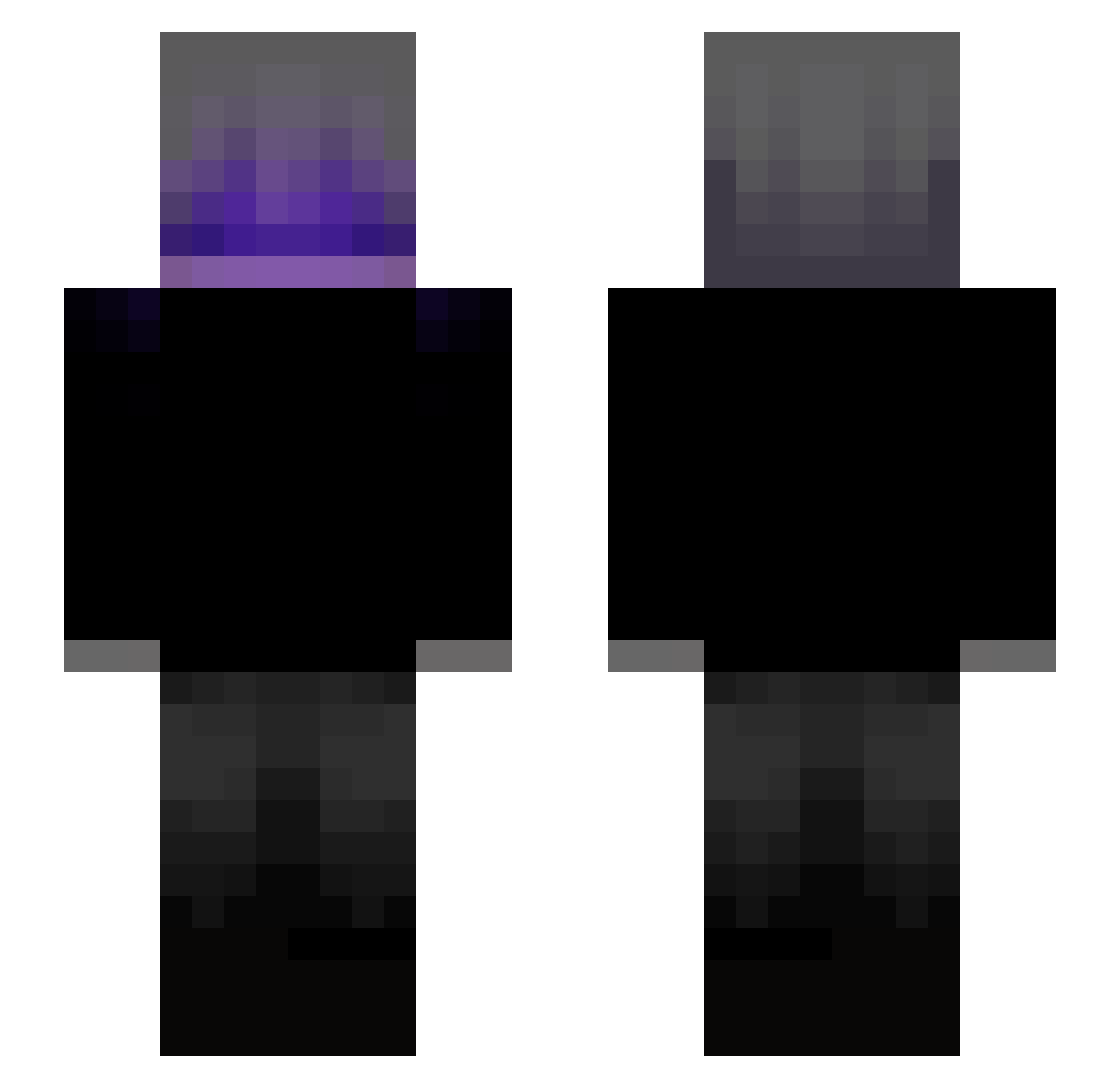
Current Minecraft skin of the player qxntmm, loaded from the official Mojang API. Rotate the 3D model with your mouse or finger, then download the skin as a PNG file and use it in Minecraft: Bedrock Edition or Java Edition for free. When qxntmm changes their skin, this page updates automatically and the old skin stays in the history below.
Other players with this skin (147)
qxntmm was the 97th player we have seen with this skin, first spotted on 22.09.2026. The same skin was seen on these players. Open a nickname to see their current skin and skin history.
 juninxlzn Dreko0o rodriguezz__ Fexbii AyaanTheDev tBO9I_KaRmA guaxinino kizzz1e foodEason bvisck dreevo szu1c jirka1000cz xNeang paqmannn rrxw26 WolfGhostPR Suhtra01 dobrigang TheReal_M4rco c1nobu_tw iloveasiangirlss GnyU1 SemCria_tividade marconnentx Einfach_Elektro Lez_X Taeteon09 Klipsi67 xbystaffeL Dimantpuika yKug Malgeist ItsAguZz HammerL4 manchadinho stokrotka2123 Herobrine_Null12 HEITOERTY articsunih Weric2232 JoaoVitorAP Stef0711 b1akk_ nJIoxou ForniteGame Bub3nsahne VSnapZ XbullArc NoparatTH AOM_77 zozozada syncroo1s QuyenAlime Fabizzin00 vaajk aetcen _Fazer07_ X_R3_ S4yang
More Emo Minecraft skins
How to install the qxntmm skin
- Press the Download button above to save the skin as a PNG file.
- Minecraft: Bedrock Edition (PE): open the Dressing Room from the main menu (or tap your character → Edit Character), go to Classic Skins → Owned, press the + (new skin) button, choose the downloaded PNG and pick the Slim (Alex) model. Works on PC and mobile; consoles cannot import custom skins.
- Minecraft: Java Edition: open the Minecraft Launcher, go to the Skins tab, click New Skin, load the PNG, pick the Slim (Alex) model and press Save & Use. You can also upload it at minecraft.net → Profile → Change Skin.
The skin does not show up after import - what should I do?
Restart Minecraft and open the Dressing Room again - imported skins sometimes appear only after a restart. Also make sure you selected the imported skin and picked the Slim (Alex) model.
Which model should I choose, Classic or Slim?
This skin is designed for the Slim (Alex) model. If you pick the wrong model, the arms of the skin will look stretched or squeezed.
Is the skin of qxntmm free to download?
Yes. Press Download, save the PNG file and use it in Minecraft: Bedrock Edition or Java Edition - no payment or registration needed. The skin also works on multiplayer servers and Realms.
More skins
Looking for more? Go back to all Minecraft skins and check the top skins of the week, month and all time, or find any player's skin by nickname.