
qwertyjklb - Minecraft Skins & Skin History
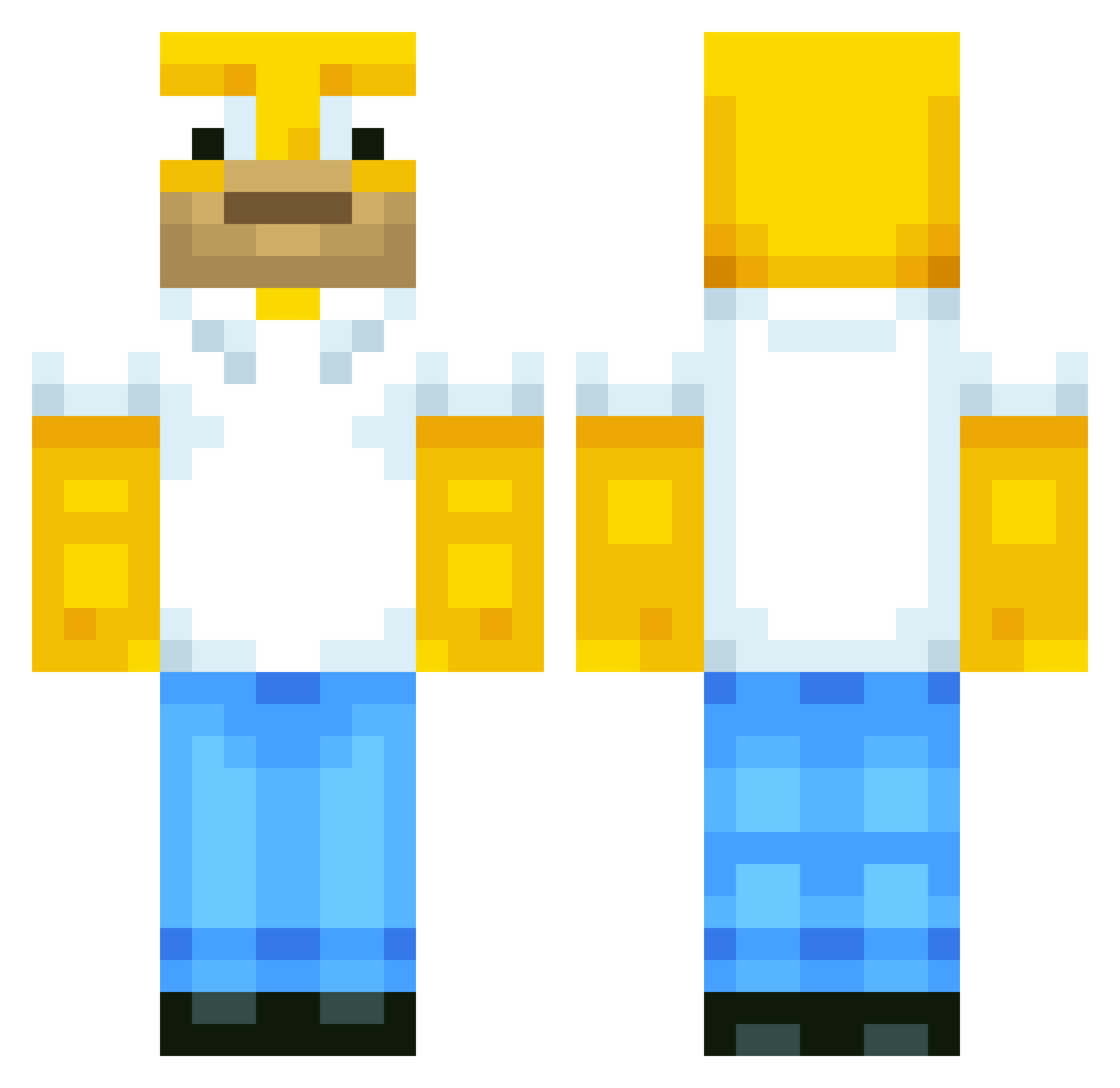
Current Minecraft skin of the player qwertyjklb, loaded from the official Mojang API. Rotate the 3D model with your mouse or finger, then download the skin as a PNG file and use it in Minecraft: Bedrock Edition or Java Edition for free. When qwertyjklb changes their skin, this page updates automatically and the old skin stays in the history below.
Other players with this skin (681)
qwertyjklb was the 585th player we have seen with this skin, first spotted on 23.10.2026. The same skin was seen on these players. Open a nickname to see their current skin and skin history.
 mozzorella PANCHOXD7 Forza2003 Hayden_69 Tehlews128 Blue_comando Someone0_0_0 gooby144 vLunarr WillMc17 GANGMEMBERSTEP Mildtapeworms ShortMountain10 BaJwA__ HomarGeymer Alyssea_FaceUp emils_bog FingerBlast6 xItWasMe Crawf0 jbm54 Herr_Adolf Pikachu2313 earbog Mucalino Greavesey1 Lubriette zscan FluffyFaltenMan Mtchiji murtato NotDann HoMeRKiLL cosmocat420 Very_Rude_Person feloston Ocedutieks Neronos45 gokwam kris0839663 Serking_ Garbi99 RhinoFunk Sordmen IEatCocoaPuffs Palacete14 EnchantedCactus GrzegorzWampir Hasiblasi DominatingBRO BigPichael Macjony BobEBobcat alexp1158 pepazdepa333 WeeBubble09 FlawlezzTime aymanjr ZX10Rrider HayCaramba
More Homer Simpson Minecraft skins
See all 334 Homer Simpson skins
How to install the qwertyjklb skin
- Press the Download button above to save the skin as a PNG file.
- Minecraft: Bedrock Edition (PE): open the Dressing Room from the main menu (or tap your character → Edit Character), go to Classic Skins → Owned, press the + (new skin) button, choose the downloaded PNG and pick the Classic (Steve) model. Works on PC and mobile; consoles cannot import custom skins.
- Minecraft: Java Edition: open the Minecraft Launcher, go to the Skins tab, click New Skin, load the PNG, pick the Classic (Steve) model and press Save & Use. You can also upload it at minecraft.net → Profile → Change Skin.
The skin does not show up after import - what should I do?
Restart Minecraft and open the Dressing Room again - imported skins sometimes appear only after a restart. Also make sure you selected the imported skin and picked the Classic (Steve) model.
Which model should I choose, Classic or Slim?
This skin is designed for the Classic (Steve) model. If you pick the wrong model, the arms of the skin will look stretched or squeezed.
Is the skin of qwertyjklb free to download?
Yes. Press Download, save the PNG file and use it in Minecraft: Bedrock Edition or Java Edition - no payment or registration needed. The skin also works on multiplayer servers and Realms.
More skins
Looking for more? Go back to all Minecraft skins and check the top skins of the week, month and all time, or find any player's skin by nickname.