
quadraticf - Minecraft Skins & Skin History
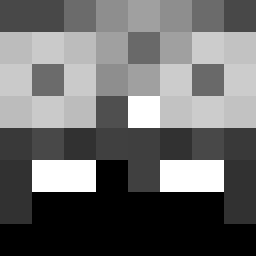
Current Minecraft skin of the player quadraticf, loaded from the official Mojang API. Rotate the 3D model with your mouse or finger, then download the skin as a PNG file and use it in Minecraft: Bedrock Edition or Java Edition for free. When quadraticf changes their skin, this page updates automatically and the old skin stays in the history below.
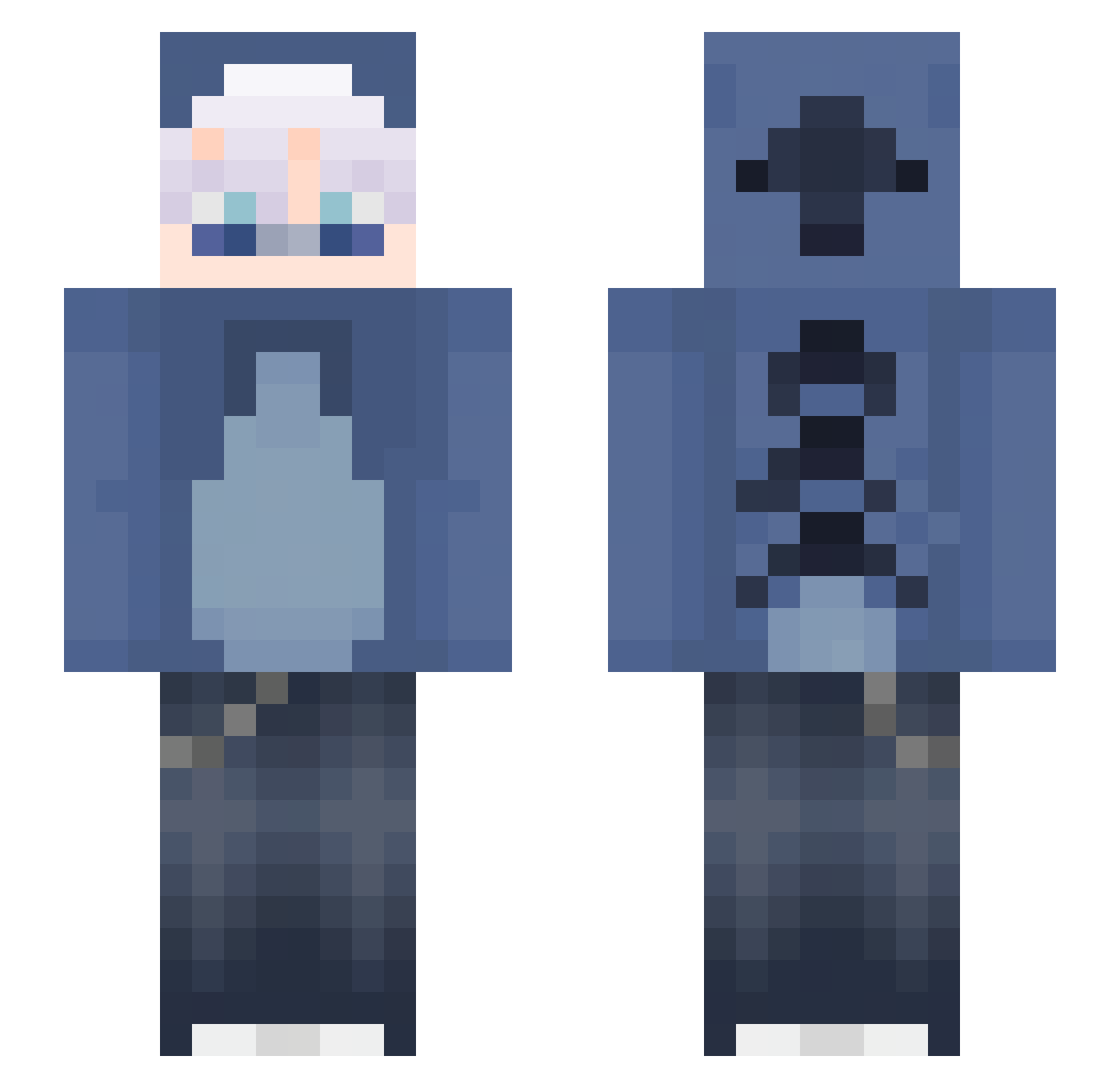
Other players with this skin (133)
quadraticf was the 75th player we have seen with this skin, first spotted on 09.09.2026. The same skin was seen on these players. Open a nickname to see their current skin and skin history.
 Juan_e2
 DOGEVC Hotraid_MC 00JSTN sharrpness
 xela5673 no0ctis _Xzj ItzMercy_ Edvin_SWE mamrencetokrence
 MaxMilan121212 LevinSkywalker thenderoftheend HOTSKYRED Is_Th1s_M1racle xSpezyy Rewightz Raccoon123999 TheEndMC itay_n MohaKShin CoopCoopK LuckyXGamer muskaaaaaa
 Bublrr
 BlockyBoi_ cheeses_mangos MeowM0 Atlas022
 ignDialis mrugajacy_kokon FluffyKillerog xNaxii D3vilhunn MaybeDino_ Zipprqz LuisMagKekse Ivox098
 LeFelipe Driftpro1990 YZYY1 b0ubou60 Swight0 IGotASwagShawty
 perrfectttt
 NotKampfZwerg MasterFlameMC r_ve SnowBranch Joago316397 zMakiraa TheWes1sOut Kchumon Annie_Bot Maki94 YiShengJun0725 Scrimz_ 1x9 f0idslay3r
More Lilo And Stitch Minecraft skins
See all 491 Lilo And Stitch skins
How to install the quadraticf skin
- Press the Download button above to save the skin as a PNG file.
- Minecraft: Bedrock Edition (PE): open the Dressing Room from the main menu (or tap your character → Edit Character), go to Classic Skins → Owned, press the + (new skin) button, choose the downloaded PNG and pick the Slim (Alex) model. Works on PC and mobile; consoles cannot import custom skins.
- Minecraft: Java Edition: open the Minecraft Launcher, go to the Skins tab, click New Skin, load the PNG, pick the Slim (Alex) model and press Save & Use. You can also upload it at minecraft.net → Profile → Change Skin.
The skin does not show up after import - what should I do?
Restart Minecraft and open the Dressing Room again - imported skins sometimes appear only after a restart. Also make sure you selected the imported skin and picked the Slim (Alex) model.
Which model should I choose, Classic or Slim?
This skin is designed for the Slim (Alex) model. If you pick the wrong model, the arms of the skin will look stretched or squeezed.
Is the skin of quadraticf free to download?
Yes. Press Download, save the PNG file and use it in Minecraft: Bedrock Edition or Java Edition - no payment or registration needed. The skin also works on multiplayer servers and Realms.
More skins
Looking for more? Go back to all Minecraft skins and check the top skins of the week, month and all time, or find any player's skin by nickname.