
qjabbs - Minecraft Skins & Skin History
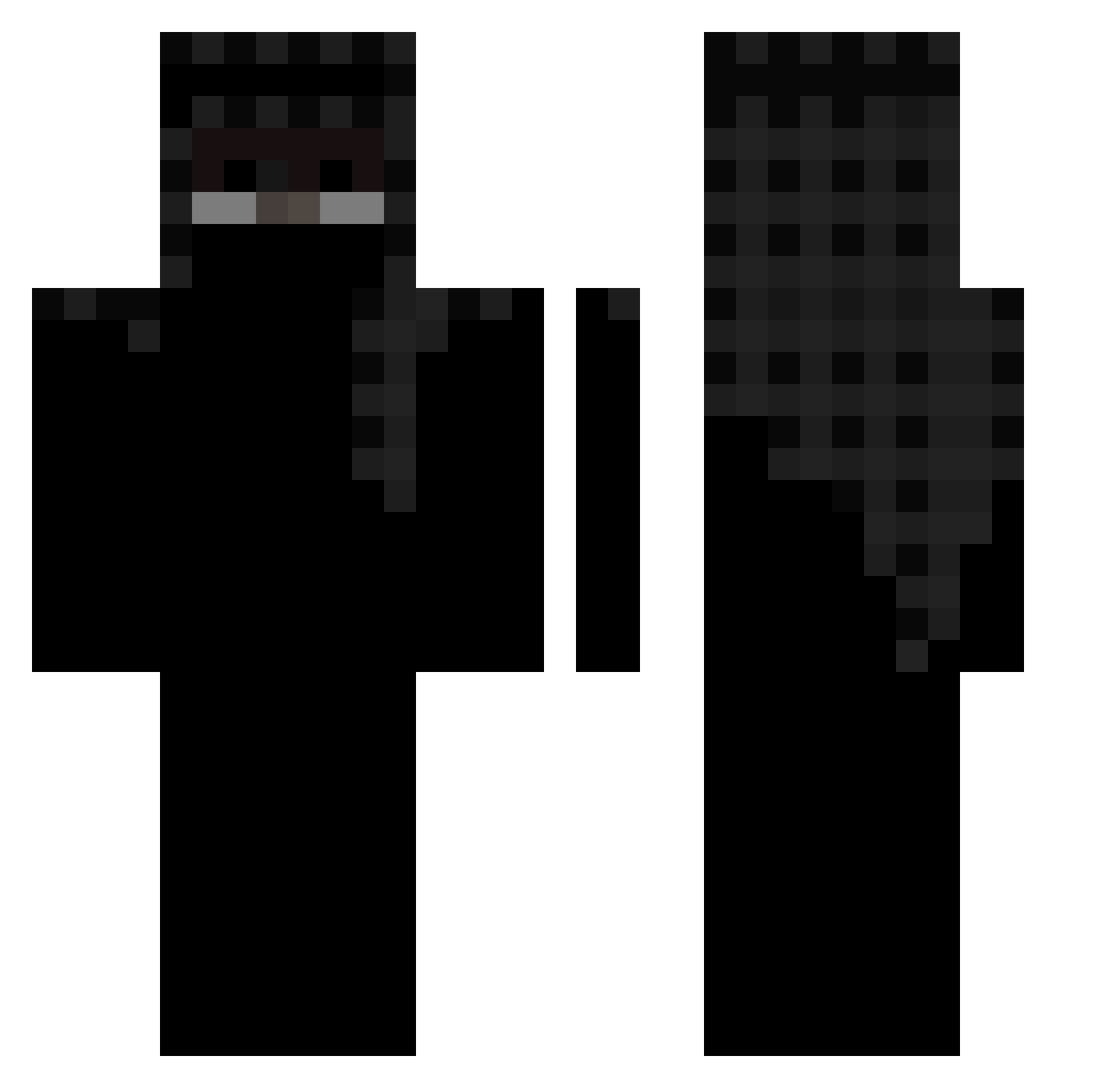
Current Minecraft skin of the player qjabbs, loaded from the official Mojang API. Rotate the 3D model with your mouse or finger, then download the skin as a PNG file and use it in Minecraft: Bedrock Edition or Java Edition for free. When qjabbs changes their skin, this page updates automatically and the old skin stays in the history below.
Other players with this skin (453)
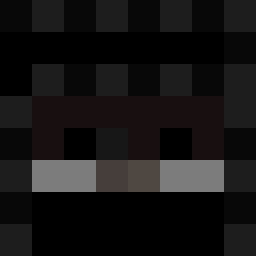
qjabbs was the 416th player we have seen with this skin, first spotted on 24.10.2026. The same skin was seen on these players. Open a nickname to see their current skin and skin history.
 ShinjuInui Swix1x 2Y7 gnmi LogicalDodger_ Twuu PodlaskieH Captin_Rex2013 anselsss valiiid ItzzShade iTxzer Cookanator98 978k bye7295 PathChosen RaianNoDrip __kermit__1 Wolvez9 Blacqi 999white999 DeSqlesh ZR__ Flawlesspq sensei_banana BONGORITO JuanFranHN SmileUC gvtm Dead_Convex Marius8Danmark archiveZeph ensc5d henrikoperiko _dpz_ mizoooooo Swaxz1337 Apex_Mega22 scivvv Grassrealm slidarx_ IntentStore69 restington Veliki_Peder Tr1pleSeven777 Charlooch Dochiborochi aurkei H3reux Reset2006 SNUPIFKTRICHYMUM Salt_Aspect Stromleitung AMBIGIO veaak r4utes IGIIGI Taijutsus Straiigg Mattyas2712
More Headscarf Minecraft skins
How to install the qjabbs skin
- Press the Download button above to save the skin as a PNG file.
- Minecraft: Bedrock Edition (PE): open the Dressing Room from the main menu (or tap your character → Edit Character), go to Classic Skins → Owned, press the + (new skin) button, choose the downloaded PNG and pick the Classic (Steve) model. Works on PC and mobile; consoles cannot import custom skins.
- Minecraft: Java Edition: open the Minecraft Launcher, go to the Skins tab, click New Skin, load the PNG, pick the Classic (Steve) model and press Save & Use. You can also upload it at minecraft.net → Profile → Change Skin.
The skin does not show up after import - what should I do?
Restart Minecraft and open the Dressing Room again - imported skins sometimes appear only after a restart. Also make sure you selected the imported skin and picked the Classic (Steve) model.
Which model should I choose, Classic or Slim?
This skin is designed for the Classic (Steve) model. If you pick the wrong model, the arms of the skin will look stretched or squeezed.
Is the skin of qjabbs free to download?
Yes. Press Download, save the PNG file and use it in Minecraft: Bedrock Edition or Java Edition - no payment or registration needed. The skin also works on multiplayer servers and Realms.
More skins
Looking for more? Go back to all Minecraft skins and check the top skins of the week, month and all time, or find any player's skin by nickname.