
qingqiu5 - Minecraft Skins & Skin History
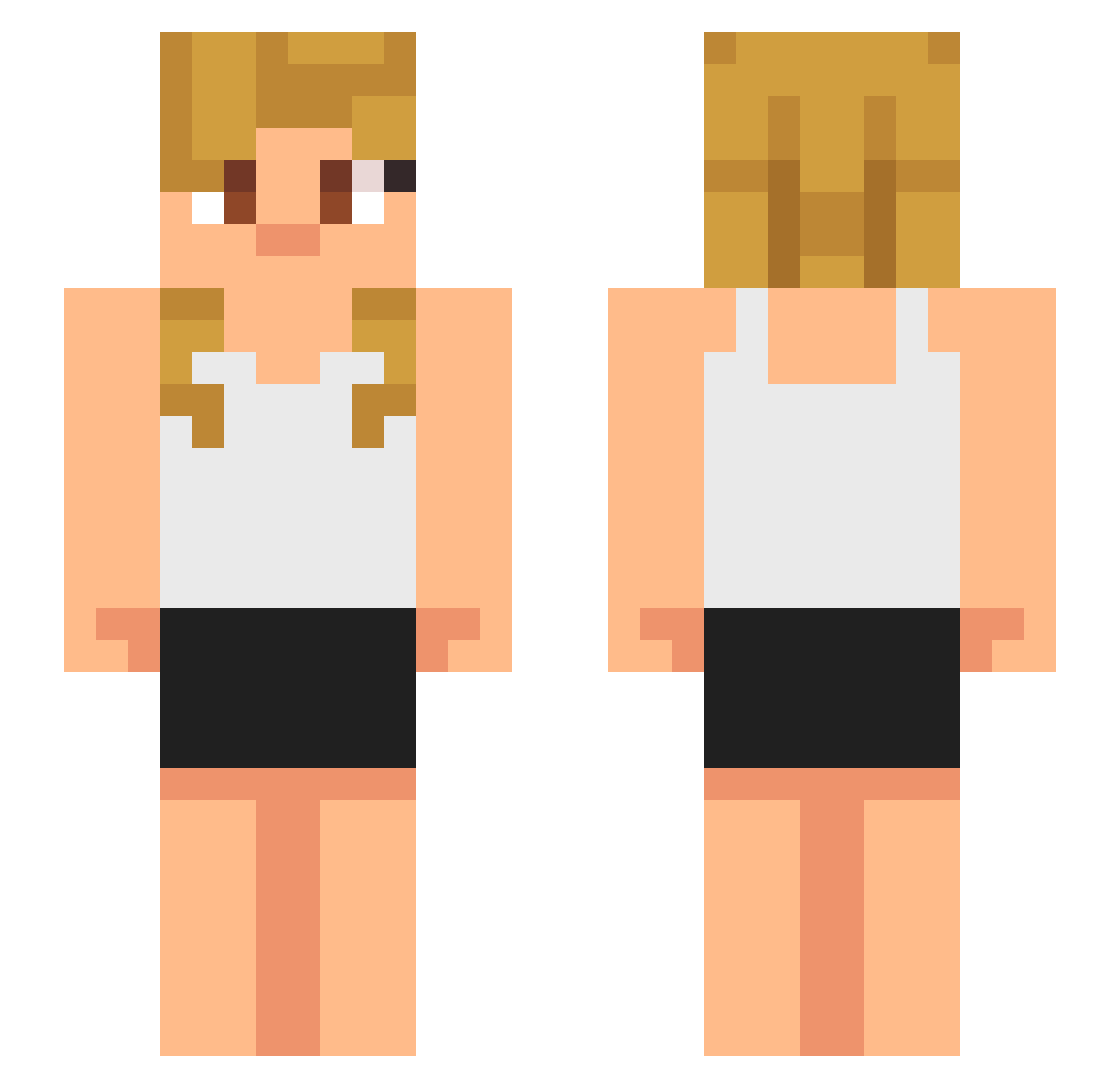
Current Minecraft skin of the player qingqiu5, loaded from the official Mojang API. Rotate the 3D model with your mouse or finger, then download the skin as a PNG file and use it in Minecraft: Bedrock Edition or Java Edition for free. When qingqiu5 changes their skin, this page updates automatically and the old skin stays in the history below.
Other players with this skin (632)
qingqiu5 was the 601st player we have seen with this skin, first spotted on 02.11.2026. The same skin was seen on these players. Open a nickname to see their current skin and skin history.
 CowboyMike2002 tykjj Rapier17 Fetoproc kekeraptor31 CronkMan420 Ahren7413 Josewe CrimsonTitan7 WhiteWolf9010 BatorKills Mhog CyanAxolotl_SSTR Thetheleo Fmafu jomw411 tha_bread ENCRYPTED8238 AwesomePizzas pys77 HeroPikachu251 poppie1750 wanderfair13 Elmoo45 yousefboy17 Skyler_King Purin_UwU AnThamLam Skyy_Kingston bobbyscott efhovso ssunchan SmigloRobertino NiceKez phph1234 AxlDestroyer Dman200987 PrimalRat9184 ivx6 skullzzz_____ churchel thaqilOneal GamerG24 dblack69 AgingCastle rohVex Efrem_21 Yugiohduelist el_antipa RougeSleezy KZXTF mattdasage Uketh DCGabriel10 PUNTILLISMO Evil_Ricky pearsuss ludiiq Scout_6 Hitanime
More Girl Minecraft skins
How to install the qingqiu5 skin
- Press the Download button above to save the skin as a PNG file.
- Minecraft: Bedrock Edition (PE): open the Dressing Room from the main menu (or tap your character → Edit Character), go to Classic Skins → Owned, press the + (new skin) button, choose the downloaded PNG and pick the Slim (Alex) model. Works on PC and mobile; consoles cannot import custom skins.
- Minecraft: Java Edition: open the Minecraft Launcher, go to the Skins tab, click New Skin, load the PNG, pick the Slim (Alex) model and press Save & Use. You can also upload it at minecraft.net → Profile → Change Skin.
The skin does not show up after import - what should I do?
Restart Minecraft and open the Dressing Room again - imported skins sometimes appear only after a restart. Also make sure you selected the imported skin and picked the Slim (Alex) model.
Which model should I choose, Classic or Slim?
This skin is designed for the Slim (Alex) model. If you pick the wrong model, the arms of the skin will look stretched or squeezed.
Is the skin of qingqiu5 free to download?
Yes. Press Download, save the PNG file and use it in Minecraft: Bedrock Edition or Java Edition - no payment or registration needed. The skin also works on multiplayer servers and Realms.
More skins
Looking for more? Go back to all Minecraft skins and check the top skins of the week, month and all time, or find any player's skin by nickname.