
purple110 - Minecraft Skins & Skin History
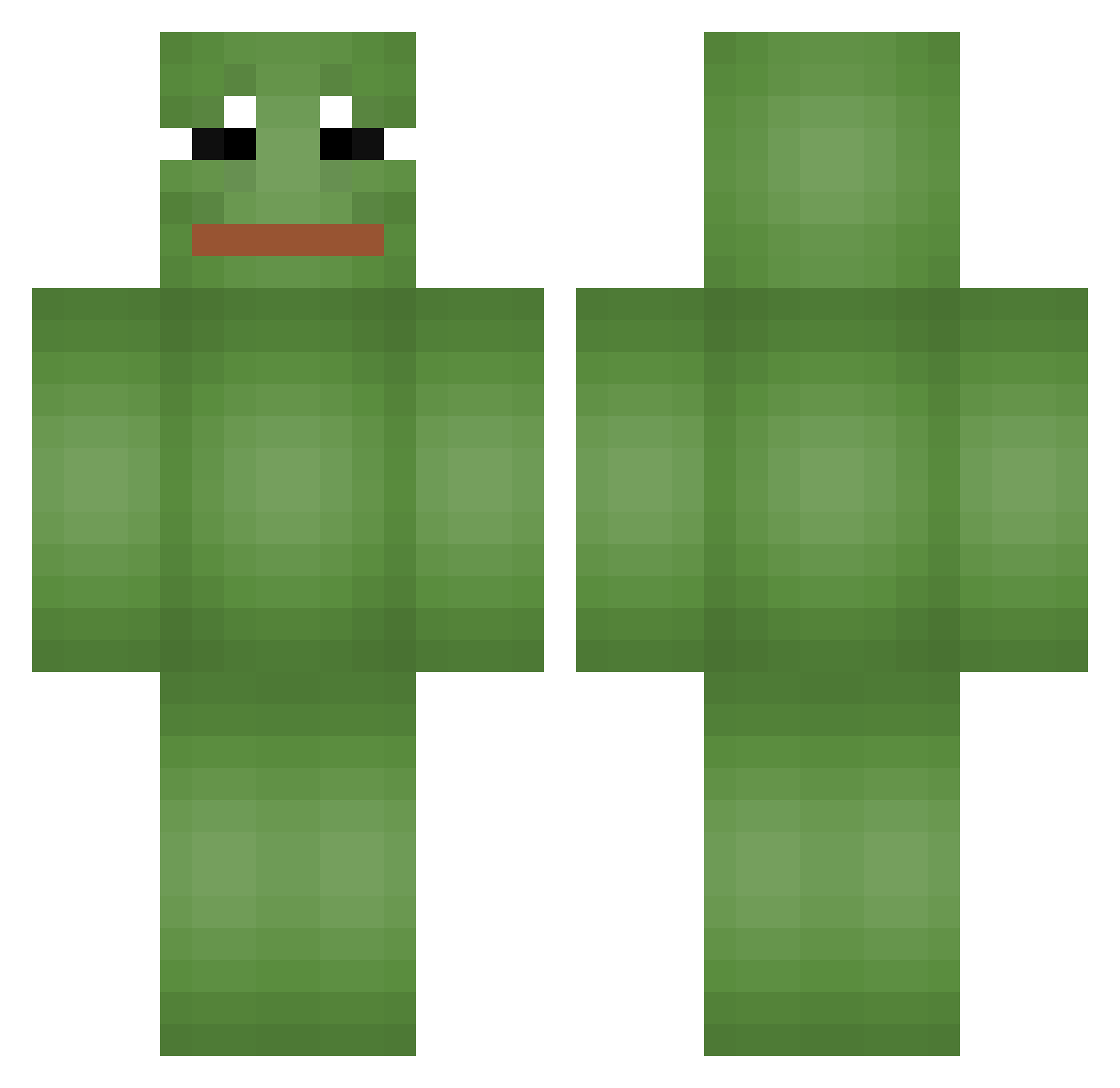
Current Minecraft skin of the player purple110, loaded from the official Mojang API. Rotate the 3D model with your mouse or finger, then download the skin as a PNG file and use it in Minecraft: Bedrock Edition or Java Edition for free. When purple110 changes their skin, this page updates automatically and the old skin stays in the history below.
Other players with this skin (825)
purple110 was the 811th player we have seen with this skin, first spotted on 16.11.2026. The same skin was seen on these players. Open a nickname to see their current skin and skin history.
 awhin263 BiniJJang SoGeRR ZZANG__BA Michoo___ owmmm Magikverge alejandroide18 barniik87 Dtiengtum shandogg Obla4ko 33Gonza_ Toaster401 kg_w xvlntnz JK_KK_13 707brian DrayMatter ___GEKO___ SmokeyAtrocious J2x_lol dumpster_firex iziDizy artvro7 PaiiiinZ Kage9_ Dropzehk reverse7040 Sevensea7 The_Potatoman01 _KisstheRain_ Lucky2963 Zoiboy JohnnySinsXD Goddeity SamSmi FrozOCE ksw3262 Norwegiian Catfish_Kim Maks1de Wale_Gale ANSAN1234 Harald_05 phlips9000 Mlody_Cimbal Timajku pokaska69 RoNeR1040 drawnutflushbust FireBringer6969 hadea00 PUSHJAE VulcanOxide FyFu Pachi14 Masterez zecrrom38 soo8498
More Pepe Minecraft skins
How to install the purple110 skin
- Press the Download button above to save the skin as a PNG file.
- Minecraft: Bedrock Edition (PE): open the Dressing Room from the main menu (or tap your character → Edit Character), go to Classic Skins → Owned, press the + (new skin) button, choose the downloaded PNG and pick the Classic (Steve) model. Works on PC and mobile; consoles cannot import custom skins.
- Minecraft: Java Edition: open the Minecraft Launcher, go to the Skins tab, click New Skin, load the PNG, pick the Classic (Steve) model and press Save & Use. You can also upload it at minecraft.net → Profile → Change Skin.
The skin does not show up after import - what should I do?
Restart Minecraft and open the Dressing Room again - imported skins sometimes appear only after a restart. Also make sure you selected the imported skin and picked the Classic (Steve) model.
Which model should I choose, Classic or Slim?
This skin is designed for the Classic (Steve) model. If you pick the wrong model, the arms of the skin will look stretched or squeezed.
Is the skin of purple110 free to download?
Yes. Press Download, save the PNG file and use it in Minecraft: Bedrock Edition or Java Edition - no payment or registration needed. The skin also works on multiplayer servers and Realms.
More skins
Looking for more? Go back to all Minecraft skins and check the top skins of the week, month and all time, or find any player's skin by nickname.