
proselek - Minecraft Skins & Skin History
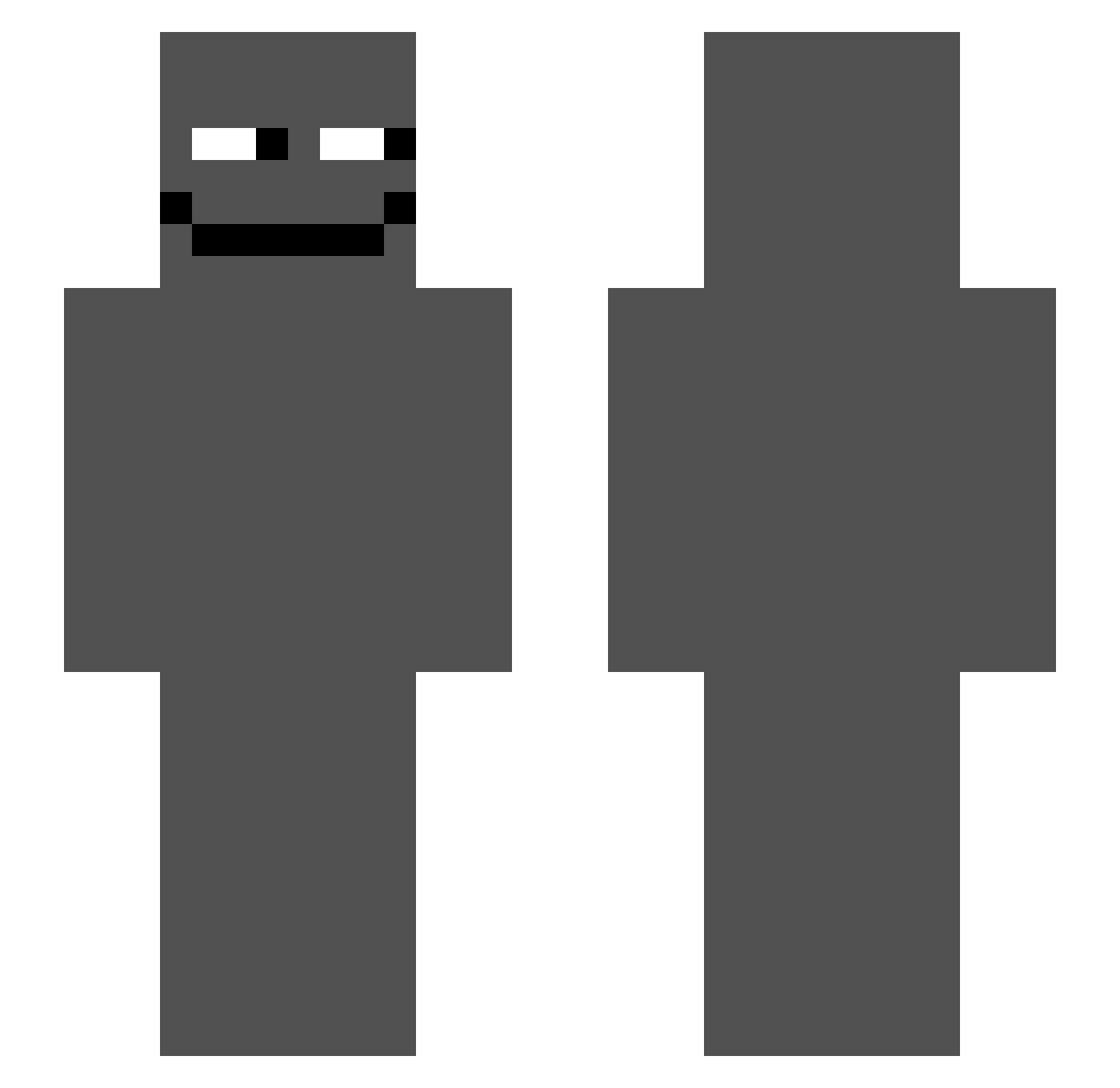
Current Minecraft skin of the player proselek, loaded from the official Mojang API. Rotate the 3D model with your mouse or finger, then download the skin as a PNG file and use it in Minecraft: Bedrock Edition or Java Edition for free. When proselek changes their skin, this page updates automatically and the old skin stays in the history below.
Other players with this skin (48)
proselek was the 20th player we have seen with this skin, first spotted on 23.08.2026. The same skin was seen on these players. Open a nickname to see their current skin and skin history.
 cheso007 67BenniBoy abdelraoufpvp AstrlyPingAbuser _invs PIXL_99 laskopat555 Cheqky shone24 orochitw
 PambaThePro VOSKAY yz_nx_11 happy23pelaa leo222546 NITREXYY Jweh Vexa1K Realwar121 Zerqflame Ticklebutt67 vlonelol_ George_richard13 Wan__n zlur12 Lioresal
 d5s1 Chavetapa Vindoe Anth0nZero starlit9029 Victor1872 Kazenemo phmdi _Darksided_ courtesy777 kuba_2013_ xtBin Me1ina333 simecal fgxkk fujics lF0rce ElProgamer007 huskki pory24 olacaracola Frogeyplays
More Michael Afton Minecraft skins
See all 47 Michael Afton skins
How to install the proselek skin
- Press the Download button above to save the skin as a PNG file.
- Minecraft: Bedrock Edition (PE): open the Dressing Room from the main menu (or tap your character → Edit Character), go to Classic Skins → Owned, press the + (new skin) button, choose the downloaded PNG and pick the Slim (Alex) model. Works on PC and mobile; consoles cannot import custom skins.
- Minecraft: Java Edition: open the Minecraft Launcher, go to the Skins tab, click New Skin, load the PNG, pick the Slim (Alex) model and press Save & Use. You can also upload it at minecraft.net → Profile → Change Skin.
The skin does not show up after import - what should I do?
Restart Minecraft and open the Dressing Room again - imported skins sometimes appear only after a restart. Also make sure you selected the imported skin and picked the Slim (Alex) model.
Which model should I choose, Classic or Slim?
This skin is designed for the Slim (Alex) model. If you pick the wrong model, the arms of the skin will look stretched or squeezed.
Is the skin of proselek free to download?
Yes. Press Download, save the PNG file and use it in Minecraft: Bedrock Edition or Java Edition - no payment or registration needed. The skin also works on multiplayer servers and Realms.
More skins
Looking for more? Go back to all Minecraft skins and check the top skins of the week, month and all time, or find any player's skin by nickname.