
prominecraft245 - Minecraft Skins & Skin History
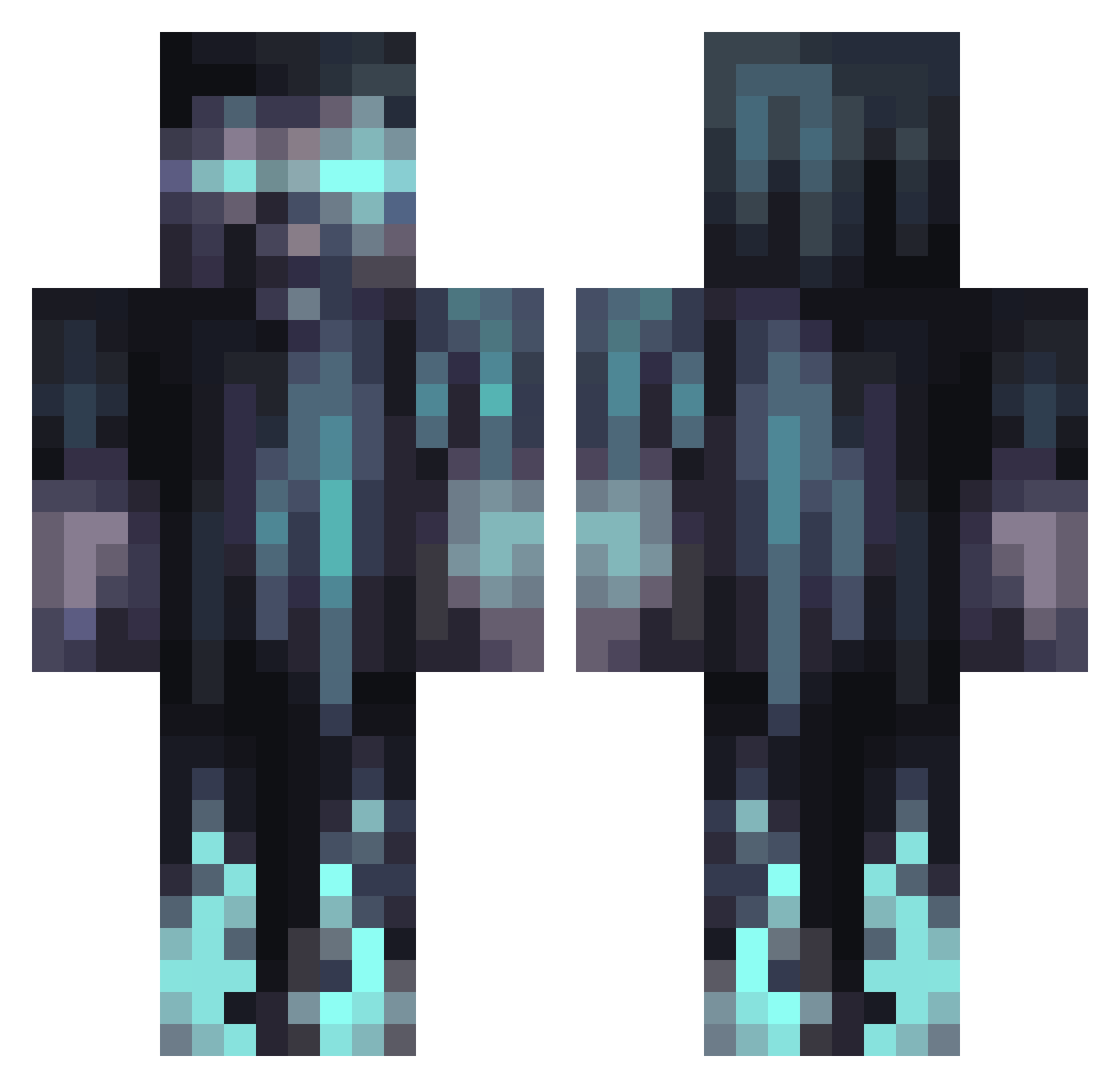
Current Minecraft skin of the player prominecraft245, loaded from the official Mojang API. Rotate the 3D model with your mouse or finger, then download the skin as a PNG file and use it in Minecraft: Bedrock Edition or Java Edition for free. When prominecraft245 changes their skin, this page updates automatically and the old skin stays in the history below.
Other players with this skin (1070)
prominecraft245 was the 550th player we have seen with this skin, first spotted on 20.09.2026. The same skin was seen on these players. Open a nickname to see their current skin and skin history.
 Doudou_Sayen GhostBladed Spikky8888 skullking19960 AsMiSan3112 jules49500 Peterx77 Playerxx0509 UmmyBoyyMC SpiritReaper7 ZiqueS RubyDungeon KingSlayer5528 xlrSoul EddieG939 Renkoku Archyblood RAF111121 gentildinosaure JiNxSavage Thorviss Match_34 Chromarius momobeplayin Ferkas_B Bizepsbaerbl vindom54321 Vend00x Jayhoulder IDRIX243 Pix3ln3rd bonnie2520 Toxic_Norwegian0 tinywar12 icutguud DaddyMiladdy anthany23 Flusenjunge Johann_s10 OverSpect patulak Cleaverr Kimchitofuz KidMateo RikkertJou98 Letioce JohnCenaDid711 MATETAA Geronimo8022 Pentix FishiBoy11 Vardanti JRAL_2006 Bmoresbest Saad12000 CaptainThor_3321 Jasper263 Erkiboi02 SRV2 Knechtsoldat
More Warden Minecraft skins
How to install the prominecraft245 skin
- Press the Download button above to save the skin as a PNG file.
- Minecraft: Bedrock Edition (PE): open the Dressing Room from the main menu (or tap your character → Edit Character), go to Classic Skins → Owned, press the + (new skin) button, choose the downloaded PNG and pick the Classic (Steve) model. Works on PC and mobile; consoles cannot import custom skins.
- Minecraft: Java Edition: open the Minecraft Launcher, go to the Skins tab, click New Skin, load the PNG, pick the Classic (Steve) model and press Save & Use. You can also upload it at minecraft.net → Profile → Change Skin.
The skin does not show up after import - what should I do?
Restart Minecraft and open the Dressing Room again - imported skins sometimes appear only after a restart. Also make sure you selected the imported skin and picked the Classic (Steve) model.
Which model should I choose, Classic or Slim?
This skin is designed for the Classic (Steve) model. If you pick the wrong model, the arms of the skin will look stretched or squeezed.
Is the skin of prominecraft245 free to download?
Yes. Press Download, save the PNG file and use it in Minecraft: Bedrock Edition or Java Edition - no payment or registration needed. The skin also works on multiplayer servers and Realms.
More skins
Looking for more? Go back to all Minecraft skins and check the top skins of the week, month and all time, or find any player's skin by nickname.