
pq1p - Minecraft Skins & Skin History
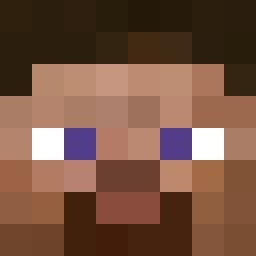
Current Minecraft skin of the player pq1p, loaded from the official Mojang API. Rotate the 3D model with your mouse or finger, then download the skin as a PNG file and use it in Minecraft: Bedrock Edition or Java Edition for free. When pq1p changes their skin, this page updates automatically and the old skin stays in the history below.
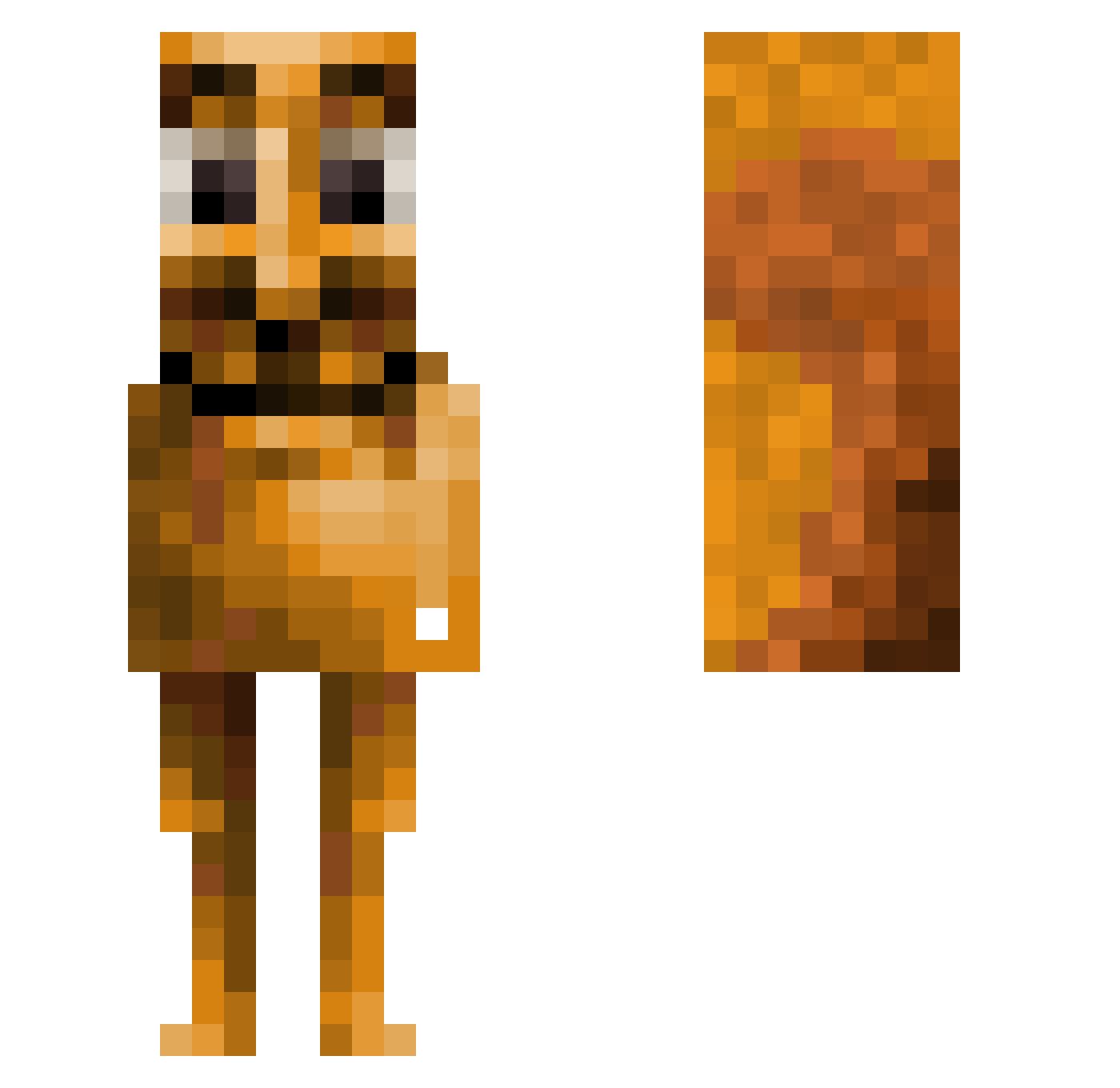
Other players with this skin (157)
pq1p was the 28th player we have seen with this skin, first spotted on 03.08.2026. The same skin was seen on these players. Open a nickname to see their current skin and skin history.
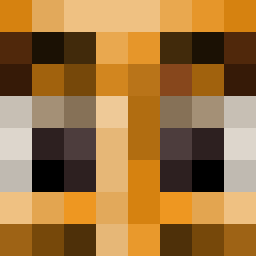 DaBigCheez12
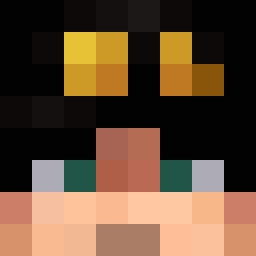 thegodMR8618 Shashlick1606 Maginuel BearTrainD Tiiagoh_ n2ae
 Zxug pepegamer65 RaresBoos 1Cosm0 Sharkyboy_096 POTATAI28 The_0nly_Phant0m ovomaltina Jannik4801 ISACCC_N
 Xxcubanitos_FCxX Hollyj12345 MHI05 garamblinton72 LB_Macia Jaf33n PEDROVISK10 PlasticPinnochio Gurdbtw hairymonkeman hyunys0720 cap4la__ tusarname23456 arrtyy
 Erebus__0 Antmangle200
 naplays _people
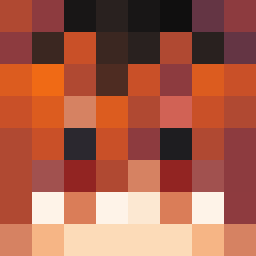 BaderKy
 ruffffian FloatingOxeye67 _ogir Thedud321 qixwe ediuss Fade090 golobi Goonko okruy bigYahu_420 salamandr84 ToxicDevotee yingjingle samumuca _Qyn koTe_1324 88_Nsdap_88 ttt68123 CaElBrAe big_mac_32 lostly___ AwAp20 Awagawoo
More Cringe Minecraft skins
How to install the pq1p skin
- Press the Download button above to save the skin as a PNG file.
- Minecraft: Bedrock Edition (PE): open the Dressing Room from the main menu (or tap your character → Edit Character), go to Classic Skins → Owned, press the + (new skin) button, choose the downloaded PNG and pick the Slim (Alex) model. Works on PC and mobile; consoles cannot import custom skins.
- Minecraft: Java Edition: open the Minecraft Launcher, go to the Skins tab, click New Skin, load the PNG, pick the Slim (Alex) model and press Save & Use. You can also upload it at minecraft.net → Profile → Change Skin.
The skin does not show up after import - what should I do?
Restart Minecraft and open the Dressing Room again - imported skins sometimes appear only after a restart. Also make sure you selected the imported skin and picked the Slim (Alex) model.
Which model should I choose, Classic or Slim?
This skin is designed for the Slim (Alex) model. If you pick the wrong model, the arms of the skin will look stretched or squeezed.
Is the skin of pq1p free to download?
Yes. Press Download, save the PNG file and use it in Minecraft: Bedrock Edition or Java Edition - no payment or registration needed. The skin also works on multiplayer servers and Realms.
More skins
Looking for more? Go back to all Minecraft skins and check the top skins of the week, month and all time, or find any player's skin by nickname.