
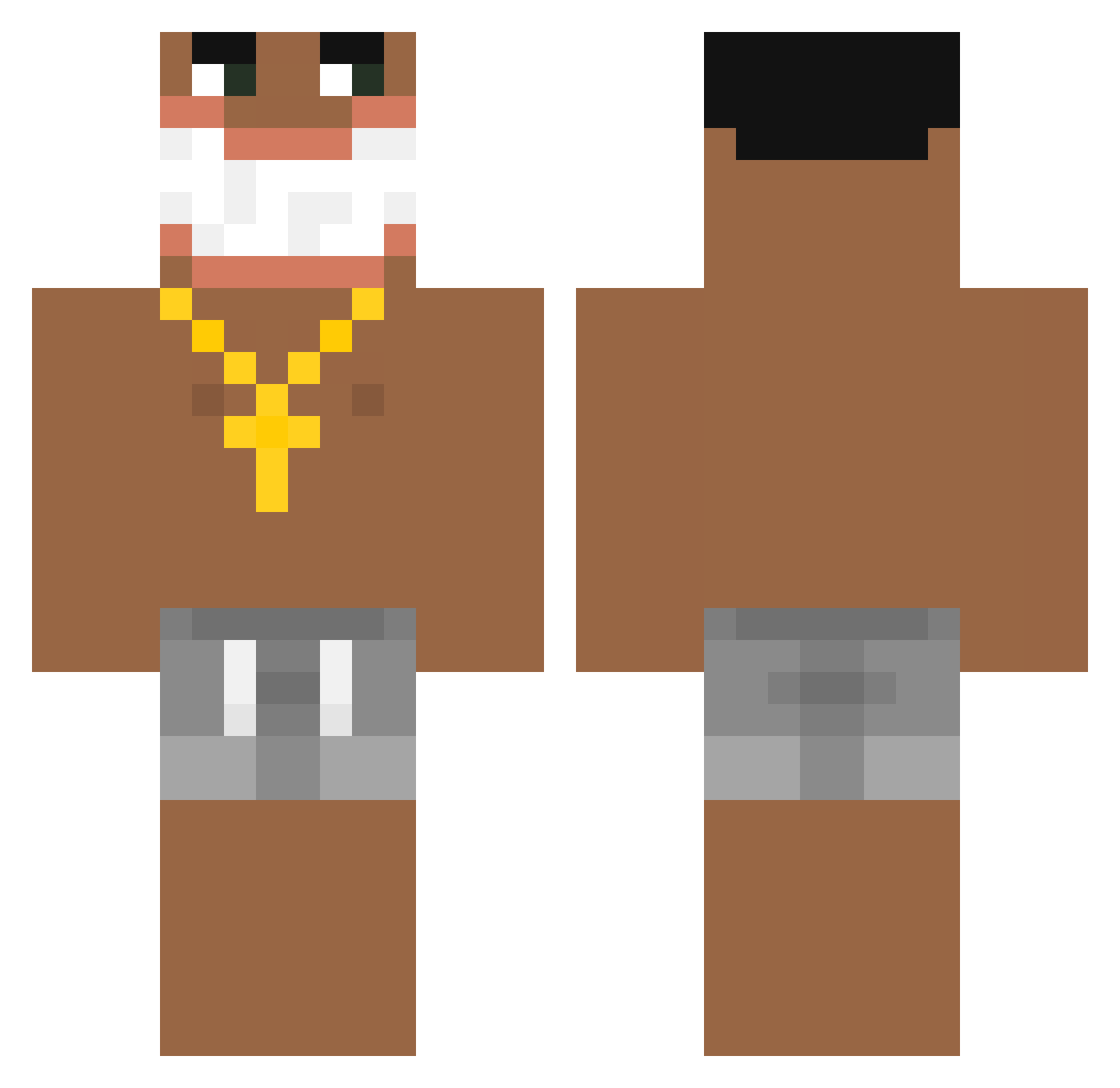
Current Minecraft skin of the player pompompoop, loaded from the official Mojang API. Rotate the 3D model with your mouse or finger, then download the skin as a PNG file and use it in Minecraft: Bedrock Edition or Java Edition for free. When pompompoop changes their skin, this page updates automatically and the old skin stays in the history below.
Other players with this skin (157)
pompompoop was the 113th player we have seen with this skin, first spotted on 25.09.2026. The same skin was seen on these players. Open a nickname to see their current skin and skin history.
 PoneHawk gutixxx Zyzi0x Skeezahh Heffiq_ KutComeuSuaMae JehsYehs LeoNoCaprio MrCalvoo DeeYooo dydkaaa CELHAO MbISHA_ Edgelord070 Samoshu LordofChocolate Panch0k OhioTogglxd BizarreForest haohany AliBumabumbum peredo98 SnugSama CursedDude98 reisphilipp Itzz_Kondzio 8xMiel ghoult XgezclapX Gandze Caiydragon jl8qttv deogors 1836hz KrumpirkoGod Lun0623 benjamin4321z cygankajtek spinbotenalbed Charmoso_10 Cebulak01 Rainbow_Sheep99 shard12223 Nightmare1120 zzxzxsws haydopotatoe Lessiozola Dijk050 s01as tareval 1ft3 blinblinskiy250 EdizSeha _DAP_ Djbashmak Fufuaubled 3VOISIN fyyds Devetak Lissom
More Ishowspeed Minecraft skins
How to install the pompompoop skin
- Press the Download button above to save the skin as a PNG file.
- Minecraft: Bedrock Edition (PE): open the Dressing Room from the main menu (or tap your character → Edit Character), go to Classic Skins → Owned, press the + (new skin) button, choose the downloaded PNG and pick the Classic (Steve) model. Works on PC and mobile; consoles cannot import custom skins.
- Minecraft: Java Edition: open the Minecraft Launcher, go to the Skins tab, click New Skin, load the PNG, pick the Classic (Steve) model and press Save & Use. You can also upload it at minecraft.net → Profile → Change Skin.
The skin does not show up after import - what should I do?
Restart Minecraft and open the Dressing Room again - imported skins sometimes appear only after a restart. Also make sure you selected the imported skin and picked the Classic (Steve) model.
Which model should I choose, Classic or Slim?
This skin is designed for the Classic (Steve) model. If you pick the wrong model, the arms of the skin will look stretched or squeezed.
Is the skin of pompompoop free to download?
Yes. Press Download, save the PNG file and use it in Minecraft: Bedrock Edition or Java Edition - no payment or registration needed. The skin also works on multiplayer servers and Realms.
More skins
Looking for more? Go back to all Minecraft skins and check the top skins of the week, month and all time, or find any player's skin by nickname.