
polystyrene_ - Minecraft Skins & Skin History
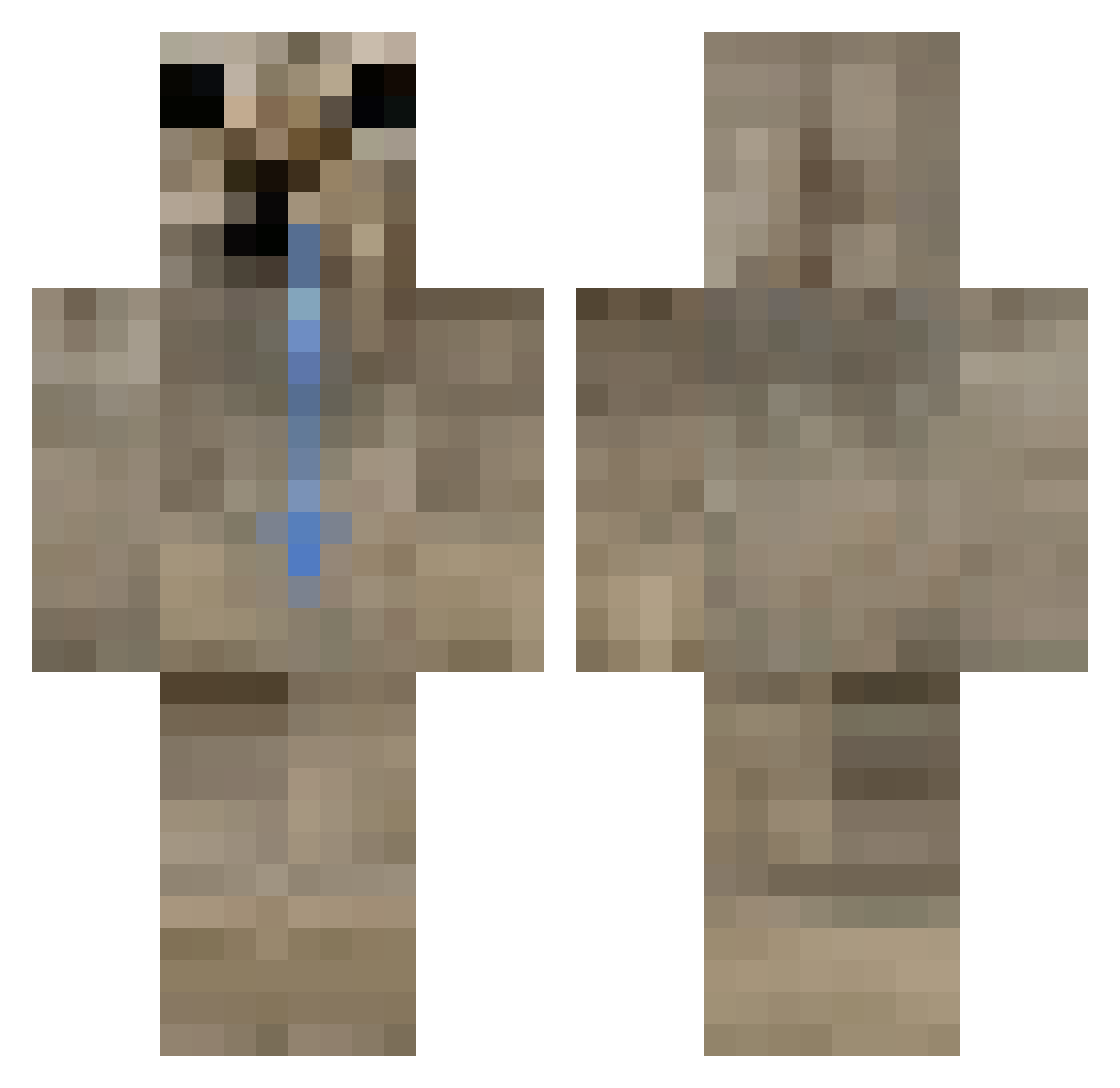
Current Minecraft skin of the player polystyrene_, loaded from the official Mojang API. Rotate the 3D model with your mouse or finger, then download the skin as a PNG file and use it in Minecraft: Bedrock Edition or Java Edition for free. When polystyrene_ changes their skin, this page updates automatically and the old skin stays in the history below.
Other players with this skin (88)
polystyrene_ was the 40th player we have seen with this skin, first spotted on 19.09.2026. The same skin was seen on these players. Open a nickname to see their current skin and skin history.
 MaceKitty zRoberto m4rttu kamizetin Widalee h0rIz0n_ Borbert2012 KiTKU_PL TQTQ_UT penumbril n_00dle ex_press b1shi_2 zvnepse Copin007 domethepiccio Graemee_ RoBv1337 caminanteee DgLzi Montreal2299 itz_3bsh BelugaHD TheGreenMachine8 Elmantas2010
 P4LOX Bartuss54542 TwojStaryMagik potrait takumidaze 17fused Naftsitoo_3 olekthejava_123 olusxv arsmraz mcrz Formode0 Liivyyx iSodita Krok0deal
 lexieisawesome9 opossumm_ Wojan_90 Finefel anikinn LOOKISM_GunPark Solidiumm Notuz Astrobit04 Rewashed xKiwixm zcosta Nexxu0 Balagemsg
 souLzKz
 semodinho Terrminatorr SnoryCorg Drapki
 ssssfd
More Appa Minecraft skins
How to install the polystyrene_ skin
- Press the Download button above to save the skin as a PNG file.
- Minecraft: Bedrock Edition (PE): open the Dressing Room from the main menu (or tap your character → Edit Character), go to Classic Skins → Owned, press the + (new skin) button, choose the downloaded PNG and pick the Classic (Steve) model. Works on PC and mobile; consoles cannot import custom skins.
- Minecraft: Java Edition: open the Minecraft Launcher, go to the Skins tab, click New Skin, load the PNG, pick the Classic (Steve) model and press Save & Use. You can also upload it at minecraft.net → Profile → Change Skin.
The skin does not show up after import - what should I do?
Restart Minecraft and open the Dressing Room again - imported skins sometimes appear only after a restart. Also make sure you selected the imported skin and picked the Classic (Steve) model.
Which model should I choose, Classic or Slim?
This skin is designed for the Classic (Steve) model. If you pick the wrong model, the arms of the skin will look stretched or squeezed.
Is the skin of polystyrene_ free to download?
Yes. Press Download, save the PNG file and use it in Minecraft: Bedrock Edition or Java Edition - no payment or registration needed. The skin also works on multiplayer servers and Realms.
More skins
Looking for more? Go back to all Minecraft skins and check the top skins of the week, month and all time, or find any player's skin by nickname.