
polarace - Minecraft Skins & Skin History
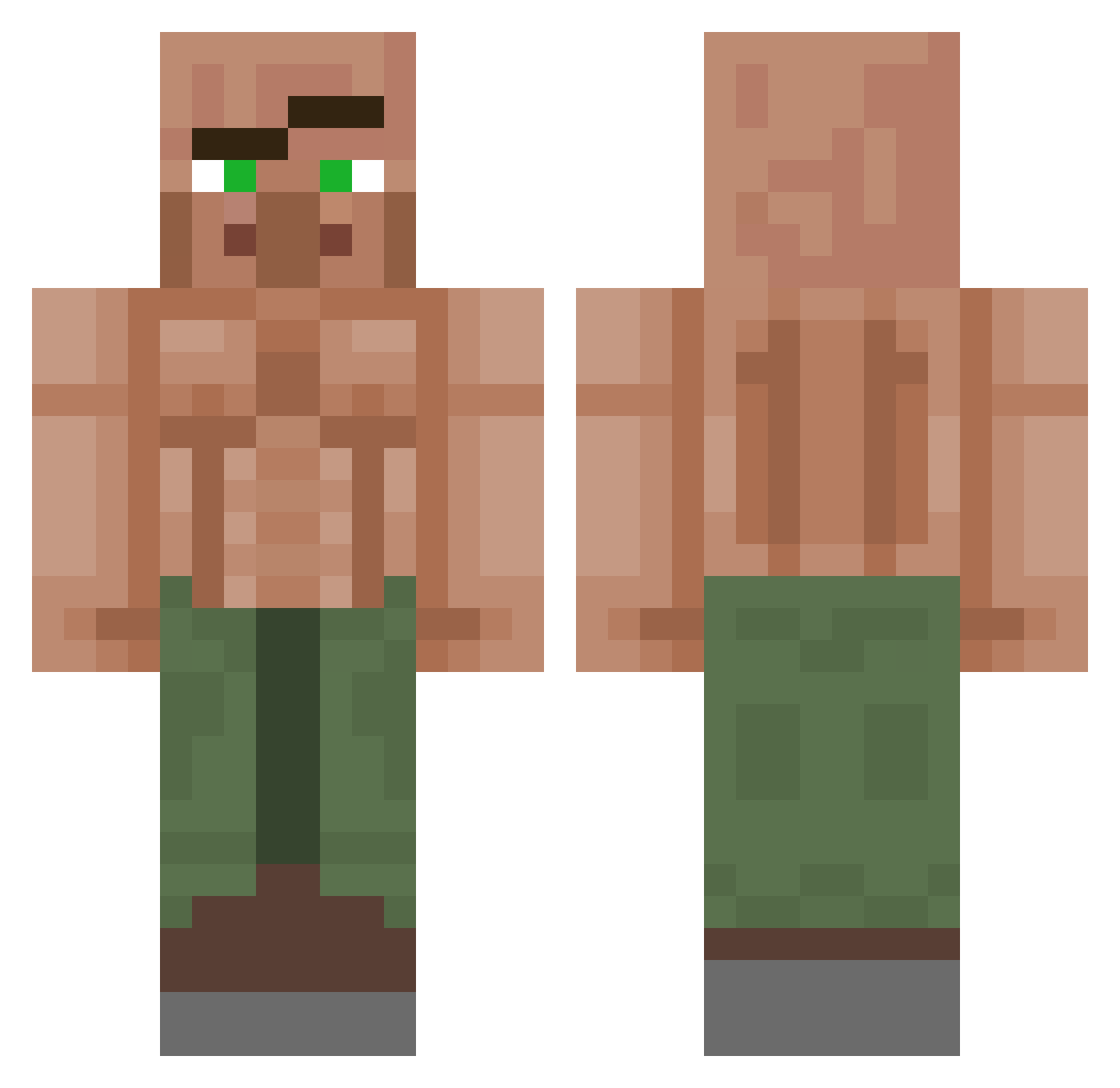
Current Minecraft skin of the player polarace, loaded from the official Mojang API. Rotate the 3D model with your mouse or finger, then download the skin as a PNG file and use it in Minecraft: Bedrock Edition or Java Edition for free. When polarace changes their skin, this page updates automatically and the old skin stays in the history below.
Other players with this skin (1152)
polarace was the 681st player we have seen with this skin, first spotted on 28.09.2026. The same skin was seen on these players. Open a nickname to see their current skin and skin history.
 xTenten2 Bongkii TooMuchR1ce janggosutv LoGranola WinIzzDaa Glennliviet aGamingVillager princebelair3 Phzin007o CrimzonRyze Cemaika nixdo __Goodfella__ SamSun22 AlpacaBowl627 Mekilla187 CL1X3R ADAWY_1 JulioGoodd ChrisMichaelsen N33RUS tomeczeek Thicccchamster Barnosidad Palmer64 Twisted_God SirPapuce43CZ R3MK03 chasungjun MIKECRAKGARA1 Piscolita_ MacMan120 phantomforage Saskauf Mamjums Calipooo11 Aartrich_ SPEZnaz85RU Puilus Steffenien SumseBiene2 Tyluhs sometwit coficom KurtAburt Reckless_Kid AguanteCADU123 belmaachi DontBeAffraid AMINE_1962 Legendary_Chikky gtboom i_io MrFjorn SpicyDad 2HDRC Henshrek Tr1x_Wrath_ MicroHamsy
More Buff Villager Minecraft skins
See all 40 Buff Villager skins
How to install the polarace skin
- Press the Download button above to save the skin as a PNG file.
- Minecraft: Bedrock Edition (PE): open the Dressing Room from the main menu (or tap your character → Edit Character), go to Classic Skins → Owned, press the + (new skin) button, choose the downloaded PNG and pick the Classic (Steve) model. Works on PC and mobile; consoles cannot import custom skins.
- Minecraft: Java Edition: open the Minecraft Launcher, go to the Skins tab, click New Skin, load the PNG, pick the Classic (Steve) model and press Save & Use. You can also upload it at minecraft.net → Profile → Change Skin.
The skin does not show up after import - what should I do?
Restart Minecraft and open the Dressing Room again - imported skins sometimes appear only after a restart. Also make sure you selected the imported skin and picked the Classic (Steve) model.
Which model should I choose, Classic or Slim?
This skin is designed for the Classic (Steve) model. If you pick the wrong model, the arms of the skin will look stretched or squeezed.
Is the skin of polarace free to download?
Yes. Press Download, save the PNG file and use it in Minecraft: Bedrock Edition or Java Edition - no payment or registration needed. The skin also works on multiplayer servers and Realms.
More skins
Looking for more? Go back to all Minecraft skins and check the top skins of the week, month and all time, or find any player's skin by nickname.