
pohaniPingvin - Minecraft Skins & Skin History
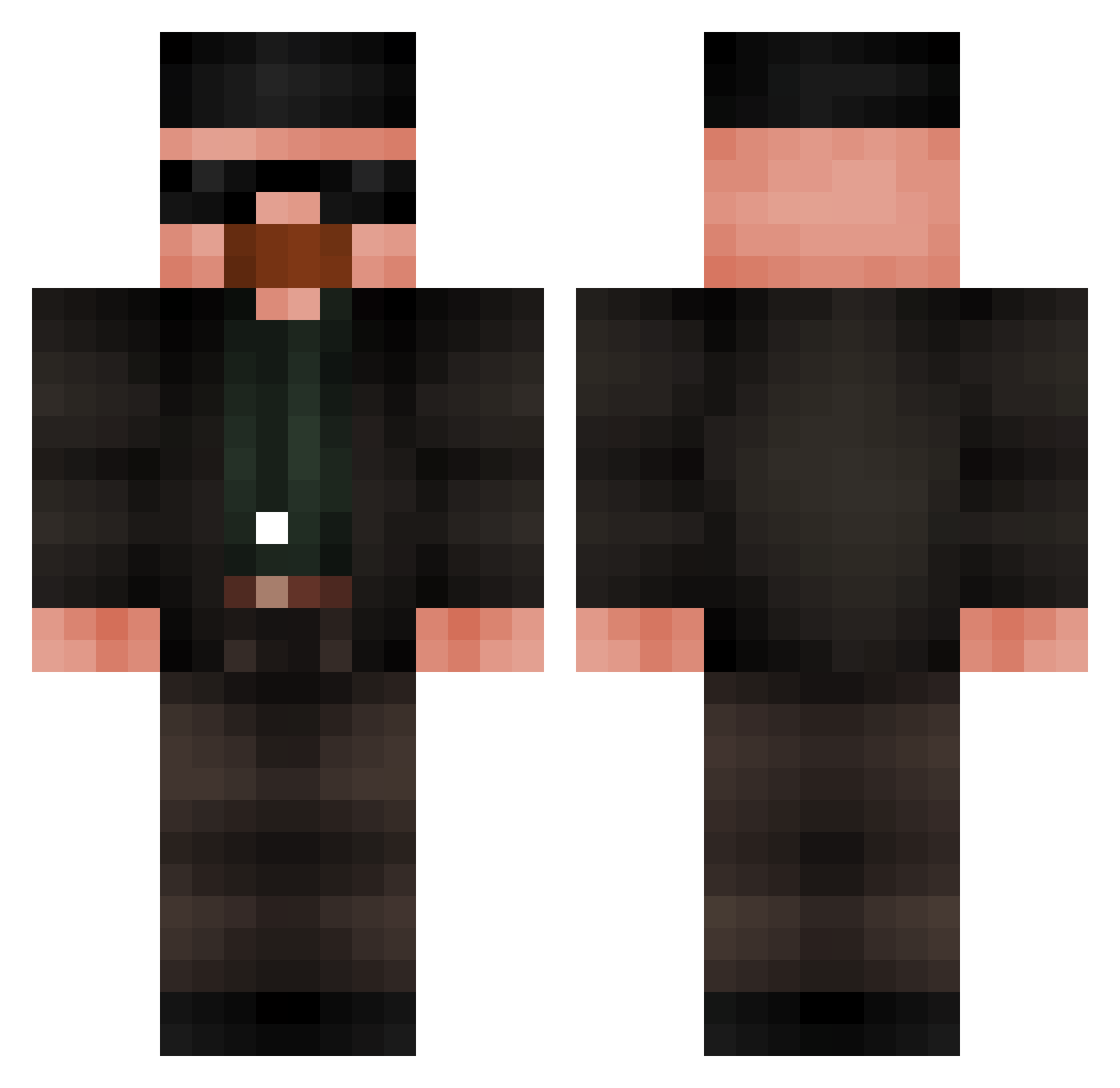
Current Minecraft skin of the player pohaniPingvin, loaded from the official Mojang API. Rotate the 3D model with your mouse or finger, then download the skin as a PNG file and use it in Minecraft: Bedrock Edition or Java Edition for free. When pohaniPingvin changes their skin, this page updates automatically and the old skin stays in the history below.
Other players with this skin (840)
pohaniPingvin was the 708th player we have seen with this skin, first spotted on 03.11.2026. The same skin was seen on these players. Open a nickname to see their current skin and skin history.
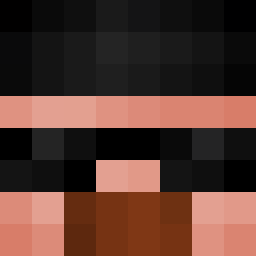 Alpetlas I_N0Sc0p3d_B1den Bebricus Quitech1 Censmun ChingChangFouu CideyRocks CoeReaper KimonXD webcookies69 Nonsense122 ChefRemyyyyyyyyy Poblete64 Darkccs ToNanHD Camiloh akodini04 ThepoopVGV Squiiw JurmytheWormy 14PPPM Zeint232 FADZIN fabiosantoscalvo Bettador DDanielKz KLEYENN jhon97 Sterrenman0017 avaelizabeth12 Kubixonn333 ksaportuga hassen_ omoniacity TrenQt SrWhiteee yelpers rafinhadumal Santiago1155 Jokue6877 Kuyabiye lucuserft szymen93 Lthomm mistereric1 Dono_da_Blaze00 Spentbirch BoaGwalciciell Khalid162 MikeTheboss Rev0ne Alentejano20 Luchinho12 potanatas MatheuzinGames Simoan210 perqisha JoeLuas DeXteR1337 LuizKT7
More Heisenberg Minecraft skins
How to install the pohaniPingvin skin
- Press the Download button above to save the skin as a PNG file.
- Minecraft: Bedrock Edition (PE): open the Dressing Room from the main menu (or tap your character → Edit Character), go to Classic Skins → Owned, press the + (new skin) button, choose the downloaded PNG and pick the Classic (Steve) model. Works on PC and mobile; consoles cannot import custom skins.
- Minecraft: Java Edition: open the Minecraft Launcher, go to the Skins tab, click New Skin, load the PNG, pick the Classic (Steve) model and press Save & Use. You can also upload it at minecraft.net → Profile → Change Skin.
The skin does not show up after import - what should I do?
Restart Minecraft and open the Dressing Room again - imported skins sometimes appear only after a restart. Also make sure you selected the imported skin and picked the Classic (Steve) model.
Which model should I choose, Classic or Slim?
This skin is designed for the Classic (Steve) model. If you pick the wrong model, the arms of the skin will look stretched or squeezed.
Is the skin of pohaniPingvin free to download?
Yes. Press Download, save the PNG file and use it in Minecraft: Bedrock Edition or Java Edition - no payment or registration needed. The skin also works on multiplayer servers and Realms.
More skins
Looking for more? Go back to all Minecraft skins and check the top skins of the week, month and all time, or find any player's skin by nickname.