
pipepro2011 - Minecraft Skins & Skin History
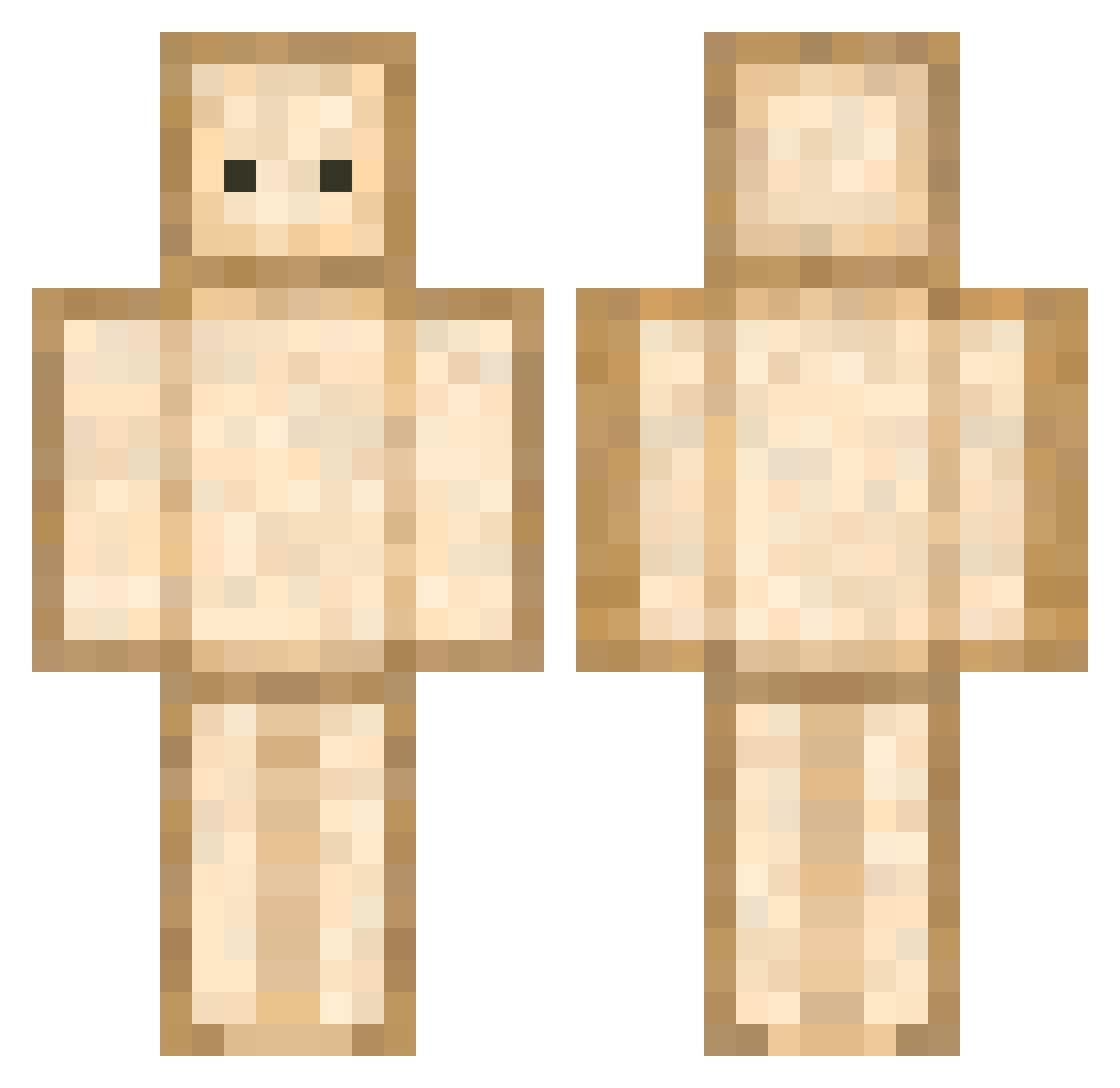
Current Minecraft skin of the player pipepro2011, loaded from the official Mojang API. Rotate the 3D model with your mouse or finger, then download the skin as a PNG file and use it in Minecraft: Bedrock Edition or Java Edition for free. When pipepro2011 changes their skin, this page updates automatically and the old skin stays in the history below.
Other players with this skin (593)
pipepro2011 was the 373rd player we have seen with this skin, first spotted on 24.09.2026. The same skin was seen on these players. Open a nickname to see their current skin and skin history.
 tetuw GeminiXiang siggikarel1 Dan951357 mostodious Mophe13 zLolcu Yoruryuuu artypans treetree283 Henatin Im_DIO Rishana1 nordicnils Snoozy8000 EduChavez2003 velutrix Hookipa Poupidou Femikx Vathaeri ajaou BubbleFlameLP ButterCat777 Pumpkin09P funkybees jess76 marc_oPOLO nicomi_tmt Jung_Karo Guidingsquirrel5 AkenSt PradHell Deliwiel Tosioh SandwichG0D khaiza007 Lariel nelipat Synx7 hunchy301 dyeop_07 Guillegcm Tin_Can kec1214 Dycare Marysiaa_21 faceangel LucasWLocas Geo_Vlad sansantella Dekutsu_Ken REDKILLERFARTS RustyPhrog l1nz_ 9nyan Piola62 Judith_Zz Shinzo_02 BackSSiy
More Toast Minecraft skins
How to install the pipepro2011 skin
- Press the Download button above to save the skin as a PNG file.
- Minecraft: Bedrock Edition (PE): open the Dressing Room from the main menu (or tap your character → Edit Character), go to Classic Skins → Owned, press the + (new skin) button, choose the downloaded PNG and pick the Classic (Steve) model. Works on PC and mobile; consoles cannot import custom skins.
- Minecraft: Java Edition: open the Minecraft Launcher, go to the Skins tab, click New Skin, load the PNG, pick the Classic (Steve) model and press Save & Use. You can also upload it at minecraft.net → Profile → Change Skin.
The skin does not show up after import - what should I do?
Restart Minecraft and open the Dressing Room again - imported skins sometimes appear only after a restart. Also make sure you selected the imported skin and picked the Classic (Steve) model.
Which model should I choose, Classic or Slim?
This skin is designed for the Classic (Steve) model. If you pick the wrong model, the arms of the skin will look stretched or squeezed.
Is the skin of pipepro2011 free to download?
Yes. Press Download, save the PNG file and use it in Minecraft: Bedrock Edition or Java Edition - no payment or registration needed. The skin also works on multiplayer servers and Realms.
More skins
Looking for more? Go back to all Minecraft skins and check the top skins of the week, month and all time, or find any player's skin by nickname.