
pinhao8787 - Minecraft Skins & Skin History
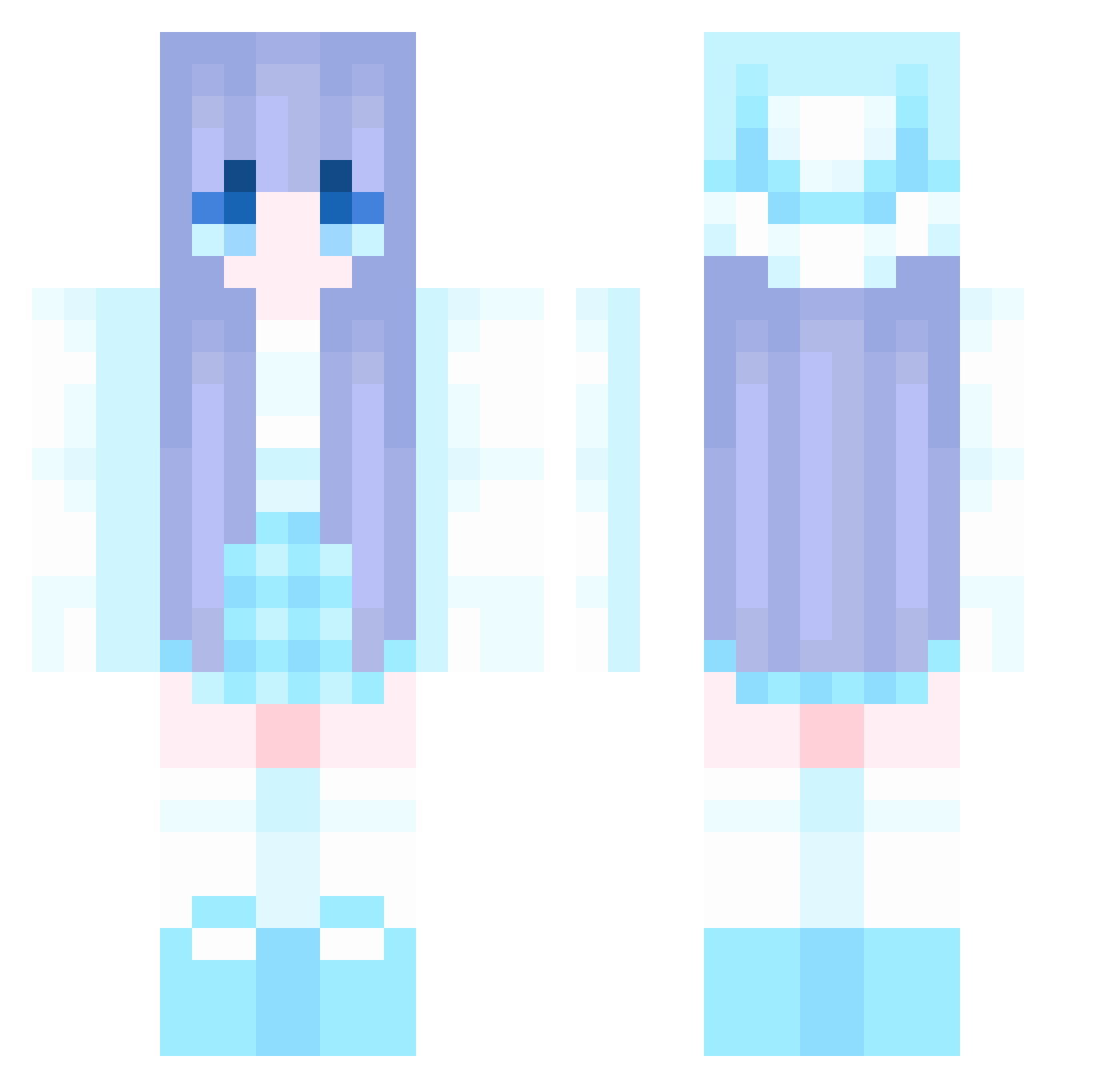
Current Minecraft skin of the player pinhao8787, loaded from the official Mojang API. Rotate the 3D model with your mouse or finger, then download the skin as a PNG file and use it in Minecraft: Bedrock Edition or Java Edition for free. When pinhao8787 changes their skin, this page updates automatically and the old skin stays in the history below.
Other players with this skin (1062)
pinhao8787 was the 1039th player we have seen with this skin, first spotted on 31.10.2026. The same skin was seen on these players. Open a nickname to see their current skin and skin history.
 Mira_Lucis qjiujiu520 Maie1 ZaiGanMa Garutss Alsort gangut13 Nancychen1031 Mick0v0 sasuke1224 RaikaStar RosemiSama WanYingzz zzz7750 uwub_tw Piyan1108 Waitingstar_rain Forever4997 sozyu7 YETONG777 carp321 Zo_o2 sakuradd _Rycerz HirTer Henry970421 sz145 MMYGG strain222 Xiaoxi521 Abelia_11 AYing00 _molar_ Xiaohua111 youlianguo Xokye elorrieetlilioie GunLP0114 le_1213 Huilin100 smy11 jszslls CRZHOME NxAshTRex Sunshineqz Mimosa1231 Whoking MochaParrot8033 WOCGODA sorei06 LINA_SYF66666666 moyaoo hcgg007 Silaskong longpaopao qcow2 ari0520 jaehyun1231 LiSeLoTtE1405 Kailaee
More Winter Minecraft skins
How to install the pinhao8787 skin
- Press the Download button above to save the skin as a PNG file.
- Minecraft: Bedrock Edition (PE): open the Dressing Room from the main menu (or tap your character → Edit Character), go to Classic Skins → Owned, press the + (new skin) button, choose the downloaded PNG and pick the Classic (Steve) model. Works on PC and mobile; consoles cannot import custom skins.
- Minecraft: Java Edition: open the Minecraft Launcher, go to the Skins tab, click New Skin, load the PNG, pick the Classic (Steve) model and press Save & Use. You can also upload it at minecraft.net → Profile → Change Skin.
The skin does not show up after import - what should I do?
Restart Minecraft and open the Dressing Room again - imported skins sometimes appear only after a restart. Also make sure you selected the imported skin and picked the Classic (Steve) model.
Which model should I choose, Classic or Slim?
This skin is designed for the Classic (Steve) model. If you pick the wrong model, the arms of the skin will look stretched or squeezed.
Is the skin of pinhao8787 free to download?
Yes. Press Download, save the PNG file and use it in Minecraft: Bedrock Edition or Java Edition - no payment or registration needed. The skin also works on multiplayer servers and Realms.
More skins
Looking for more? Go back to all Minecraft skins and check the top skins of the week, month and all time, or find any player's skin by nickname.