
pinguilingui - Minecraft Skins & Skin History
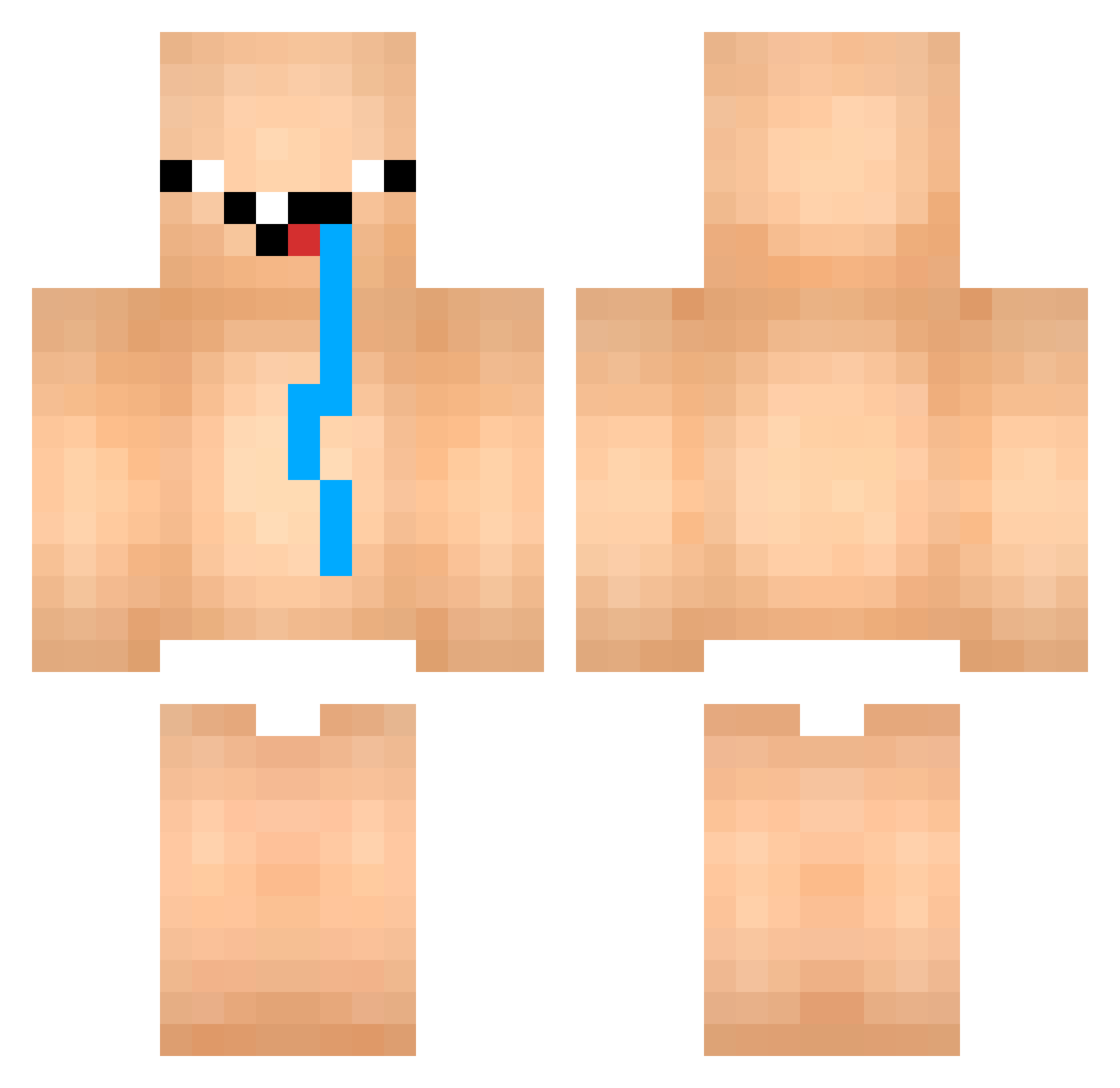
Current Minecraft skin of the player pinguilingui, loaded from the official Mojang API. Rotate the 3D model with your mouse or finger, then download the skin as a PNG file and use it in Minecraft: Bedrock Edition or Java Edition for free. When pinguilingui changes their skin, this page updates automatically and the old skin stays in the history below.
Other players with this skin (852)
pinguilingui was the 377th player we have seen with this skin, first spotted on 11.09.2026. The same skin was seen on these players. Open a nickname to see their current skin and skin history.
 Asterism1290 LIKEKING9 TtMoo TruqueMestre _meenoi chuchu030 HAPPY_RYU Tokkun0923 garytim1019 _Fatboy69_ Shaolin_Do_Pneu BoertinOrigins Felipe20cm saviozy LibertyTTT Zod_AdiTyazxxxx Mangje11 efebaba31313131 Allen1014 LachlanDH derekmroberts msonvo BradleyJames95 marretinha01 Atakan329 Olympheor Hectortillas_ David_Fussball 1jangsik IchBinEinSimon PESTEBubonica69 PunXD24 comitod Kyzixo AlbertSLienT Not_Be donghyunkim08 kimgba BoboKicksFreddie kimyw1024 Huge_Hanus blngenon HIBIKIN0106 possess36 WaspNexus ItsGoodBoi DerWurstfinger RedSign1 Teloplia Josefish GlobalDih funtime244 p_tatoPP GutoDM sweatyboicl Bojanwww Poksh JLTaaeqo hyeon_xx Davisguggs
More Diaper Minecraft skins
How to install the pinguilingui skin
- Press the Download button above to save the skin as a PNG file.
- Minecraft: Bedrock Edition (PE): open the Dressing Room from the main menu (or tap your character → Edit Character), go to Classic Skins → Owned, press the + (new skin) button, choose the downloaded PNG and pick the Classic (Steve) model. Works on PC and mobile; consoles cannot import custom skins.
- Minecraft: Java Edition: open the Minecraft Launcher, go to the Skins tab, click New Skin, load the PNG, pick the Classic (Steve) model and press Save & Use. You can also upload it at minecraft.net → Profile → Change Skin.
The skin does not show up after import - what should I do?
Restart Minecraft and open the Dressing Room again - imported skins sometimes appear only after a restart. Also make sure you selected the imported skin and picked the Classic (Steve) model.
Which model should I choose, Classic or Slim?
This skin is designed for the Classic (Steve) model. If you pick the wrong model, the arms of the skin will look stretched or squeezed.
Is the skin of pinguilingui free to download?
Yes. Press Download, save the PNG file and use it in Minecraft: Bedrock Edition or Java Edition - no payment or registration needed. The skin also works on multiplayer servers and Realms.
More skins
Looking for more? Go back to all Minecraft skins and check the top skins of the week, month and all time, or find any player's skin by nickname.