
pianm8u - Minecraft Skins & Skin History
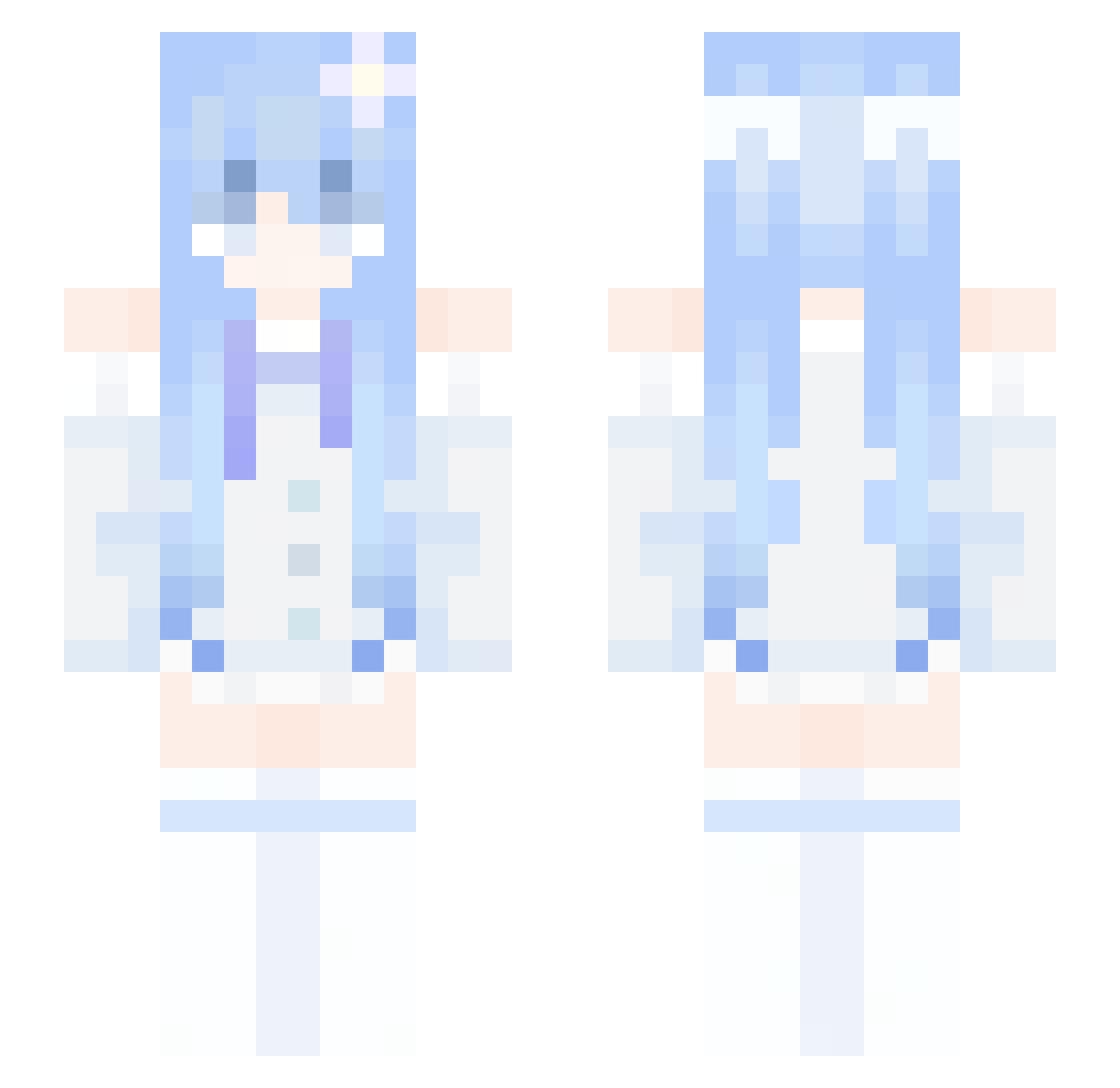
Current Minecraft skin of the player pianm8u, loaded from the official Mojang API. Rotate the 3D model with your mouse or finger, then download the skin as a PNG file and use it in Minecraft: Bedrock Edition or Java Edition for free. When pianm8u changes their skin, this page updates automatically and the old skin stays in the history below.
Other players with this skin (340)
pianm8u was the 286th player we have seen with this skin, first spotted on 19.10.2026. The same skin was seen on these players. Open a nickname to see their current skin and skin history.
 Friary UMR321 Raiden_Mei52 BestIMCplayer jhon_ah buriedlight123 Camellia07 yijun_10829 francescosion Haruru1257 Shahahr_ tihhn Vv1ndSu Axraeth Kevinsant teheskye Zaeref aasurel xiao_fuOvO Yuzuah NotYunaa_ FlexT_2 MC_MaFF VapourQWQ tpvldk14 Zero5591 MIKASSSA lunavexx blue7950 Flipper808 Latifa2020 mcwangxi123 scEMaa4 LotVender Onechan15066 M00ny_TV DarylZ KakoG01 youcarrtmesorry BUNANAAAA normanbbbkkd uNoSay ZiqiZhang Sulfer_yt Nothing_That_Bad VentusEklan ahgkwl shzue CuteSapple Patient821 Night_Whitei NingMeiZz MicroNuage SLuKai Mitsule Abner830 iMelly white120321 JURAi11 Dianxiaoer
More Flower Hair Clip Minecraft skins
See all 68 Flower Hair Clip skins
How to install the pianm8u skin
- Press the Download button above to save the skin as a PNG file.
- Minecraft: Bedrock Edition (PE): open the Dressing Room from the main menu (or tap your character → Edit Character), go to Classic Skins → Owned, press the + (new skin) button, choose the downloaded PNG and pick the Slim (Alex) model. Works on PC and mobile; consoles cannot import custom skins.
- Minecraft: Java Edition: open the Minecraft Launcher, go to the Skins tab, click New Skin, load the PNG, pick the Slim (Alex) model and press Save & Use. You can also upload it at minecraft.net → Profile → Change Skin.
The skin does not show up after import - what should I do?
Restart Minecraft and open the Dressing Room again - imported skins sometimes appear only after a restart. Also make sure you selected the imported skin and picked the Slim (Alex) model.
Which model should I choose, Classic or Slim?
This skin is designed for the Slim (Alex) model. If you pick the wrong model, the arms of the skin will look stretched or squeezed.
Is the skin of pianm8u free to download?
Yes. Press Download, save the PNG file and use it in Minecraft: Bedrock Edition or Java Edition - no payment or registration needed. The skin also works on multiplayer servers and Realms.
More skins
Looking for more? Go back to all Minecraft skins and check the top skins of the week, month and all time, or find any player's skin by nickname.