
philswift8041 - Minecraft Skins & Skin History
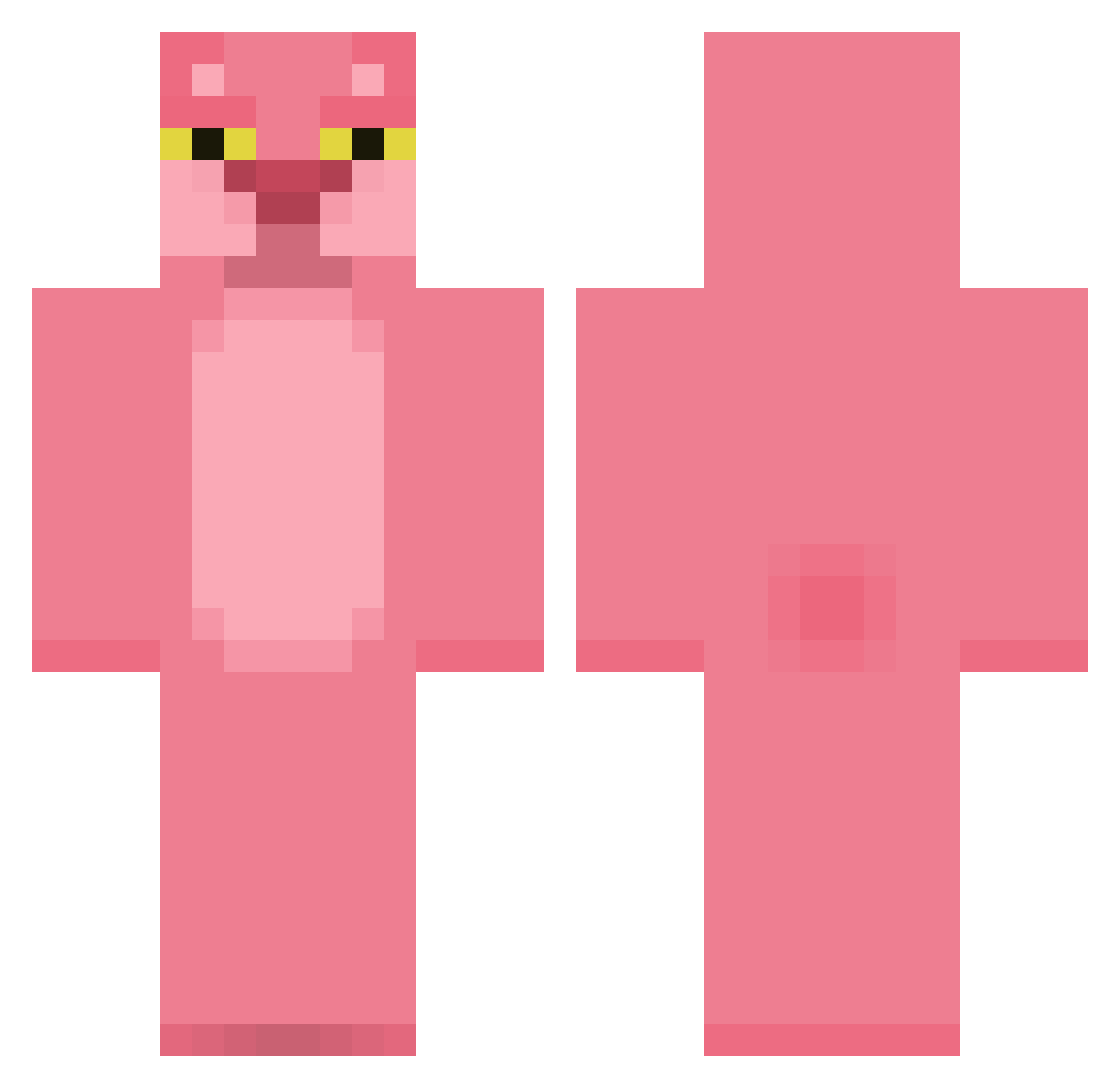
Current Minecraft skin of the player philswift8041, loaded from the official Mojang API. Rotate the 3D model with your mouse or finger, then download the skin as a PNG file and use it in Minecraft: Bedrock Edition or Java Edition for free. When philswift8041 changes their skin, this page updates automatically and the old skin stays in the history below.
Other players with this skin (341)
philswift8041 was the 103rd player we have seen with this skin, first spotted on 20.08.2026. The same skin was seen on these players. Open a nickname to see their current skin and skin history.
 bridgie721 6urk 47Ok JarkeMate diomedesX zlChris72 AngryTrayvon UhuFadu fleurcore RashFlounder193 POMALONN Meedz95 whereibe teovado morganIII4 BrasLong mcwnuq Cool_man58
 OleBurritoHands SWGGWP ItsMack7 SammyHB KyungMe HenriqueItalli GrandeRedu InkJetPrinter Idrips y222u nevywop SirMarkyMark420 Culm_18 Ayee_Jun DemonKing1y feanosbart piaoluofeng TheLordOfBusines Mustypronggs napache ZenithRhyper Mik0laj1 Ju5t1n999
 AmyMichaels NO_HAT420 rossine007 Hasbullinha eggfart04 ev3tb bvkie Tangcheo LehrbuaYT TienDiorrVN mollxsmith Shakko92 Nerd_Couple a_hlyn DESLAYER16 MrNugget36 Chisato33 bvdynv oliviaarb
More The Pink Panther Minecraft skins
See all 136 The Pink Panther skins
How to install the philswift8041 skin
- Press the Download button above to save the skin as a PNG file.
- Minecraft: Bedrock Edition (PE): open the Dressing Room from the main menu (or tap your character → Edit Character), go to Classic Skins → Owned, press the + (new skin) button, choose the downloaded PNG and pick the Classic (Steve) model. Works on PC and mobile; consoles cannot import custom skins.
- Minecraft: Java Edition: open the Minecraft Launcher, go to the Skins tab, click New Skin, load the PNG, pick the Classic (Steve) model and press Save & Use. You can also upload it at minecraft.net → Profile → Change Skin.
The skin does not show up after import - what should I do?
Restart Minecraft and open the Dressing Room again - imported skins sometimes appear only after a restart. Also make sure you selected the imported skin and picked the Classic (Steve) model.
Which model should I choose, Classic or Slim?
This skin is designed for the Classic (Steve) model. If you pick the wrong model, the arms of the skin will look stretched or squeezed.
Is the skin of philswift8041 free to download?
Yes. Press Download, save the PNG file and use it in Minecraft: Bedrock Edition or Java Edition - no payment or registration needed. The skin also works on multiplayer servers and Realms.
More skins
Looking for more? Go back to all Minecraft skins and check the top skins of the week, month and all time, or find any player's skin by nickname.