
ph_minecraft - Minecraft Skins & Skin History
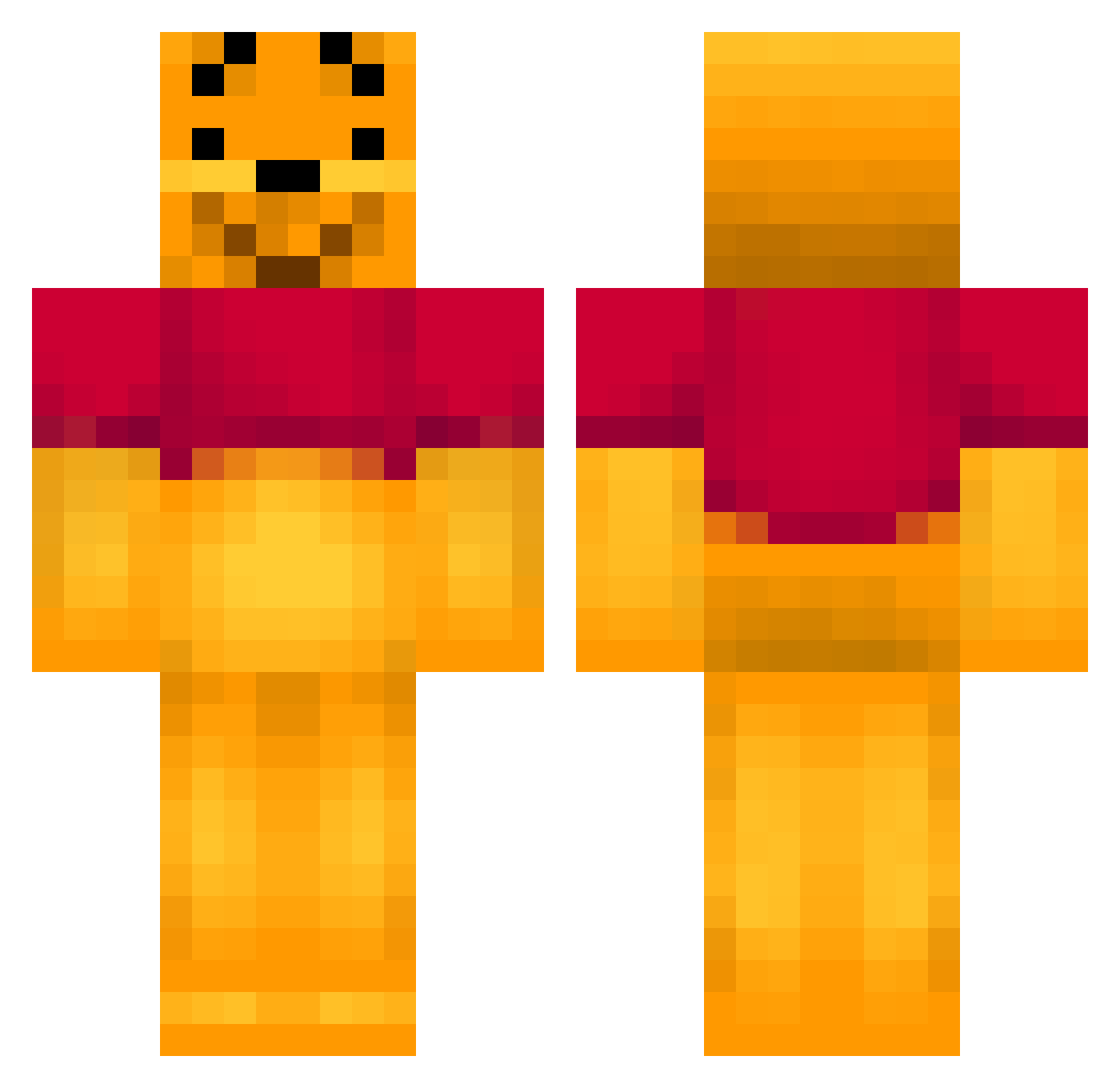
Current Minecraft skin of the player ph_minecraft, loaded from the official Mojang API. Rotate the 3D model with your mouse or finger, then download the skin as a PNG file and use it in Minecraft: Bedrock Edition or Java Edition for free. When ph_minecraft changes their skin, this page updates automatically and the old skin stays in the history below.
Other players with this skin (402)
ph_minecraft was the 227th player we have seen with this skin, first spotted on 26.09.2026. The same skin was seen on these players. Open a nickname to see their current skin and skin history.
 Realscud_ ImR3loaded dmtimber Emma4511 palder123 hpool14 EmmaMN ligh_98 Icdt jacobp99 Junsku supermiika OliverLewis Senators1 Camille0201 defence616_ darkdevil666da Minigirl_24 Rantamies HoneyFluid BurritoHimself tegium pooh227 MasslFLBG HolyRZ tankman543 Tebaronen Ma_Na bjork320 Saqqe zapperen123 Rocktman Law39 SontaSonni666 Hockeynuts AwesomeJow Kisspojken melt0903 ShesMine4 jackDi1d0man MattandVinnie PlutoOG eintr81112 lihapullafani9 Moleboys DanielBerman Tomizoooo Toppi_Toppi groofy6 joweeee Bertelhjorth RezFerO frederikj96 SimeonChr mac_kfc FinoGod2 chienmian wangshsss PLAYUSER DatSaucisse
More Winnie The Pooh Minecraft skins
See all 342 Winnie The Pooh skins
How to install the ph_minecraft skin
- Press the Download button above to save the skin as a PNG file.
- Minecraft: Bedrock Edition (PE): open the Dressing Room from the main menu (or tap your character → Edit Character), go to Classic Skins → Owned, press the + (new skin) button, choose the downloaded PNG and pick the Classic (Steve) model. Works on PC and mobile; consoles cannot import custom skins.
- Minecraft: Java Edition: open the Minecraft Launcher, go to the Skins tab, click New Skin, load the PNG, pick the Classic (Steve) model and press Save & Use. You can also upload it at minecraft.net → Profile → Change Skin.
The skin does not show up after import - what should I do?
Restart Minecraft and open the Dressing Room again - imported skins sometimes appear only after a restart. Also make sure you selected the imported skin and picked the Classic (Steve) model.
Which model should I choose, Classic or Slim?
This skin is designed for the Classic (Steve) model. If you pick the wrong model, the arms of the skin will look stretched or squeezed.
Is the skin of ph_minecraft free to download?
Yes. Press Download, save the PNG file and use it in Minecraft: Bedrock Edition or Java Edition - no payment or registration needed. The skin also works on multiplayer servers and Realms.
More skins
Looking for more? Go back to all Minecraft skins and check the top skins of the week, month and all time, or find any player's skin by nickname.