
perykokuskuberry - Minecraft Skins & Skin History
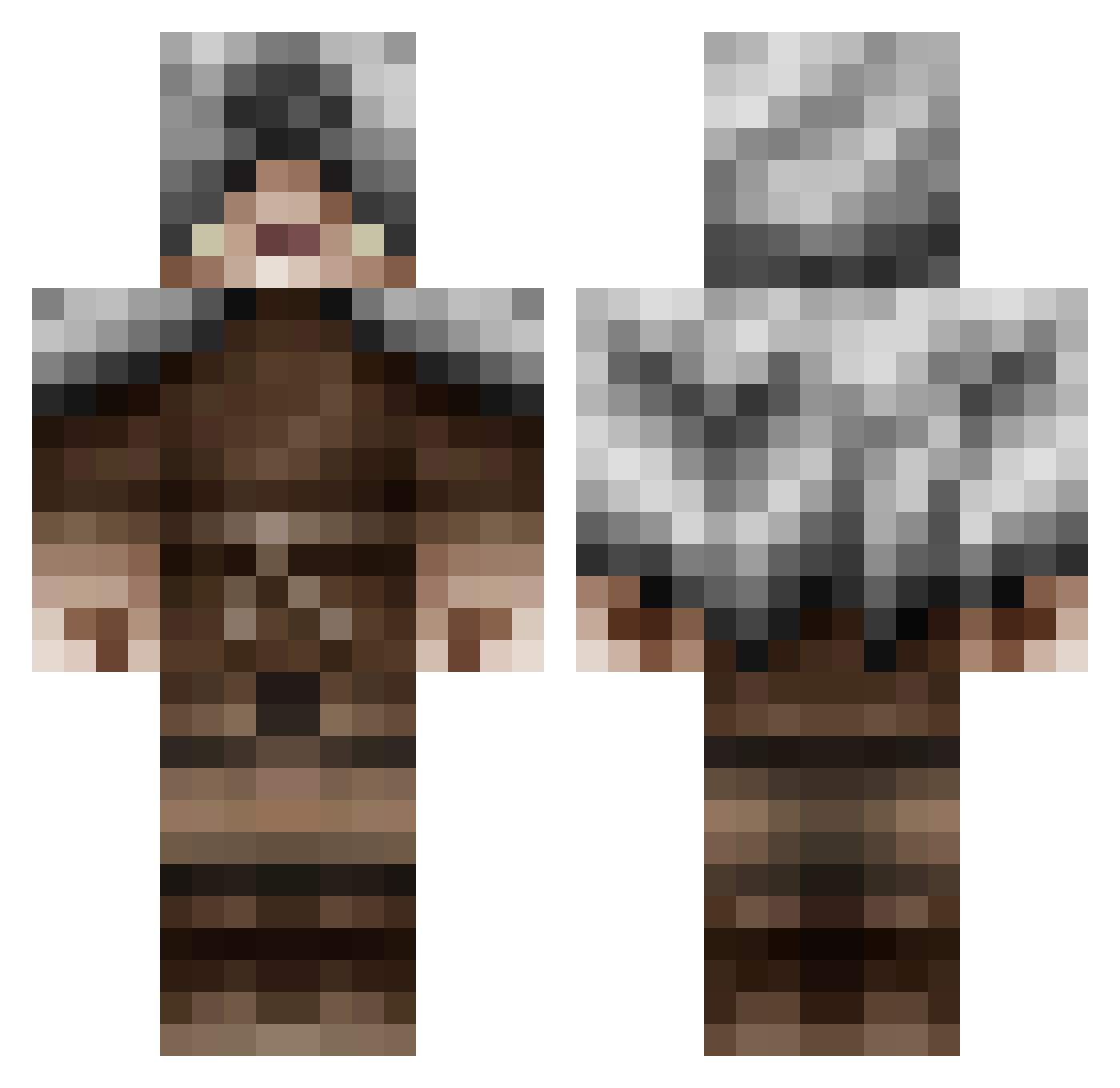
Current Minecraft skin of the player perykokuskuberry, loaded from the official Mojang API. Rotate the 3D model with your mouse or finger, then download the skin as a PNG file and use it in Minecraft: Bedrock Edition or Java Edition for free. When perykokuskuberry changes their skin, this page updates automatically and the old skin stays in the history below.
Other players with this skin (136)
perykokuskuberry was the 90th player we have seen with this skin, first spotted on 05.10.2026. The same skin was seen on these players. Open a nickname to see their current skin and skin history.
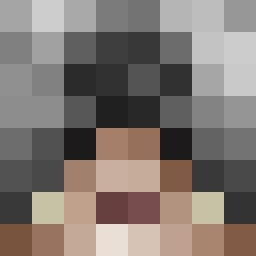 Steve_the_log EndlessTrax Jesusplantra KingKraken001 FierceKing AngryAlmonds forestpikachu Hidanes ATK731 InfernOokami7 hereticx chung_lean Sanguinius_BA _Severria_ Narkut mudder49 PepeMe1ster TheNighthood Sanctarum Avasura Marius_Lux REDSPARTAN78 Bad_Architect TitomiguelitoX Assassin7797 Holdyir esteroids38 SoulzBlood ebergrimwalt CPG1993 Base_KlefR Redwardas Loki102 GlmrK senho Hellzweire ThePlayer_Xerxes slider609 norill 5andoxon rowinggendry CitrusWhisper WillyMacwoofle scotty_poo zzsrtzz Jer455 Kupfah laggmuffins Antt1k sirbarnibus ColdCoffee MohawkPenguin ronyos Azkire HordesThunder dusthunter11 Rikto Jakai Bhowe99 Vimex321
More Hooded Assassin Minecraft skins
See all 187 Hooded Assassin skins
How to install the perykokuskuberry skin
- Press the Download button above to save the skin as a PNG file.
- Minecraft: Bedrock Edition (PE): open the Dressing Room from the main menu (or tap your character → Edit Character), go to Classic Skins → Owned, press the + (new skin) button, choose the downloaded PNG and pick the Classic (Steve) model. Works on PC and mobile; consoles cannot import custom skins.
- Minecraft: Java Edition: open the Minecraft Launcher, go to the Skins tab, click New Skin, load the PNG, pick the Classic (Steve) model and press Save & Use. You can also upload it at minecraft.net → Profile → Change Skin.
The skin does not show up after import - what should I do?
Restart Minecraft and open the Dressing Room again - imported skins sometimes appear only after a restart. Also make sure you selected the imported skin and picked the Classic (Steve) model.
Which model should I choose, Classic or Slim?
This skin is designed for the Classic (Steve) model. If you pick the wrong model, the arms of the skin will look stretched or squeezed.
Is the skin of perykokuskuberry free to download?
Yes. Press Download, save the PNG file and use it in Minecraft: Bedrock Edition or Java Edition - no payment or registration needed. The skin also works on multiplayer servers and Realms.
More skins
Looking for more? Go back to all Minecraft skins and check the top skins of the week, month and all time, or find any player's skin by nickname.