
perripeyton - Minecraft Skins & Skin History
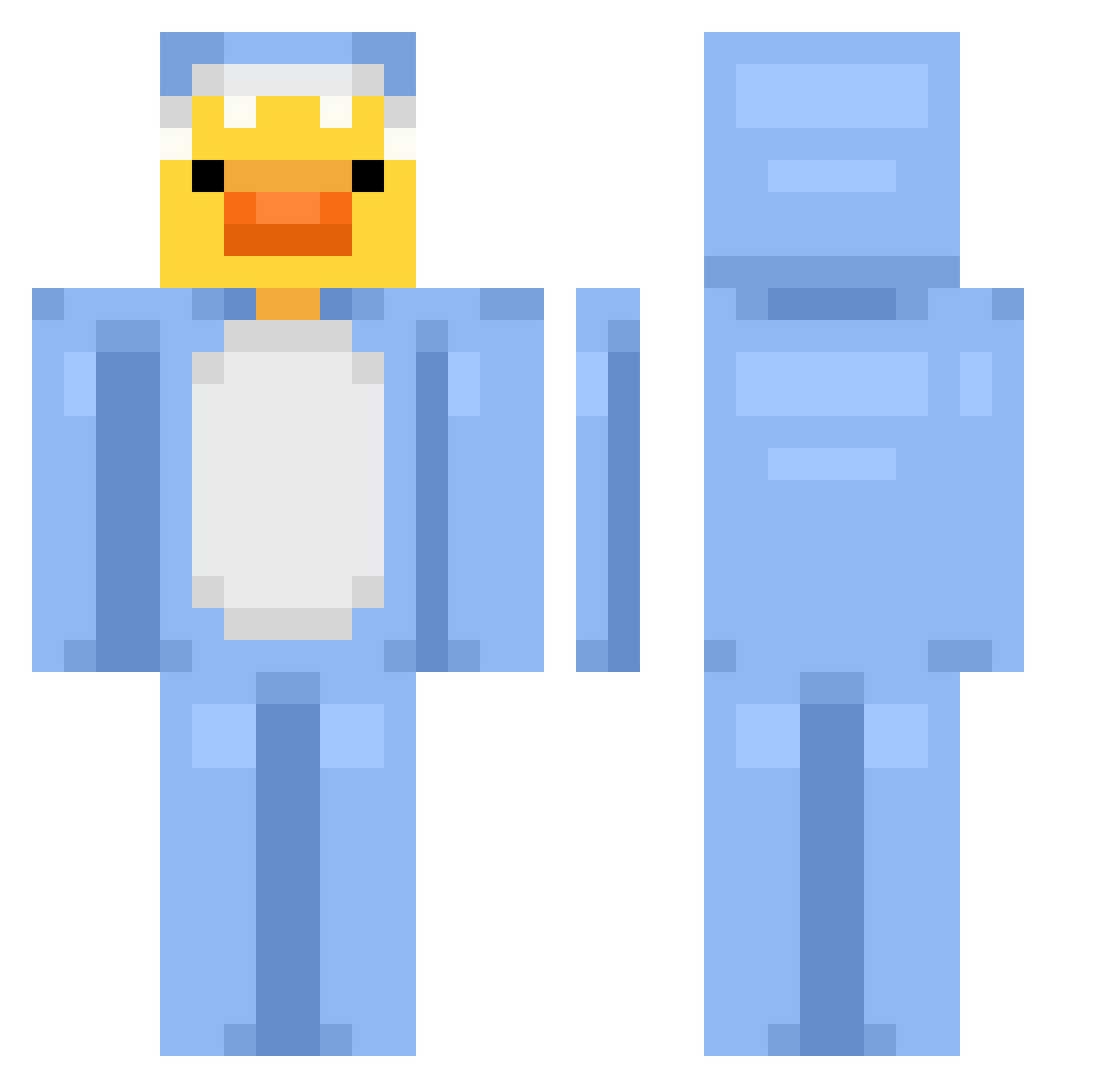
Current Minecraft skin of the player perripeyton, loaded from the official Mojang API. Rotate the 3D model with your mouse or finger, then download the skin as a PNG file and use it in Minecraft: Bedrock Edition or Java Edition for free. When perripeyton changes their skin, this page updates automatically and the old skin stays in the history below.
Other players with this skin (864)
perripeyton was the 704th player we have seen with this skin, first spotted on 23.10.2026. The same skin was seen on these players. Open a nickname to see their current skin and skin history.
 Lilyx2213 minimallow2 Peters_Slime kilojulesx omg_its_maddie samememome SmartLad113 wuping1989 JojGaming Kyzpacito Cute_Tea luckyfishs _Coquelicot_ nozoxyjr Dargombez Ecipuac_K Newsboys1st Thomas12010684 yejooon MrNutella22 Veniuu00 Tensushik SUSHII2 SkinniCheekos thehotchic Someting2828 Corb50 MEIXINYAN DeusHanson LUGINIGHT POL76 burkay0 kremex67 Tomigan CasualStick inbum80 dominothatbro Reoner WaSaBiBie KikloPatakk Ruzixx_ flumothy ToenaFish catking1357 xDiegoDev oitooitentaaa H3yv Misha_rrk blockstacker123 BlueEddie321 ehSASUKI crazyllama06 zyx0n tatuuuu mehltv08 Zayline _SharkyPlayZ_ xSzyx BigXTooShifty MEUN1
More Onesie Minecraft skins
How to install the perripeyton skin
- Press the Download button above to save the skin as a PNG file.
- Minecraft: Bedrock Edition (PE): open the Dressing Room from the main menu (or tap your character → Edit Character), go to Classic Skins → Owned, press the + (new skin) button, choose the downloaded PNG and pick the Classic (Steve) model. Works on PC and mobile; consoles cannot import custom skins.
- Minecraft: Java Edition: open the Minecraft Launcher, go to the Skins tab, click New Skin, load the PNG, pick the Classic (Steve) model and press Save & Use. You can also upload it at minecraft.net → Profile → Change Skin.
The skin does not show up after import - what should I do?
Restart Minecraft and open the Dressing Room again - imported skins sometimes appear only after a restart. Also make sure you selected the imported skin and picked the Classic (Steve) model.
Which model should I choose, Classic or Slim?
This skin is designed for the Classic (Steve) model. If you pick the wrong model, the arms of the skin will look stretched or squeezed.
Is the skin of perripeyton free to download?
Yes. Press Download, save the PNG file and use it in Minecraft: Bedrock Edition or Java Edition - no payment or registration needed. The skin also works on multiplayer servers and Realms.
More skins
Looking for more? Go back to all Minecraft skins and check the top skins of the week, month and all time, or find any player's skin by nickname.